
Find your way around
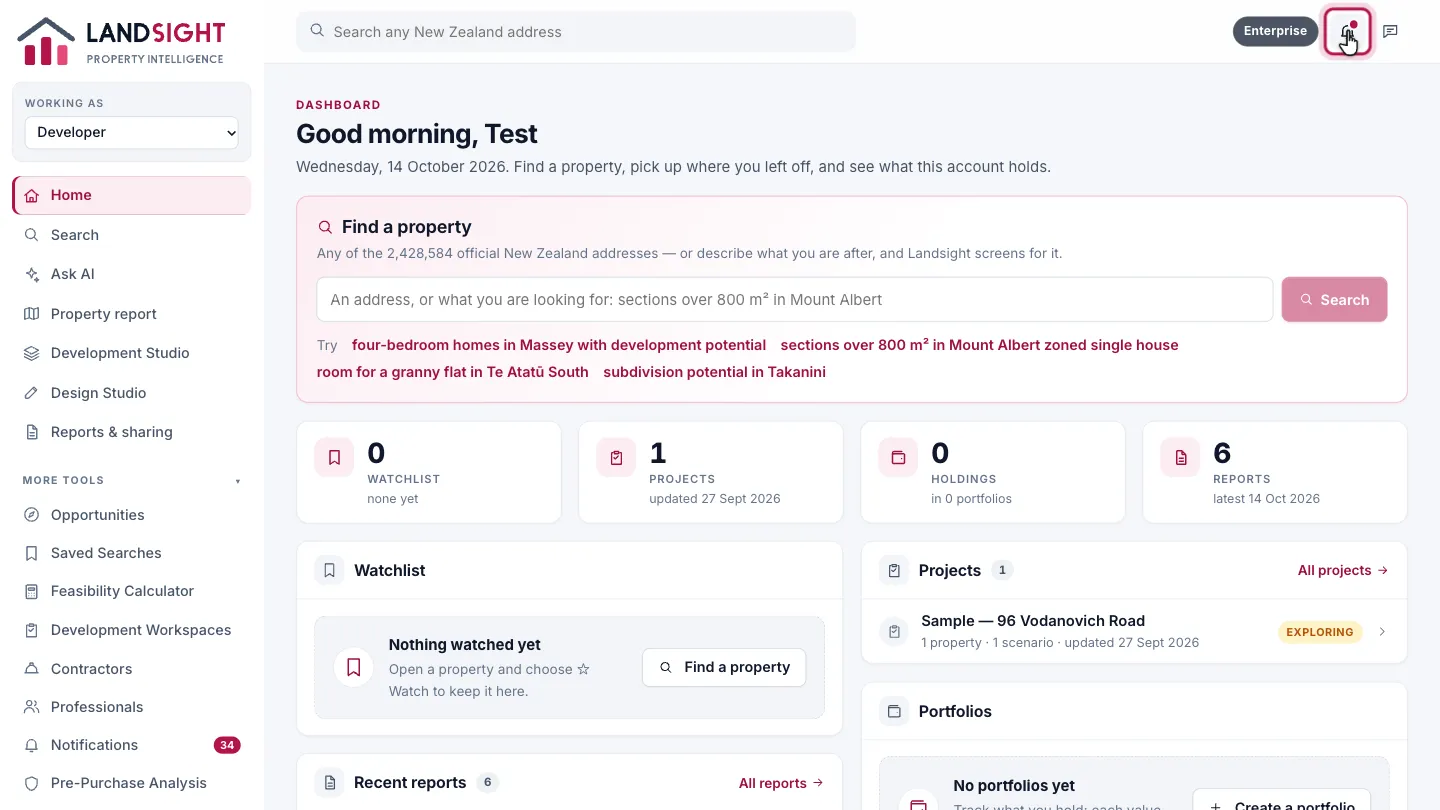
Home, the search bar, the menu, who you are working as, notifications and settings.
Home is your dashboard
Home has a box to find any property, the property you last worked on with the way back into it, and what your account holds: your watchlist, projects, reports and portfolios.
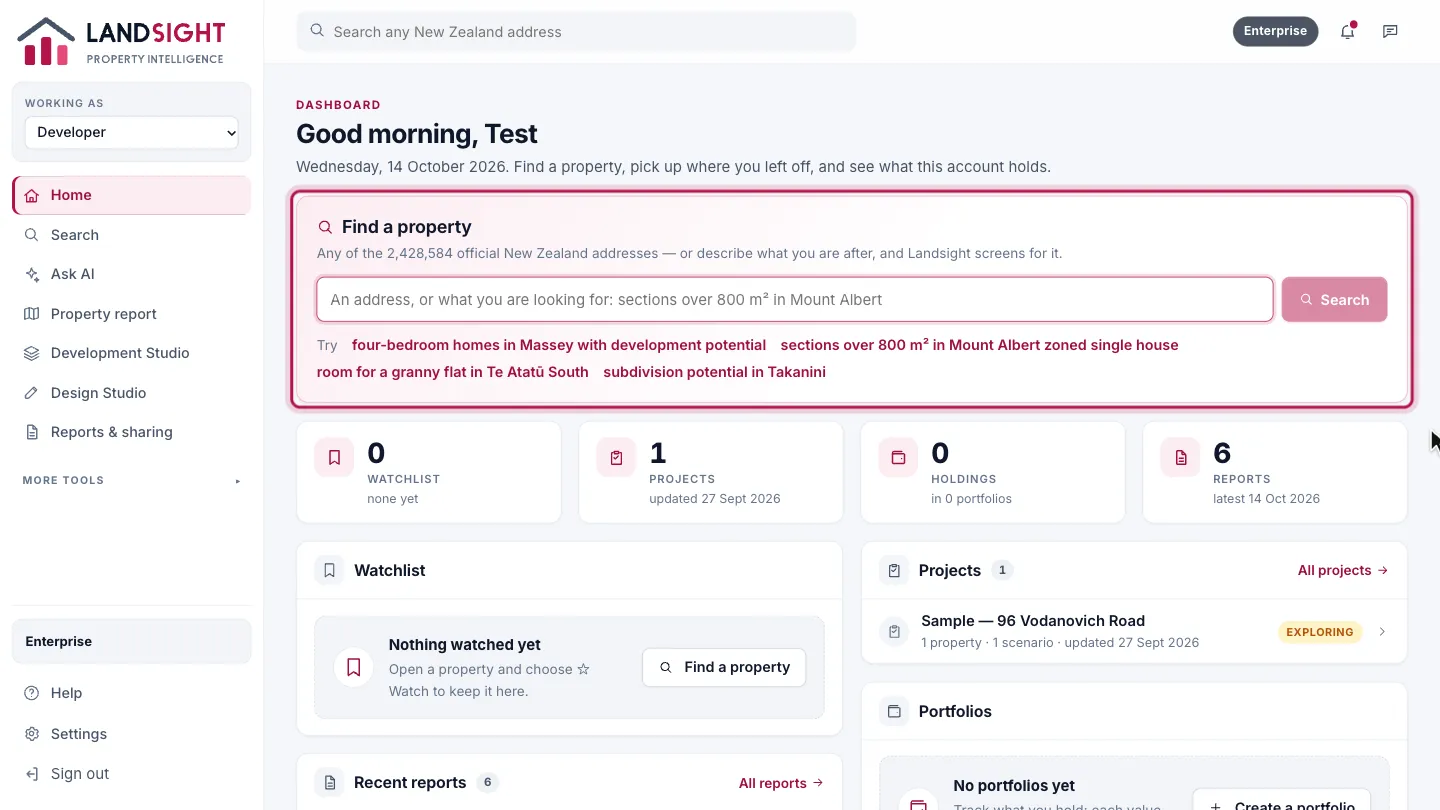
Search from anywhere
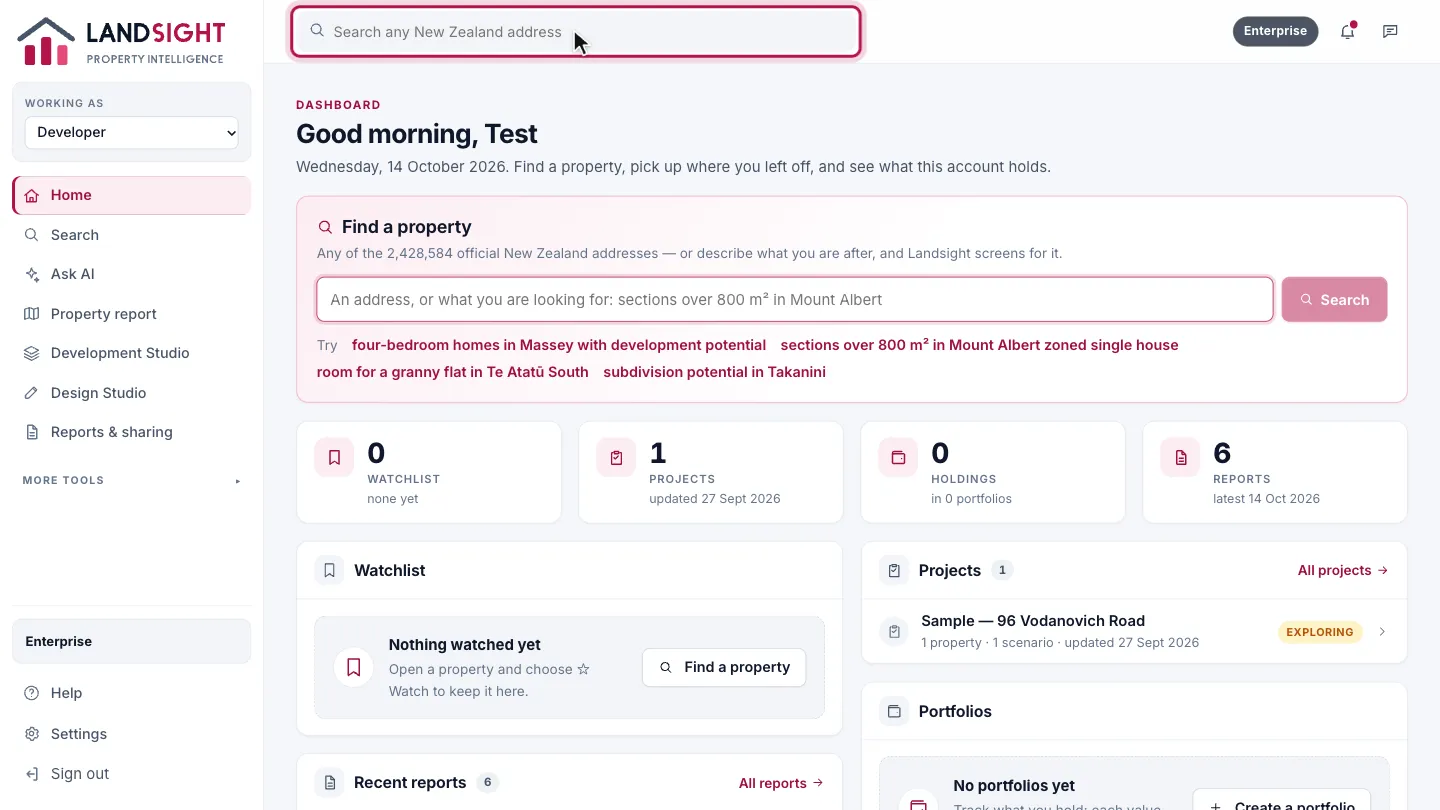
The search bar at the top of every page finds any New Zealand address. Choose one to open its property report.
The menu
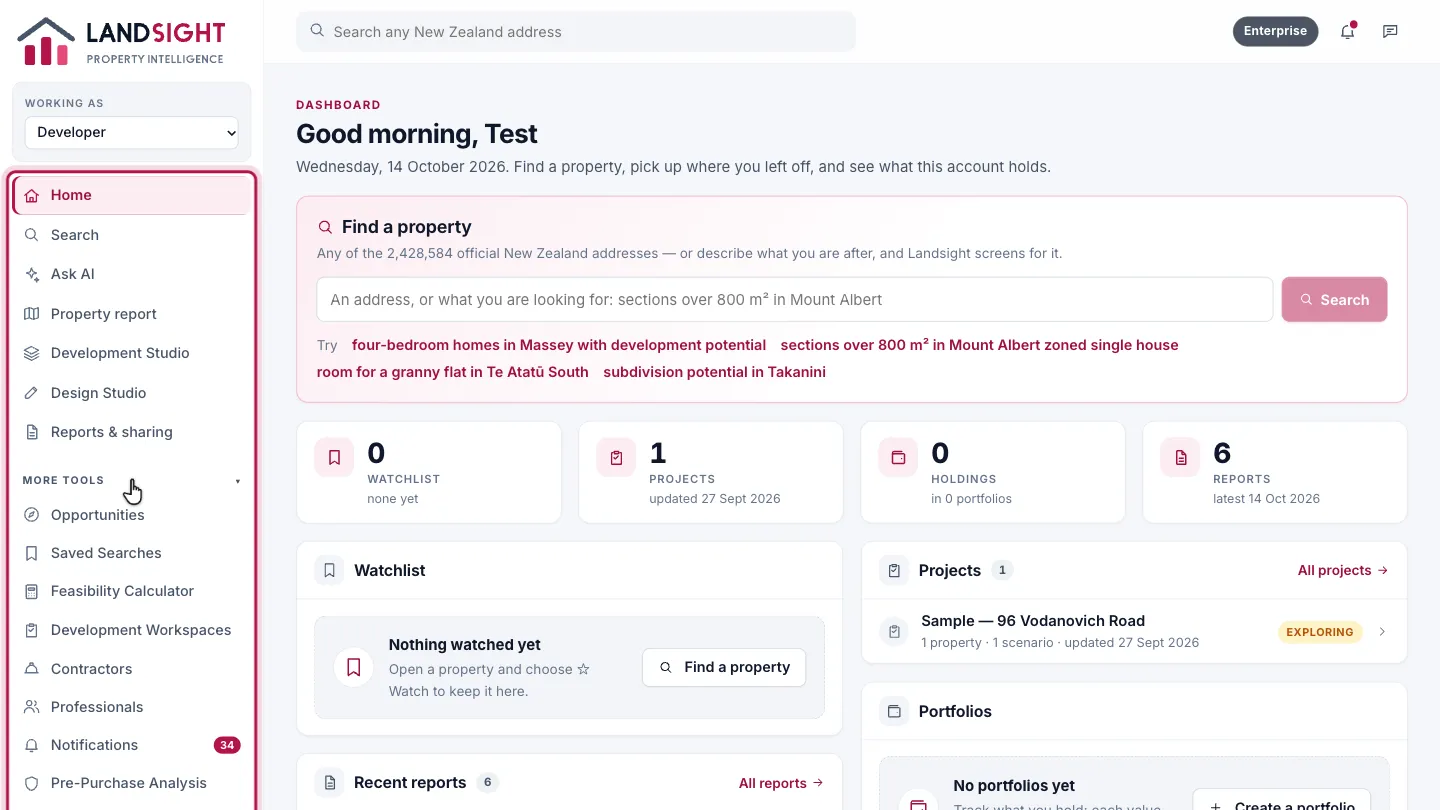
The sidebar lists the steps of your work in order — for a developer: Search, Property report, Development Studio, Design Studio, and Reports & sharing. Every other tool is under More tools.
Choose who you are working as
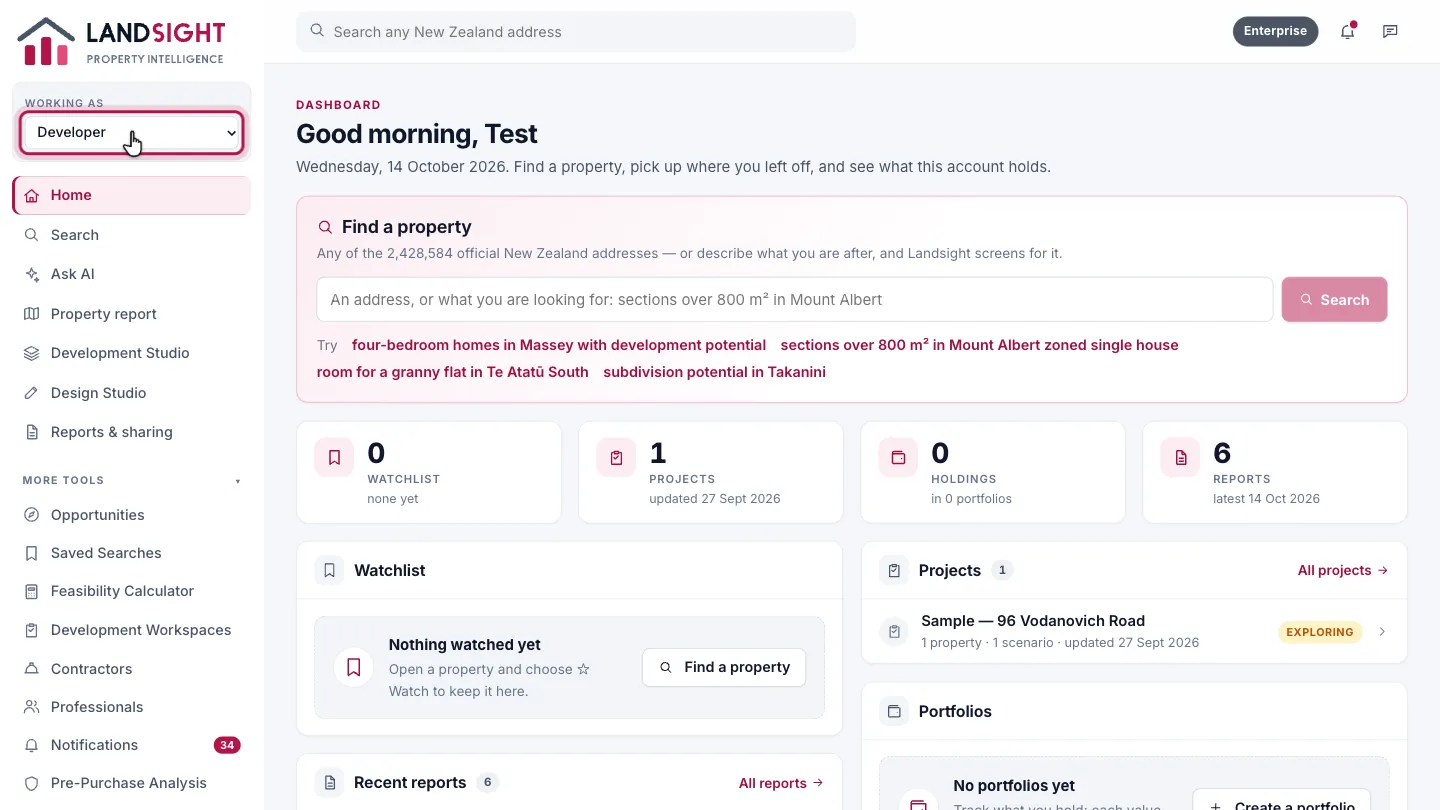
Working as sets whether you are working as a developer, an investor, an agent or a property user, so the tools for that work come first. It does not change your plan or what you can use.
Notifications
The bell shows reminders from your projects, with a count of those you have not read.
Settings
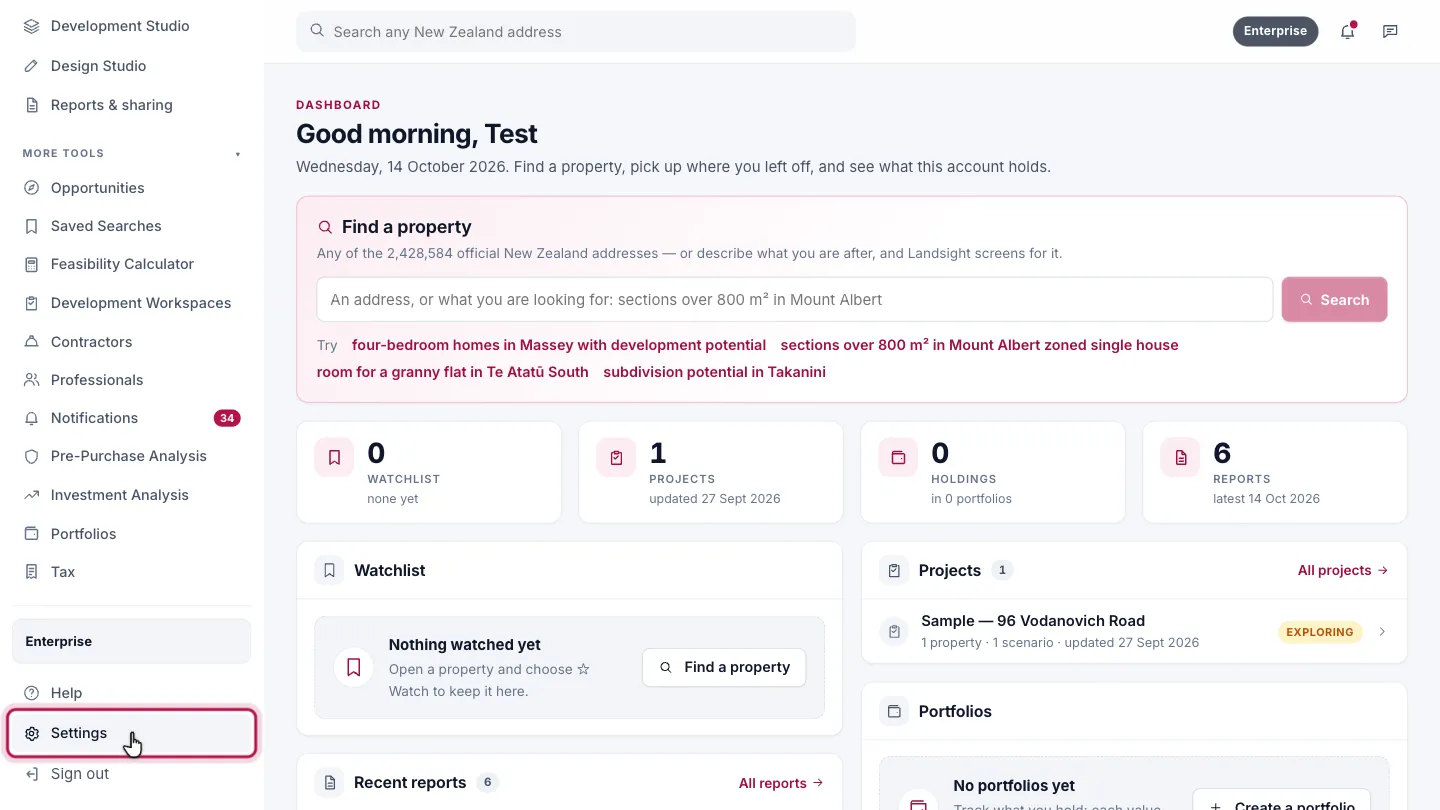
Settings, at the foot of the sidebar, has Plans & Billing, what describes you, and your organisation.
Which plans have it
Every plan. What each tool offers depends on your plan: a tool your plan does not include says so, with what would include it.
Compare the plans