
Your plan, upgrading and invoices
See your plan and what you have used, upgrade or change plan, monthly or yearly, and manage your subscription.
Open Settings
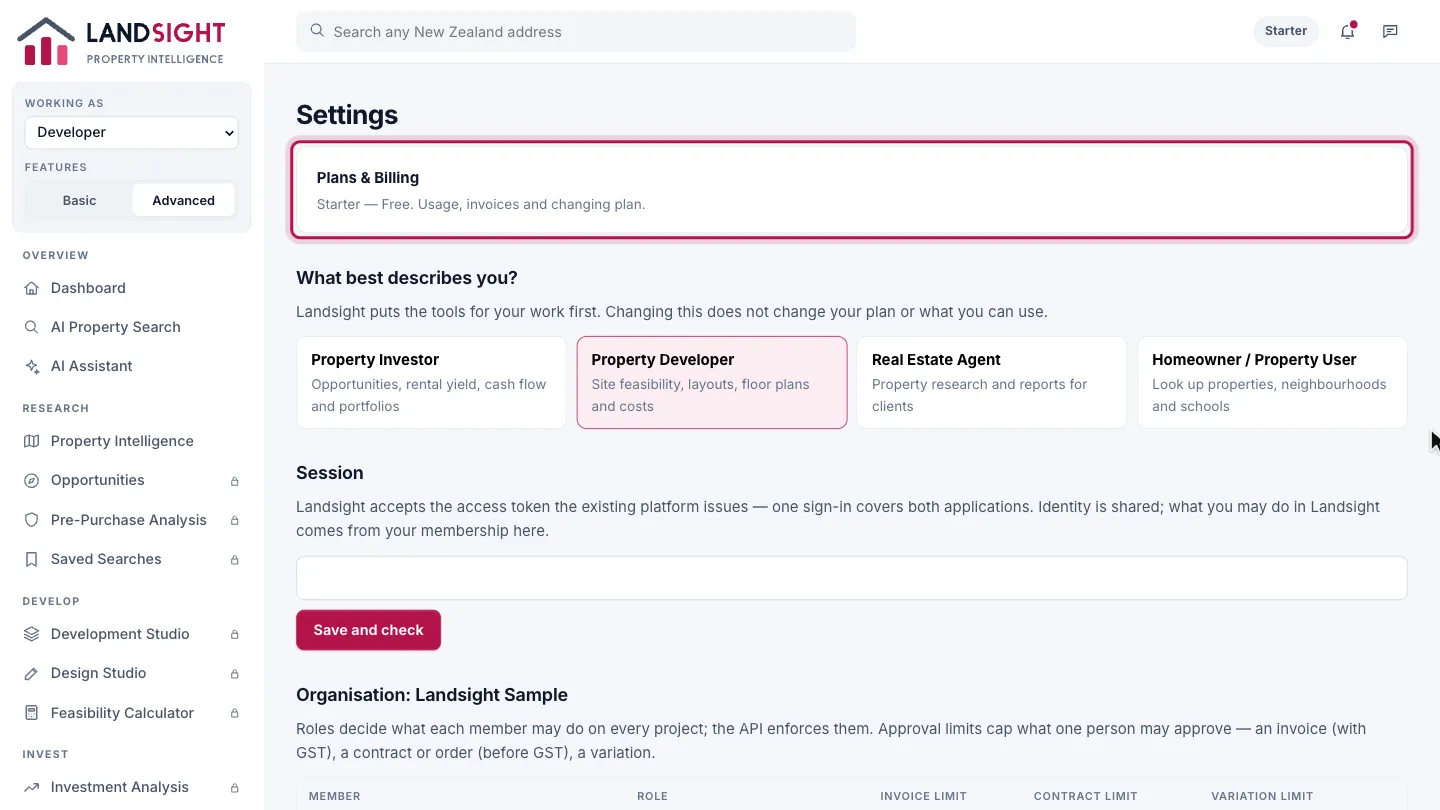
Open Settings at the foot of the sidebar, and choose Plans & Billing.
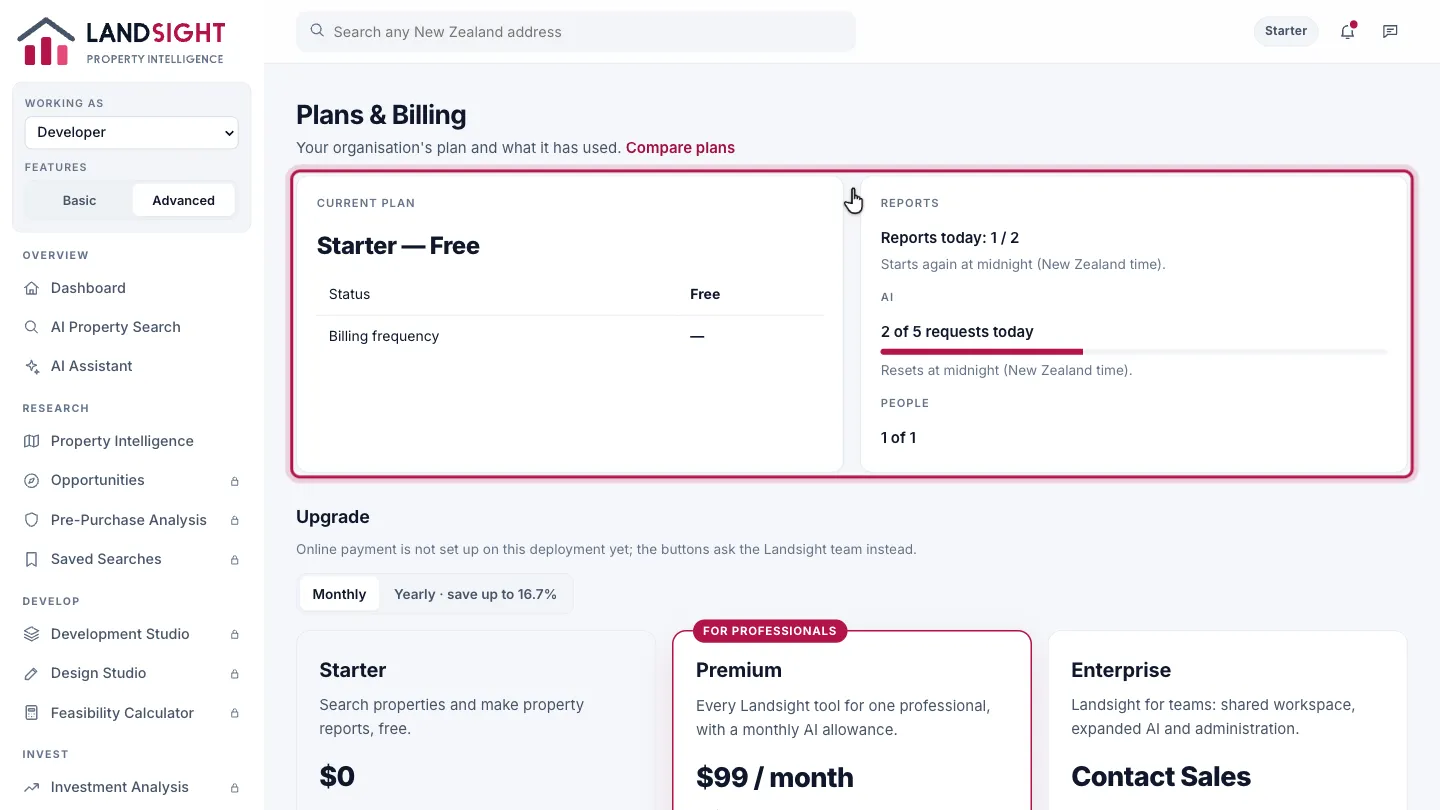
Your plan
The plan your organisation is on, its status and how it is billed, and what you have used: property reports today, AI requests, and the people in your organisation.
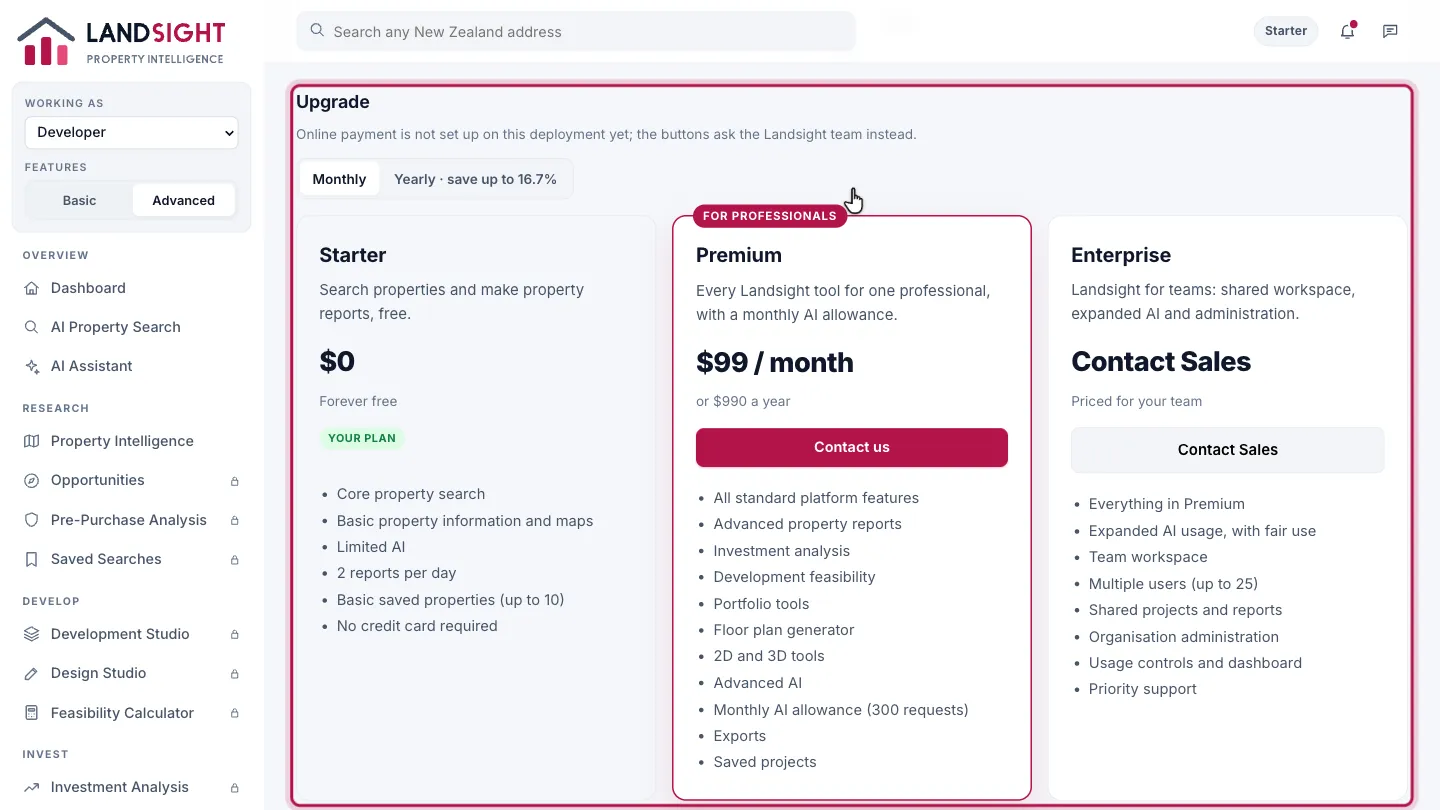
Upgrade
Compare the plans side by side and choose one — Upgrade on Starter, Change plan on a paid plan. Choosing a plan goes to a secure card payment with Stripe or, where online payment is not set up yet, sends your request to the Landsight team.
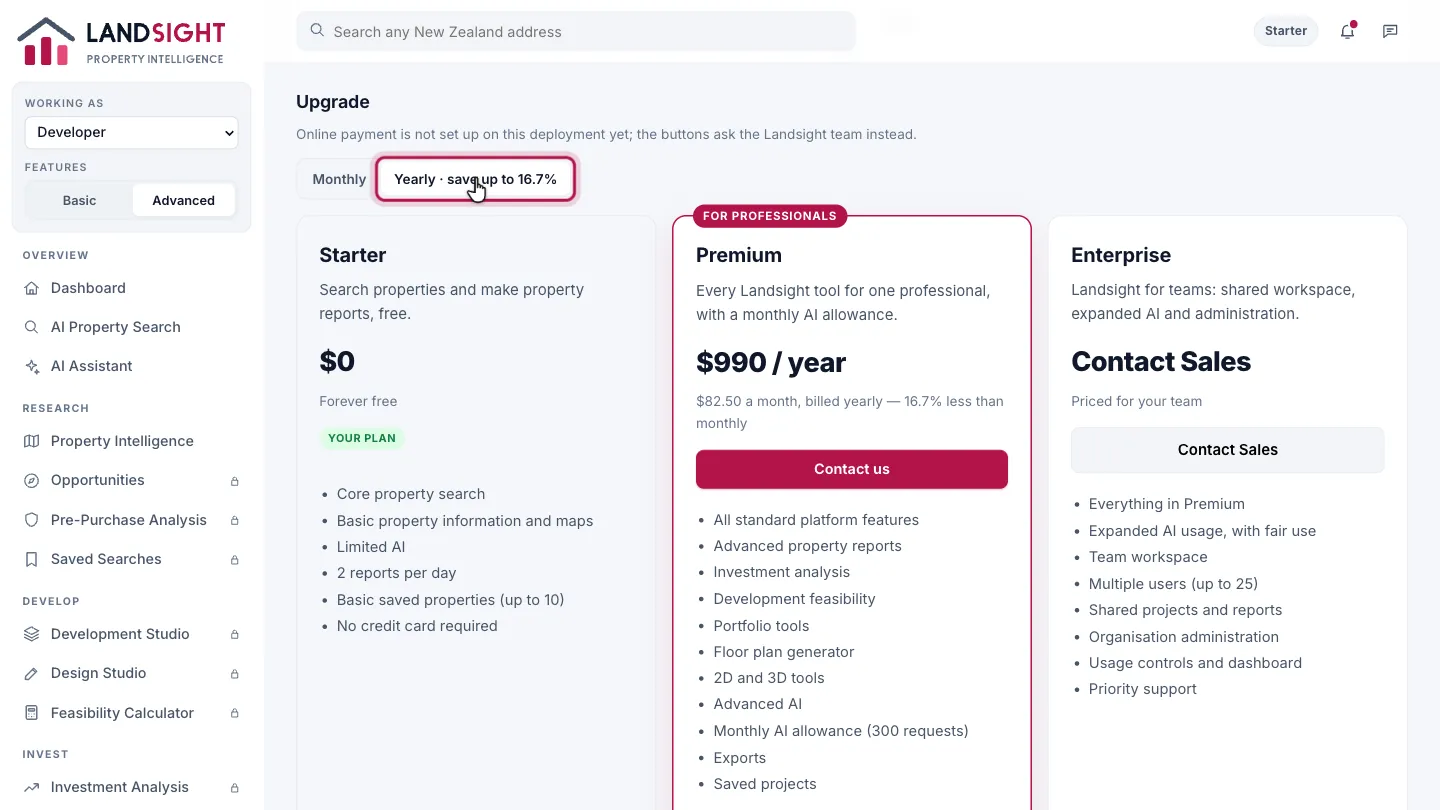
Monthly or yearly
Choose Monthly or Yearly, and the prices change to match.
Which plans have it
Every plan. Usage by person is in Enterprise.
Compare the plans