
Ask the AI assistant about a property
Ask about a property in your own words. Every fact in the answer comes from a look-up in the records.
Open Ask AI
With a property open, choose Ask AI in the sidebar, or the speech bubble at the top of the page. It asks about that property, and is given its record — parcel, title, valuation, zone, services, hazards and terrain — with each question.
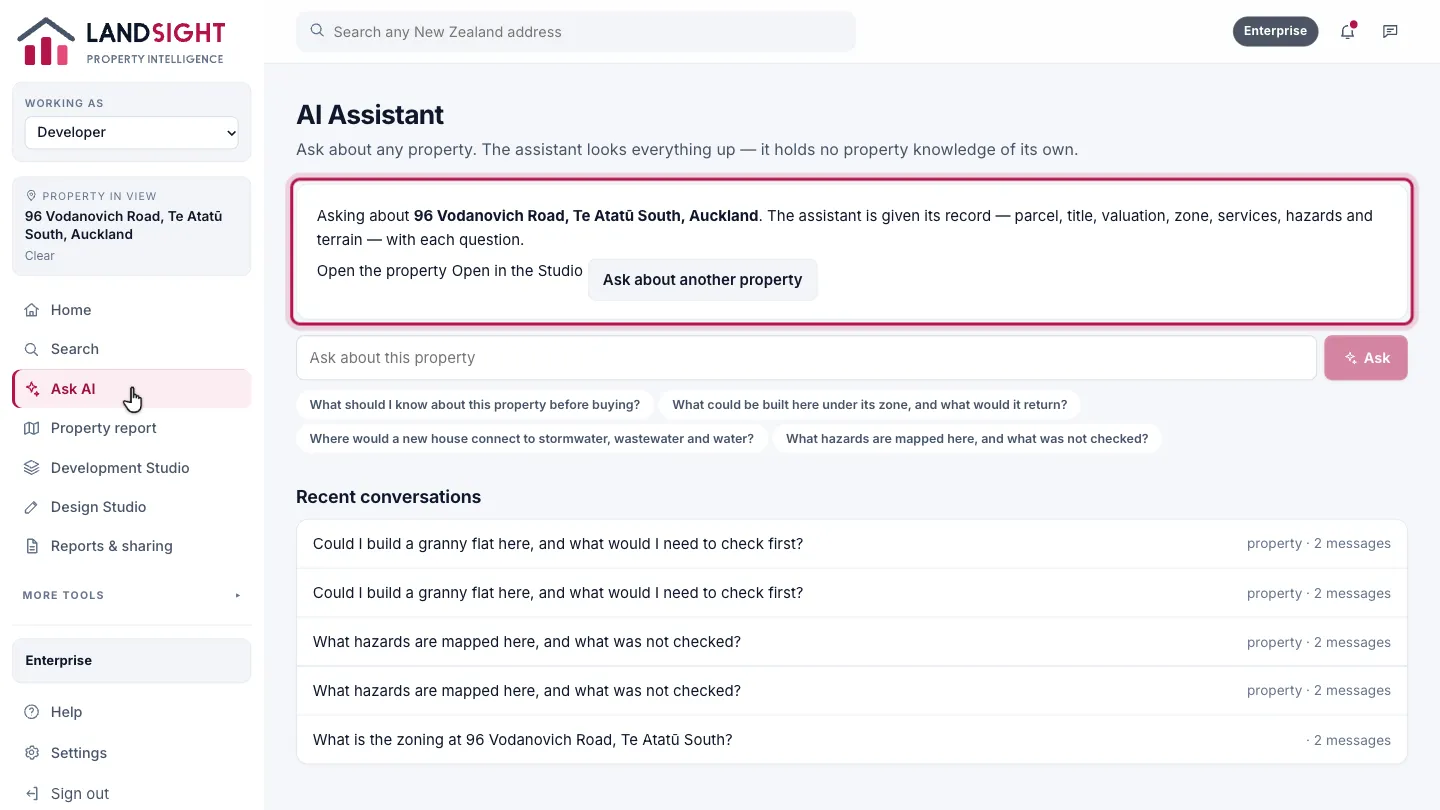
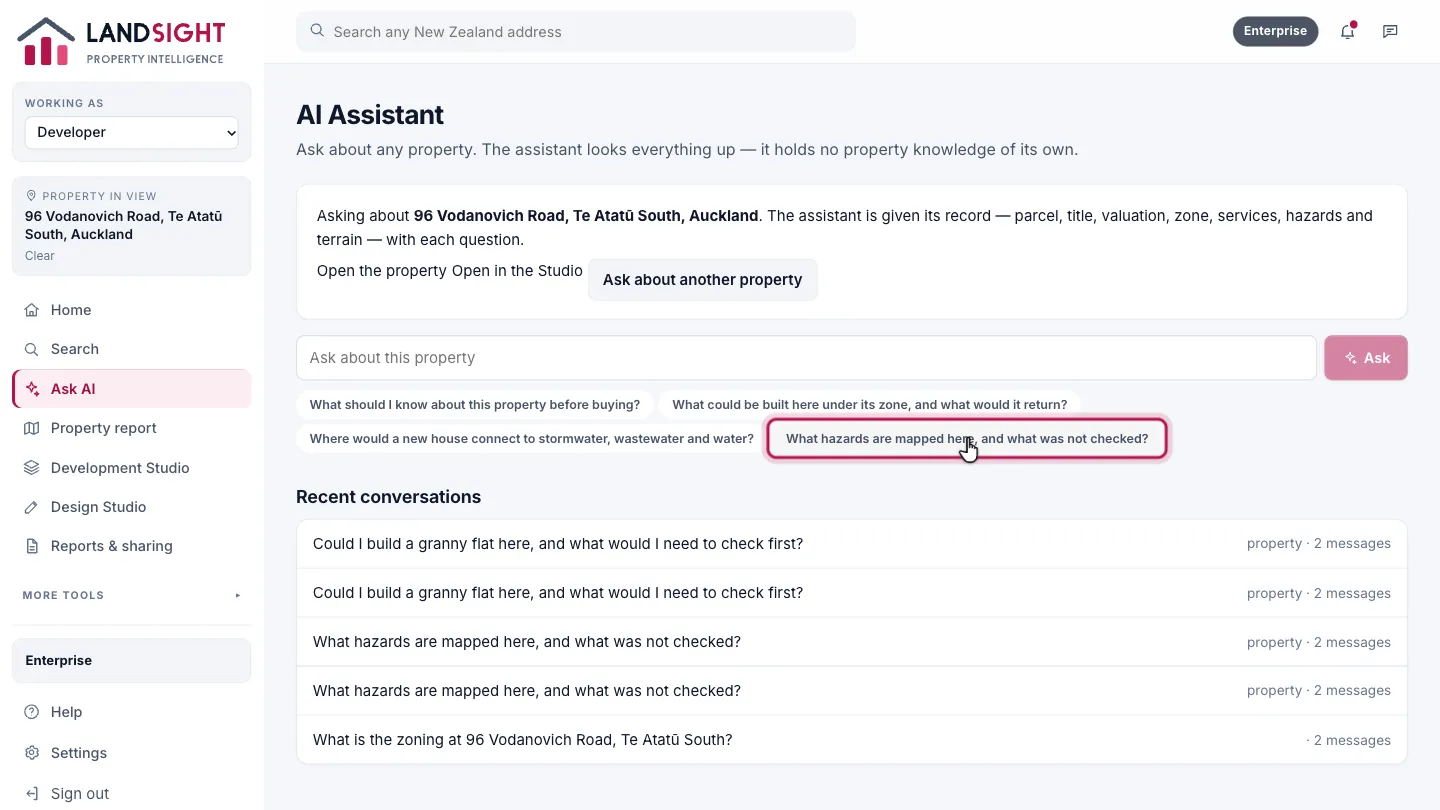
Ask your question
Choose a suggested question, or type your own: what to know before buying, what could be built and what it would return, where services connect, what hazards are mapped.
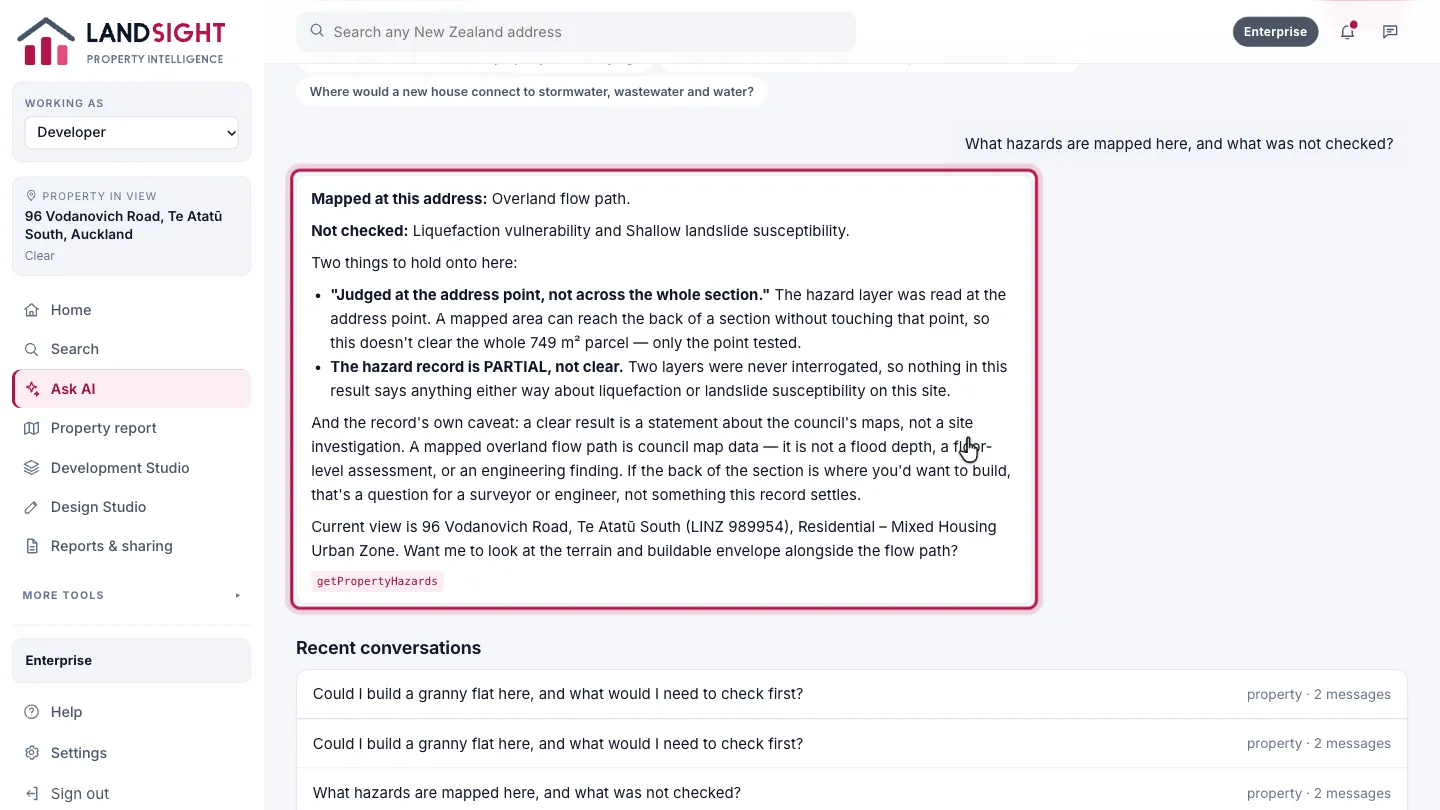
Read the answer
The assistant looks each fact up in the records and names the tools it used. Where something was not checked, it says so.
Which plans have it
Starter: a few AI questions a day. Premium: a monthly allowance. Enterprise: expanded, with fair use.
Compare the plans