
Watch it work
Landsight on video
The film, a ten-minute tour, and a short video on each part of Landsight, all recorded on 96 Vodanovich Road, Te Atatū South.
The Landsight film
From an address to a plan you can stand behind: research, feasibility, design and delivery in a minute and a half.
Watch on YouTubeThe full tour
Every part of Landsight on one real address, from the property report to the development workspace, with chapters to skip ahead.
Watch on YouTubePart 1
Property reports
Any New Zealand address: the title, zoning, hazards and values from the official records, with the site in 3D.
Watch on YouTubePart 2
Development feasibility
What the site can take: layouts on the surveyed parcel, costed at market rates, with the margin and the risks.
Watch on YouTubePart 3
Design Studio
A home from a brief on the real site: floor plans in 2D and 3D, the sunlight through the year, and the cost.
Watch on YouTubePart 4
Project management
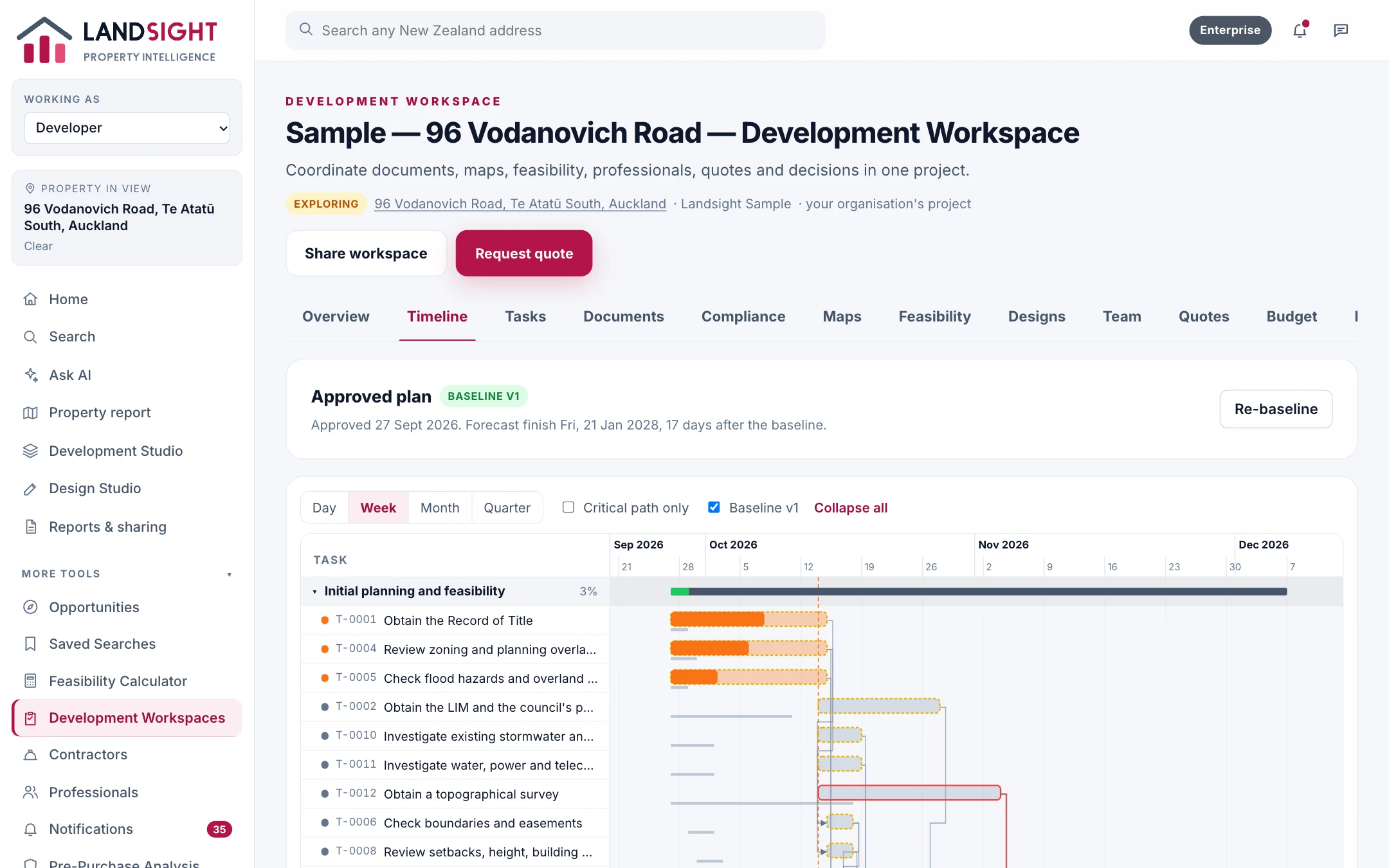
The programme, tasks, consents and compliance for the whole build, tracked against an approved plan.
Watch on YouTubePart 5
Development workspaces
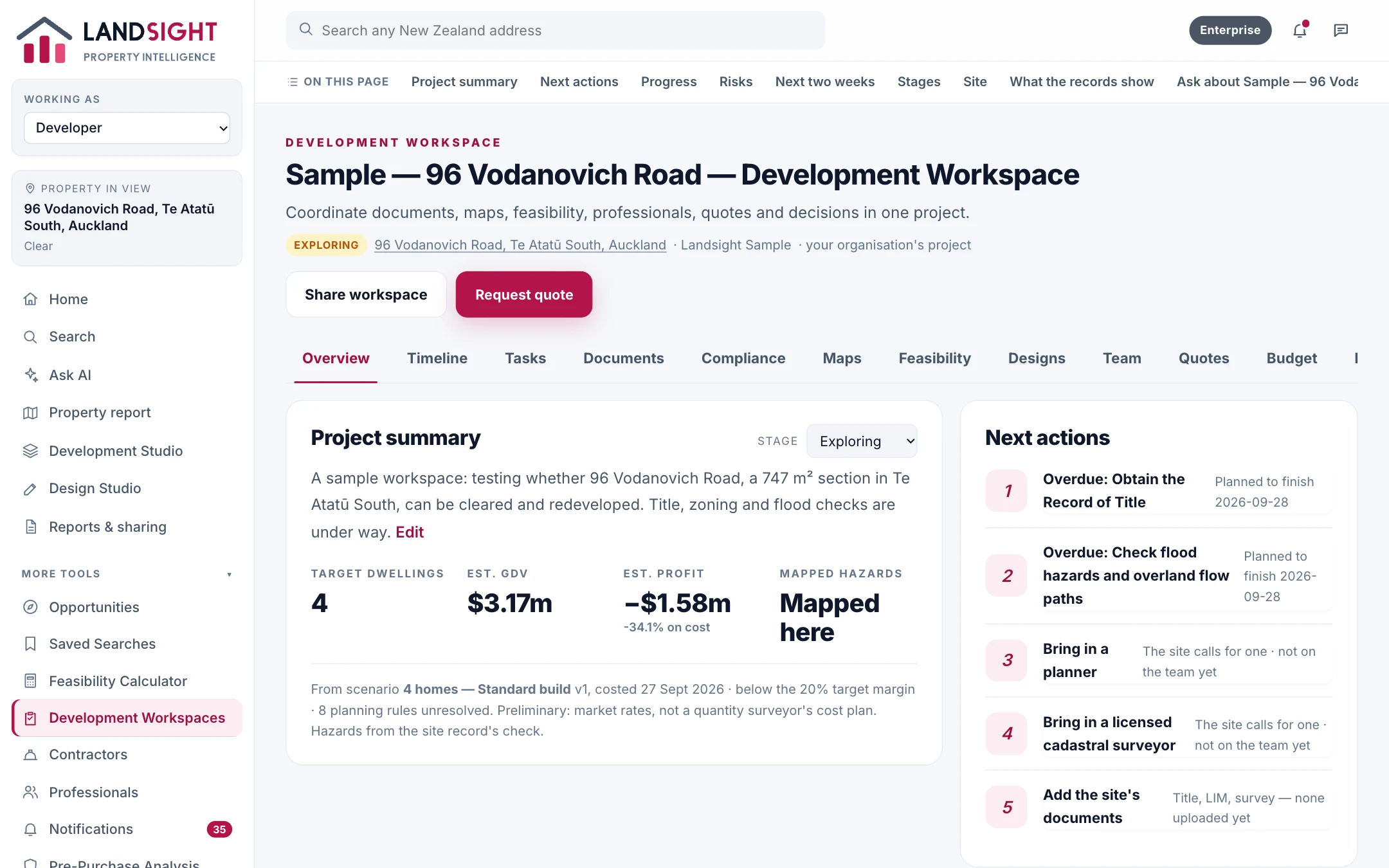
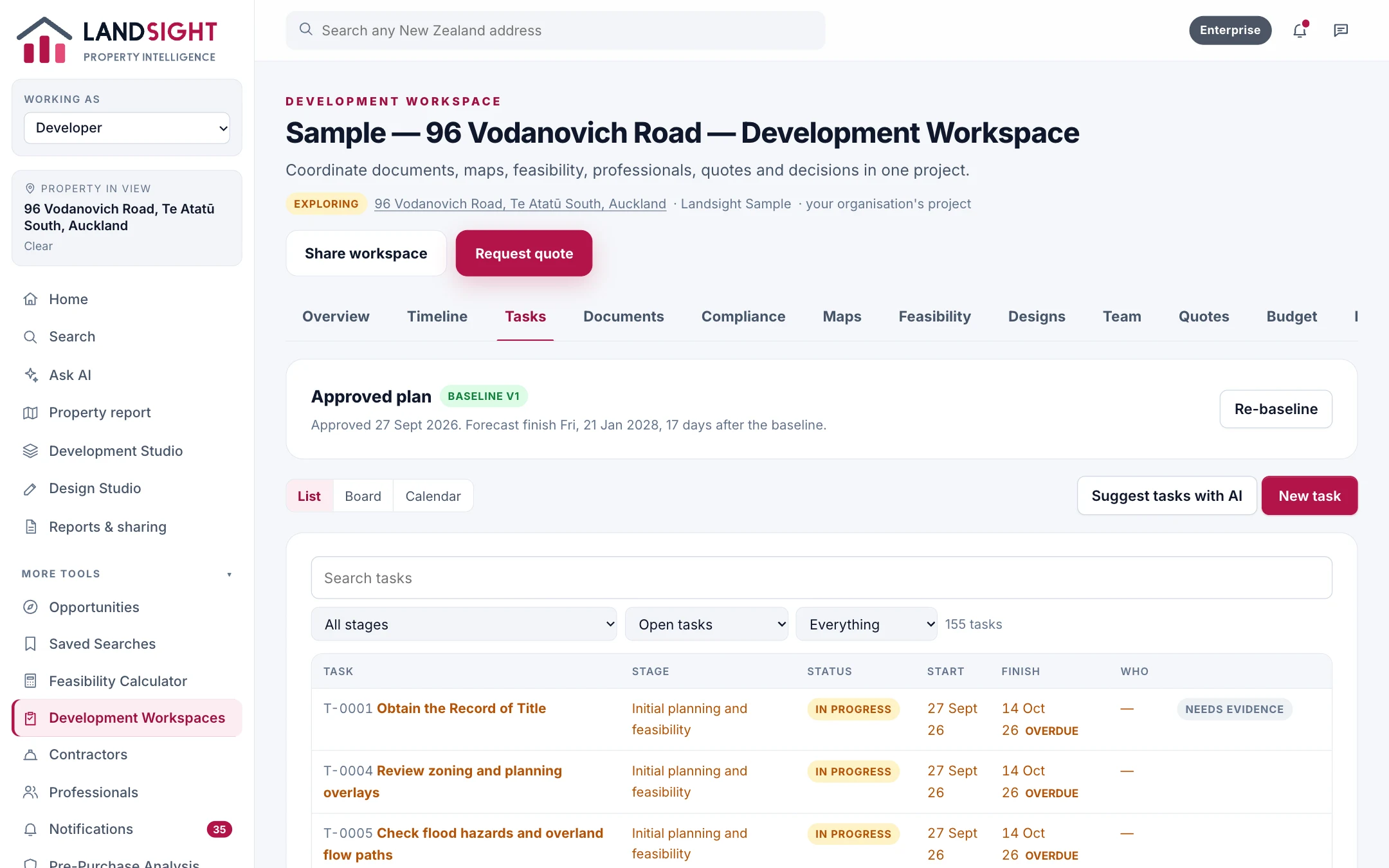
One shared record for every project: its documents, team, maps, feasibility and designs.
Watch on YouTubeSee it at work
The main features, on one real property
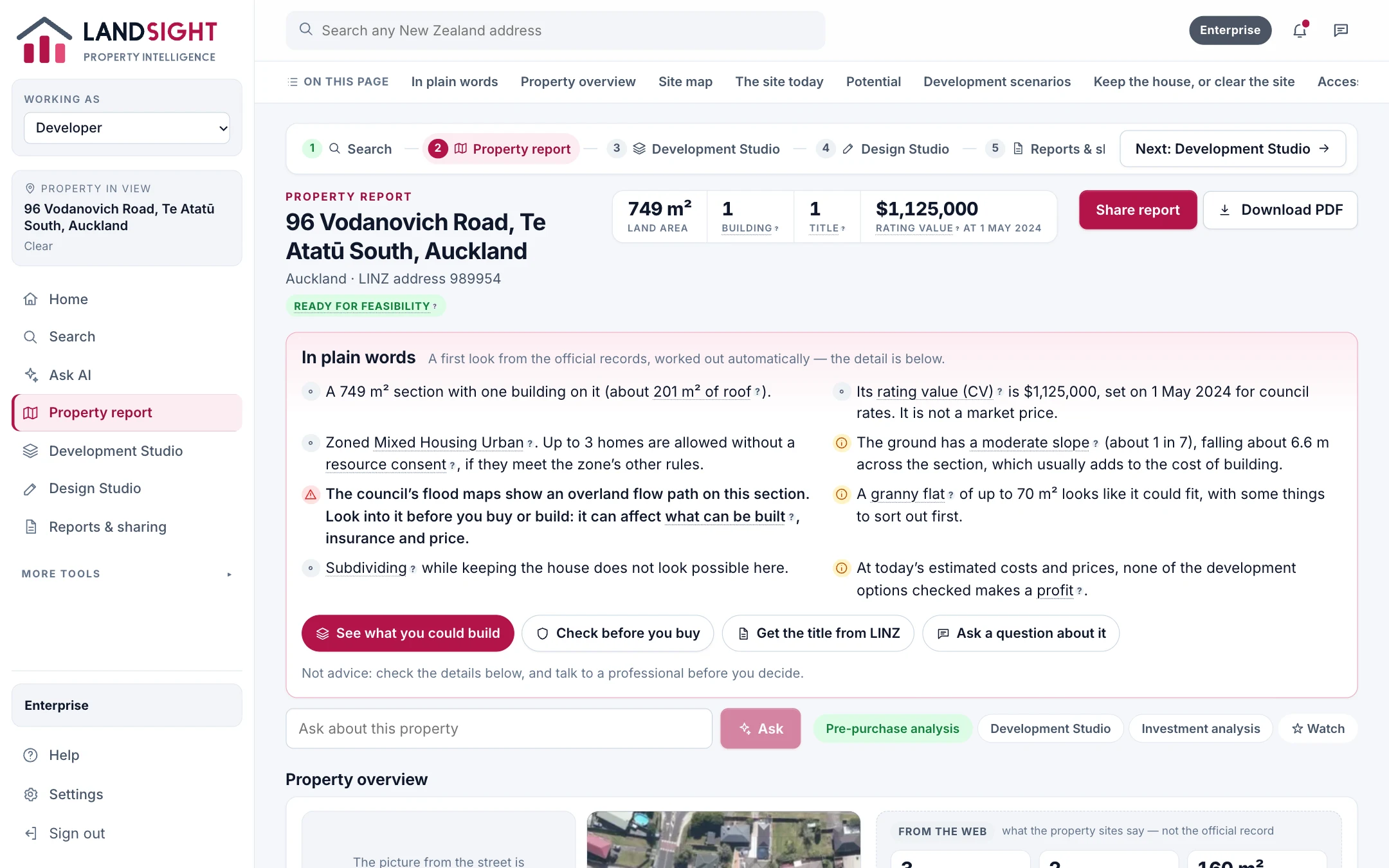
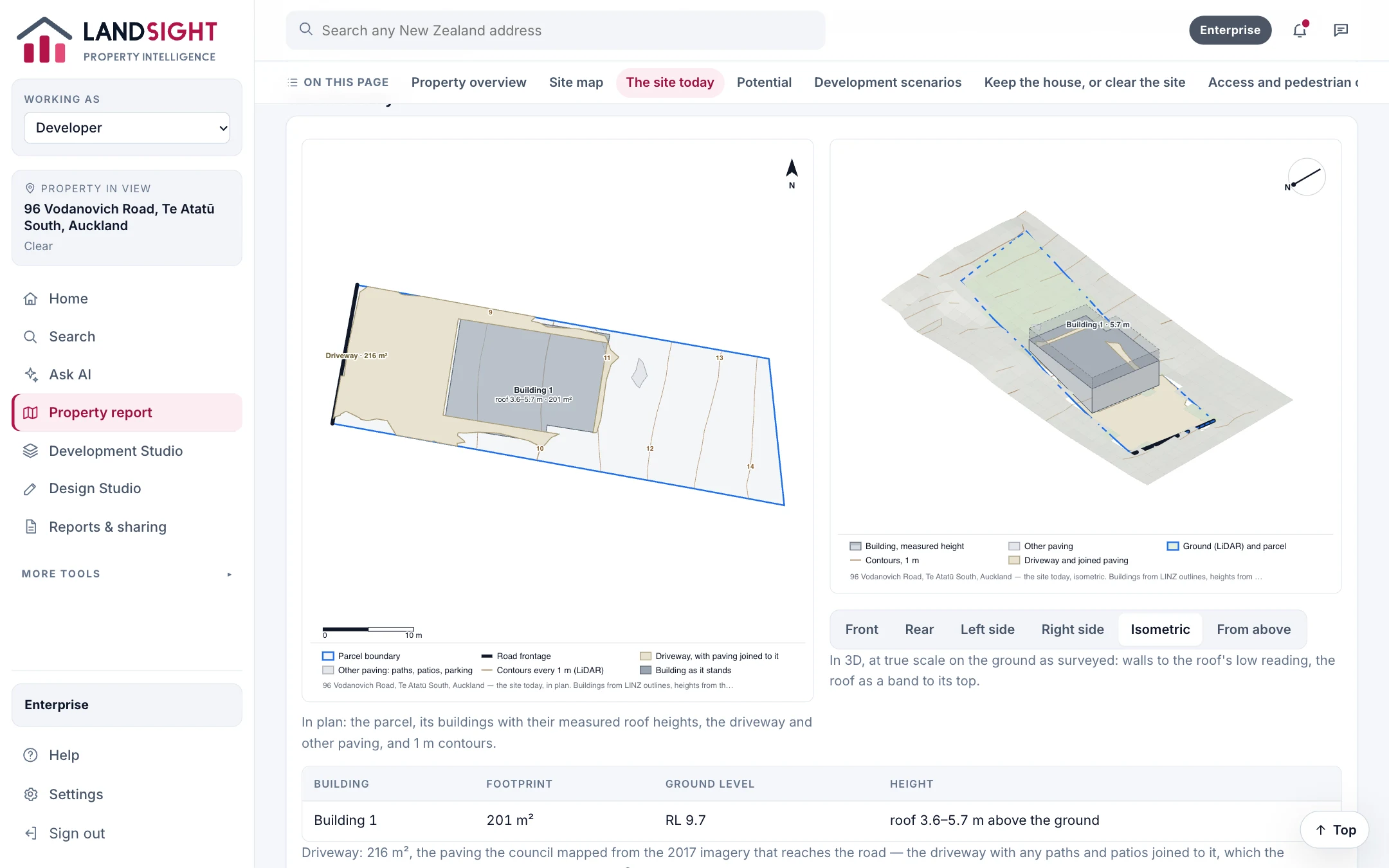
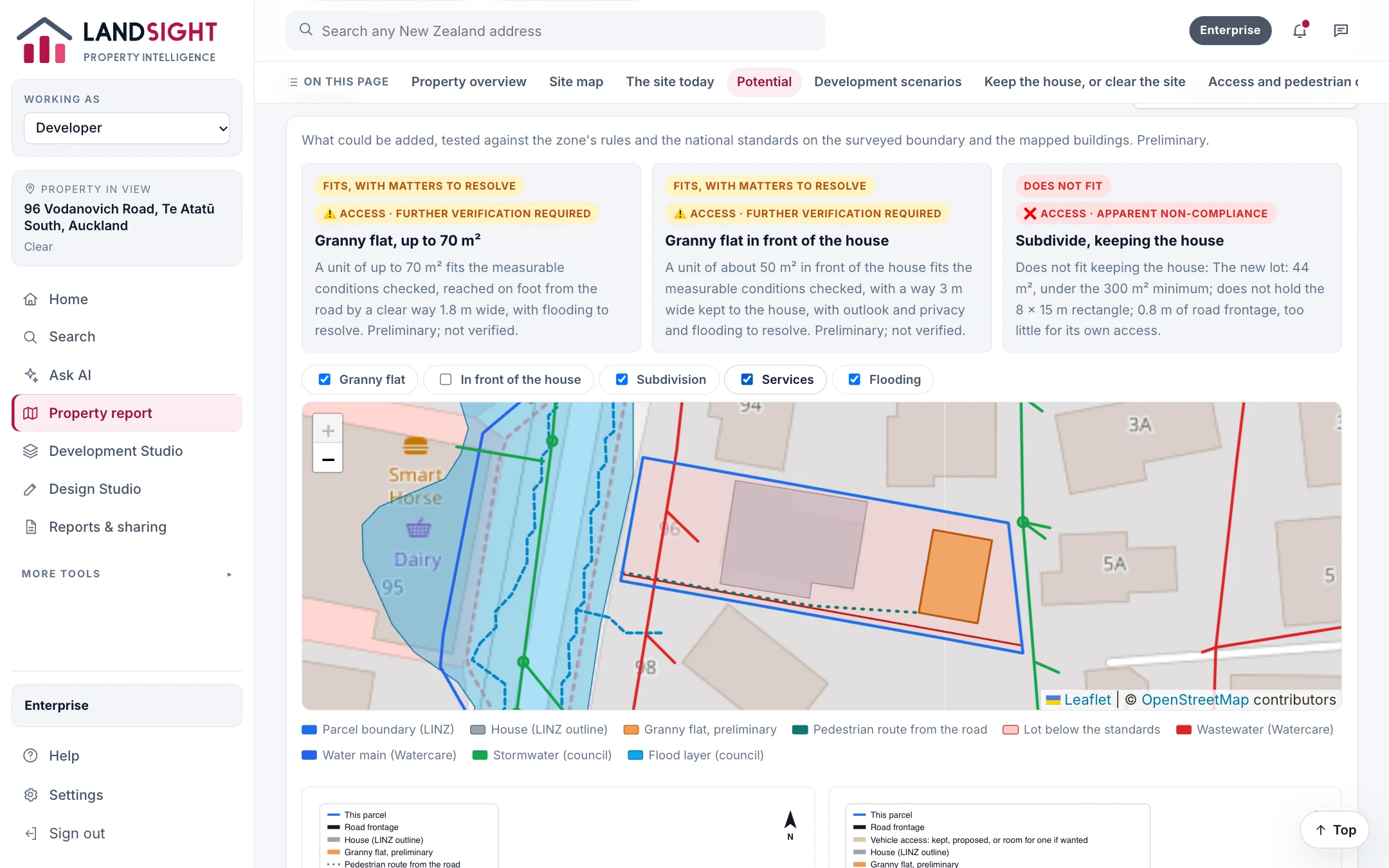
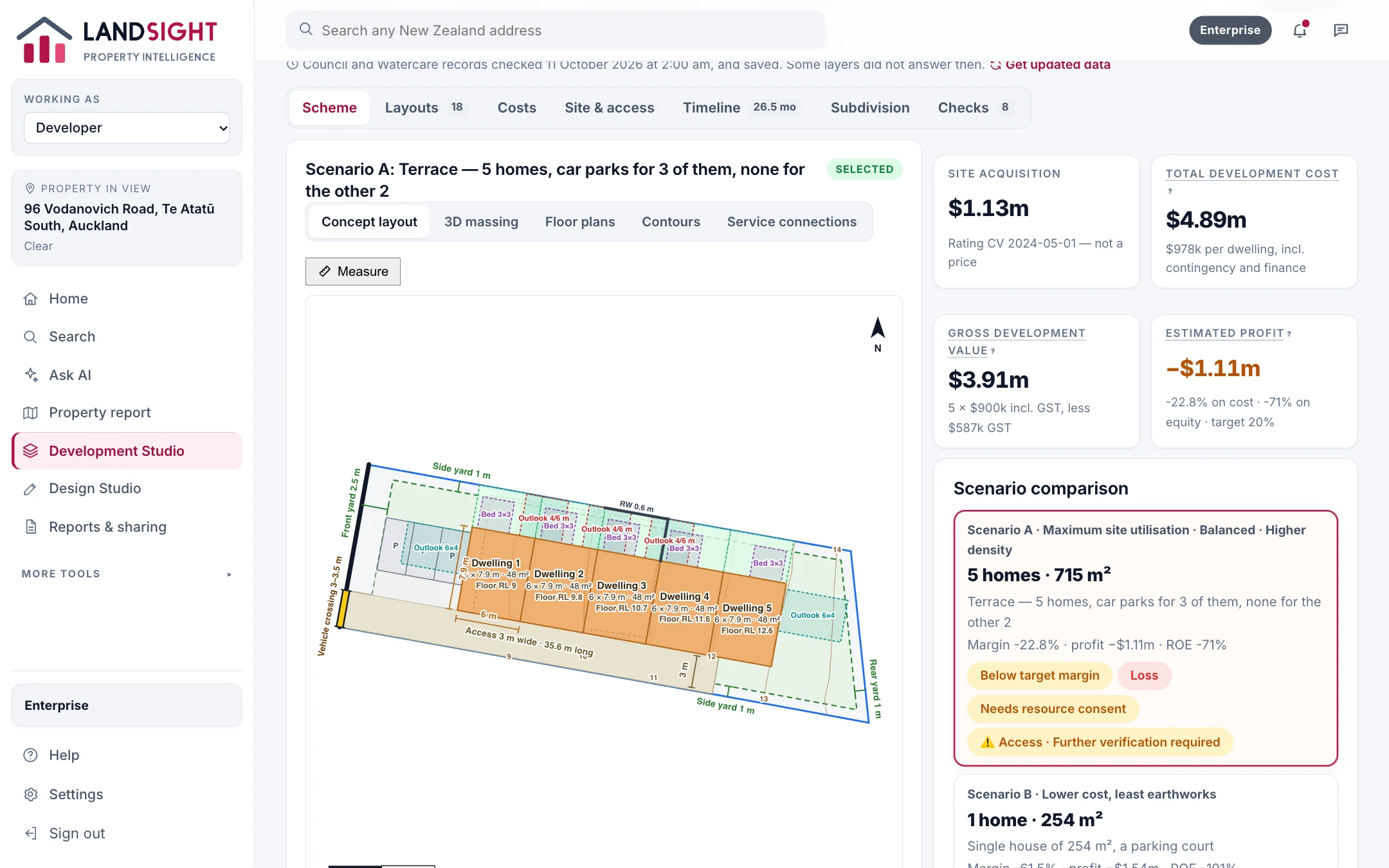
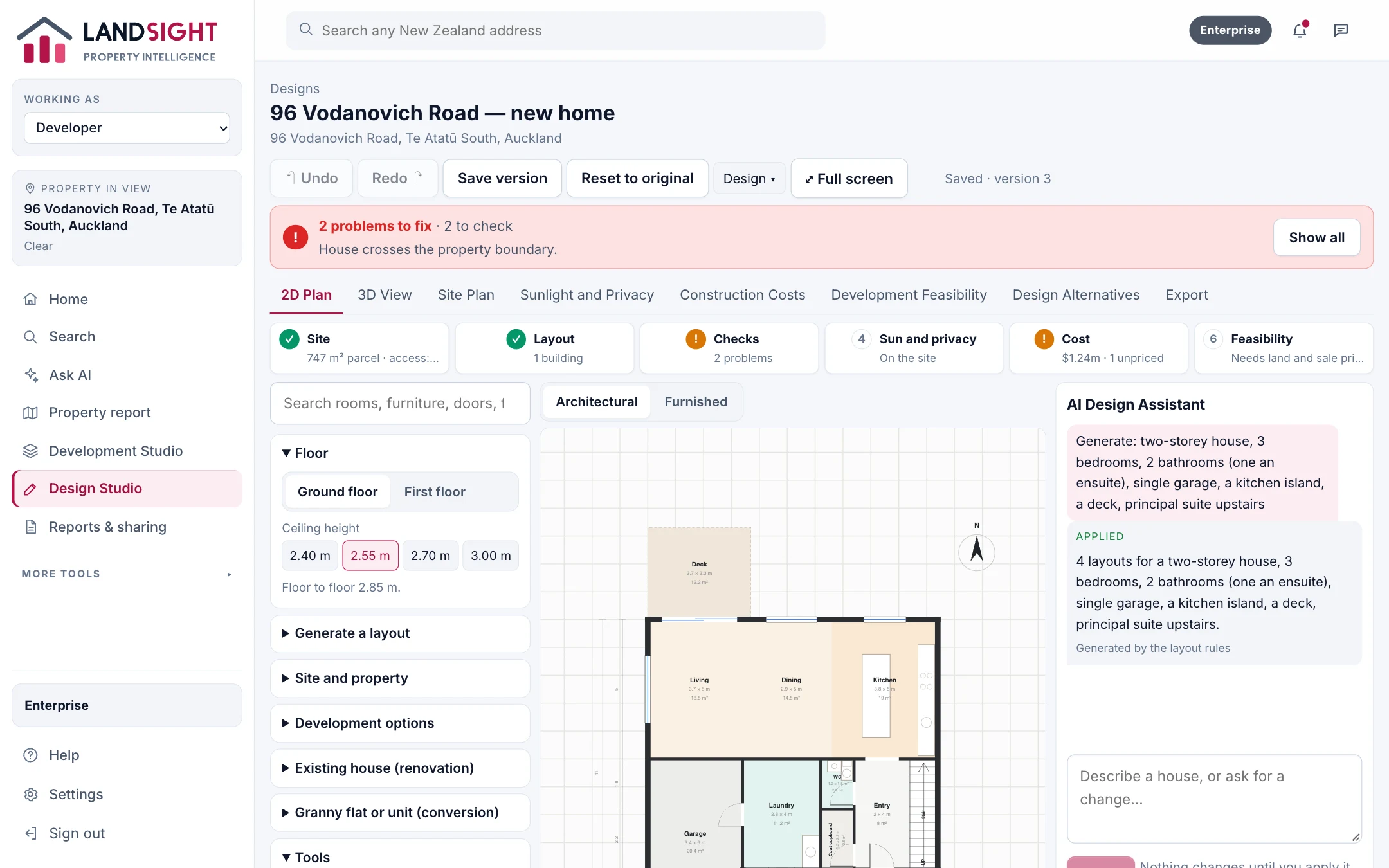
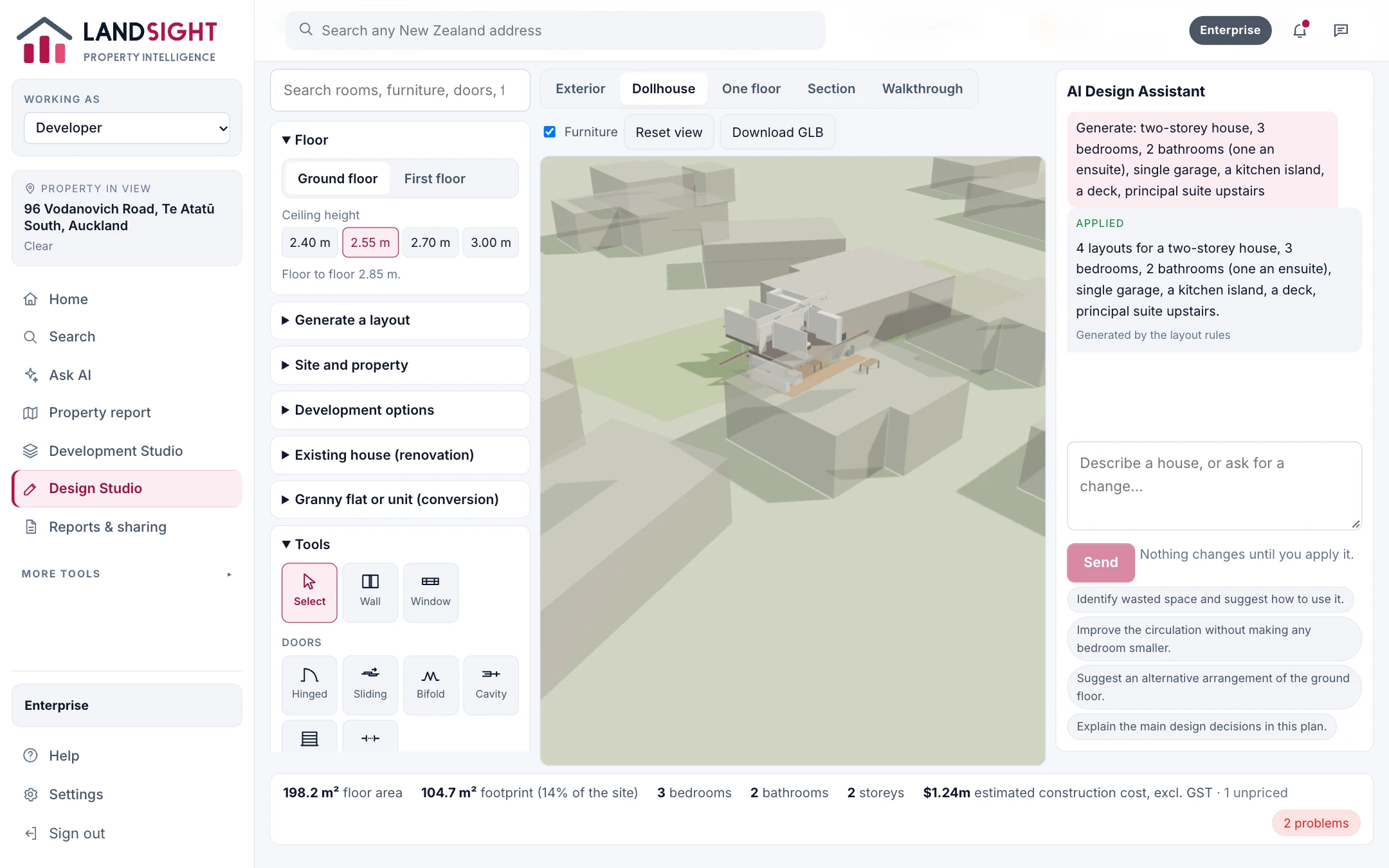
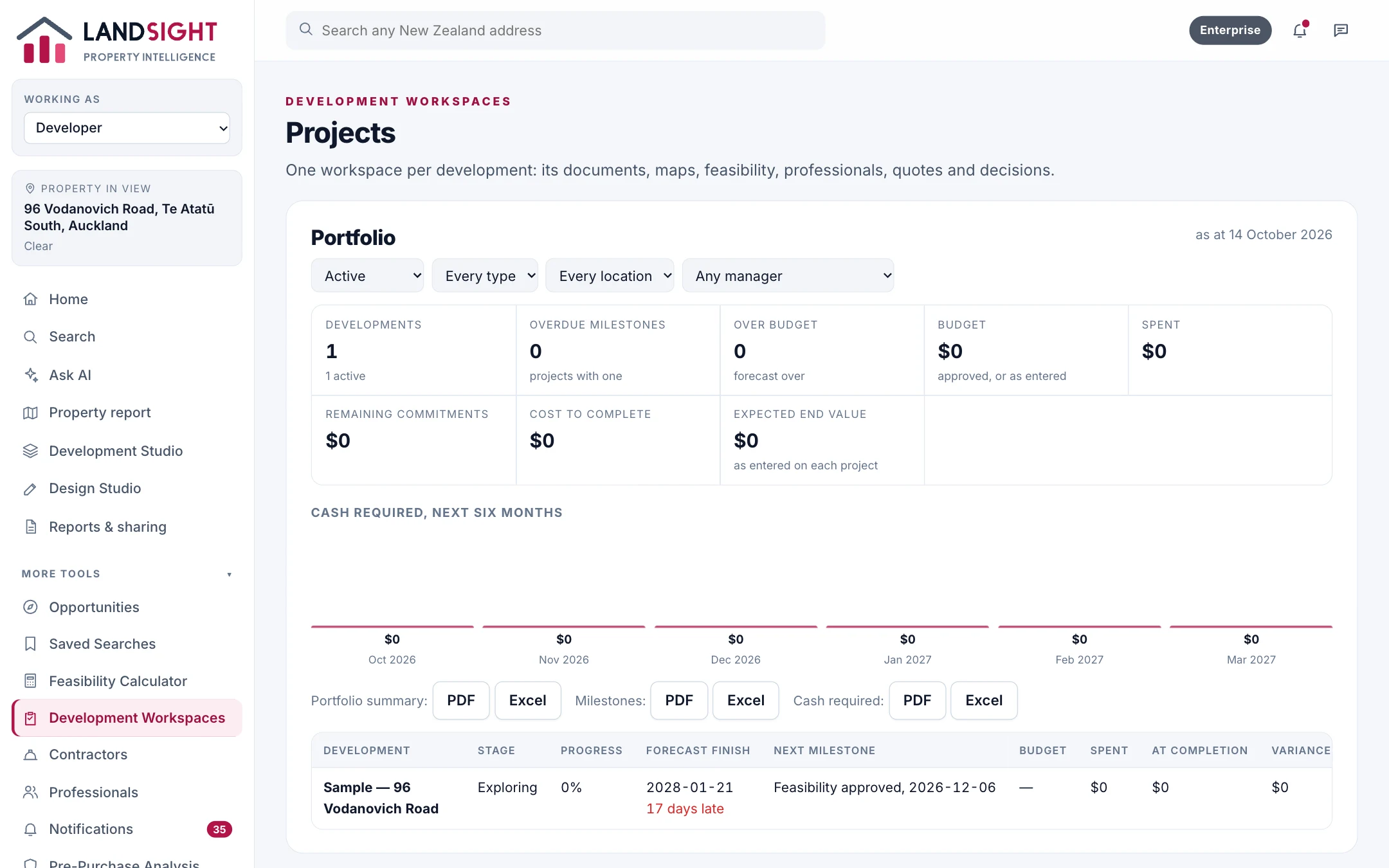
Every picture is Landsight working on 96 Vodanovich Road, Te Atatū South: its records, its site, what could be built, the design and the development.
By what you are doing
Every feature, in detail
Property intelligence
Property reports from the official record
One page on a property, built from the records: LINZ titles, parcels and building outlines, council valuations, zoning and hazards, and the ground from LiDAR. Shared by link or saved as a PDF, exactly as it was made.
Starter: two reports a day. Premium: no daily limit, with potential and scenarios. Enterprise: shared across a team.
Investment analysis
Rental yield, cash flow and return on investment
Enter the price, rent, costs and borrowing — or start from what Landsight holds about the property — and see yield, cash flow and return, with every assumption on the page to change.
In Premium and Enterprise.
Development and feasibility
Development feasibility for the whole site
Landsight plans the whole site: what fits within the envelope, how cars get in, where the outdoor space goes and what the ground needs, then costs each layout and gives its margin and profit.
In Premium and Enterprise. Starter shows a site's basic facts in its property report.
Floor plans and design
Floor plans on the real site, in 2D and 3D
The Design Studio lays out homes on the site from a brief — bedrooms, storeys, parking — within the site's rules, and lets you change them in plan and in 3D, by hand or by asking.
In Premium and Enterprise, with AI use counted against the plan's allowance.
CMA and comparable sales
Comparable homes, and the CMA that needs sale prices
A comparative market analysis rests on recent sale prices. Landsight does not have a source of sale prices yet, so it does not produce CMAs — and it never presents a council valuation as a price.
Comparable homes: Starter (limited), Premium and Enterprise. CMA: not available yet.
AI property assistant
An AI assistant that answers from the records
Ask Landsight about a property, an area or a development. The assistant looks things up — the property's records, the zone, the feasibility — and answers from what it found, with its sources.
Starter: a few AI questions a day. Premium: a monthly allowance. Enterprise: expanded, with fair use.
Portfolio management
Every property you hold, in one place
Portfolios bring your holdings together — what you paid, what they earn and cost, and how your developments are tracking — with each figure showing what it rests on.
In Premium and Enterprise. Enterprise shares portfolios across a team.
Maps and site analysis
The site on the map, with what constrains it
Landsight draws the site as it is — its boundary, buildings, driveway and ground — with the zone, the building envelope, contours, flood areas and service networks around it.
Starter sees the site in its property report. Premium adds the full site analysis and the building envelope.
Reports and exports
Reports to share, files to take away
Every report Landsight makes can be shared by link, sent by email or WhatsApp, or saved as a PDF — the same report each way. Premium adds spreadsheet and drawing exports.
Sharing: every plan. Exports: Premium and Enterprise.
Team and enterprise
Landsight for your whole team
Enterprise gives an organisation one workspace: shared properties, projects, reports and portfolios, roles for each person, an audit log, expanded AI with fair-use controls, and a usage dashboard.
Enterprise is arranged with you. Contact us.