
Work out what a site can take
The Development Studio on the surveyed site: its map, the three paths it could take, the zone’s rules, and each path’s scheme, layouts, costs and returns.
Open the Development Studio
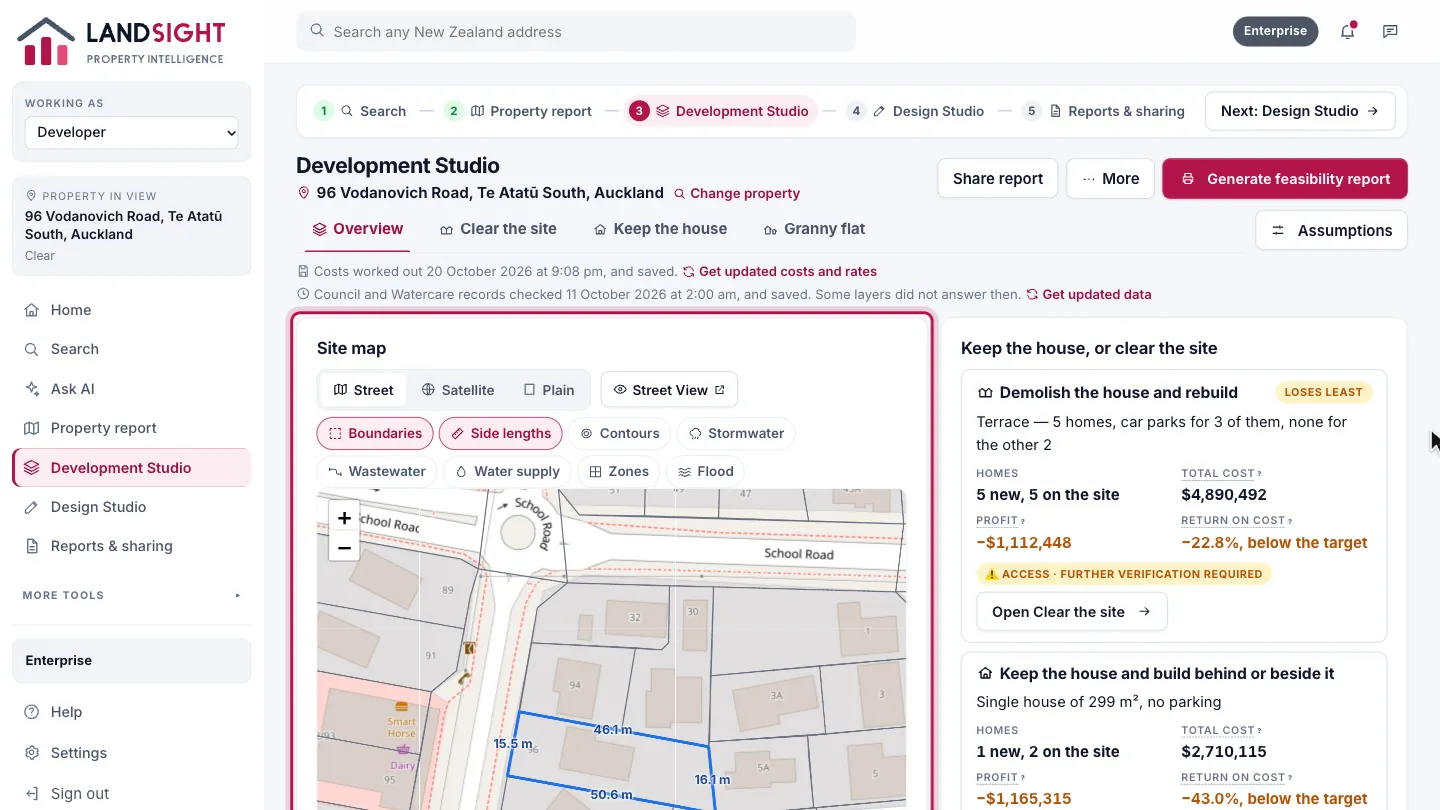
Choose Development Studio in the sidebar, or from a property’s report. It opens on the Overview: the site on its map, with the boundaries, contours, services, zones and flood layers to switch on. The Studio measures the site and reads the zone first.
Three paths
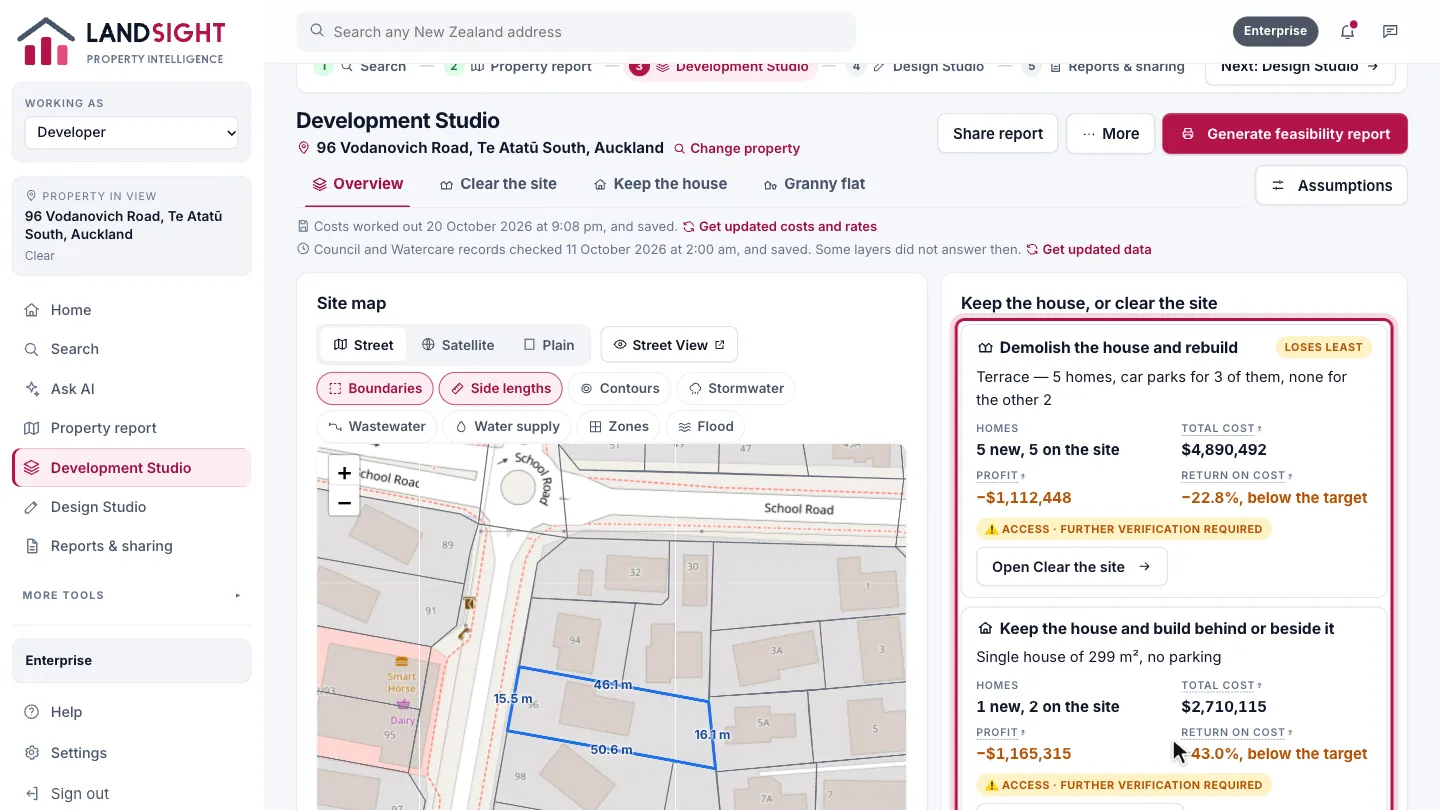
Beside the map is what the site can be: cleared and rebuilt, the house kept with homes behind or beside it, or the house kept with a granny flat added. Each shows its homes, cost, profit, return and where its access stands, and opens on a page of its own.
Choose the build specification
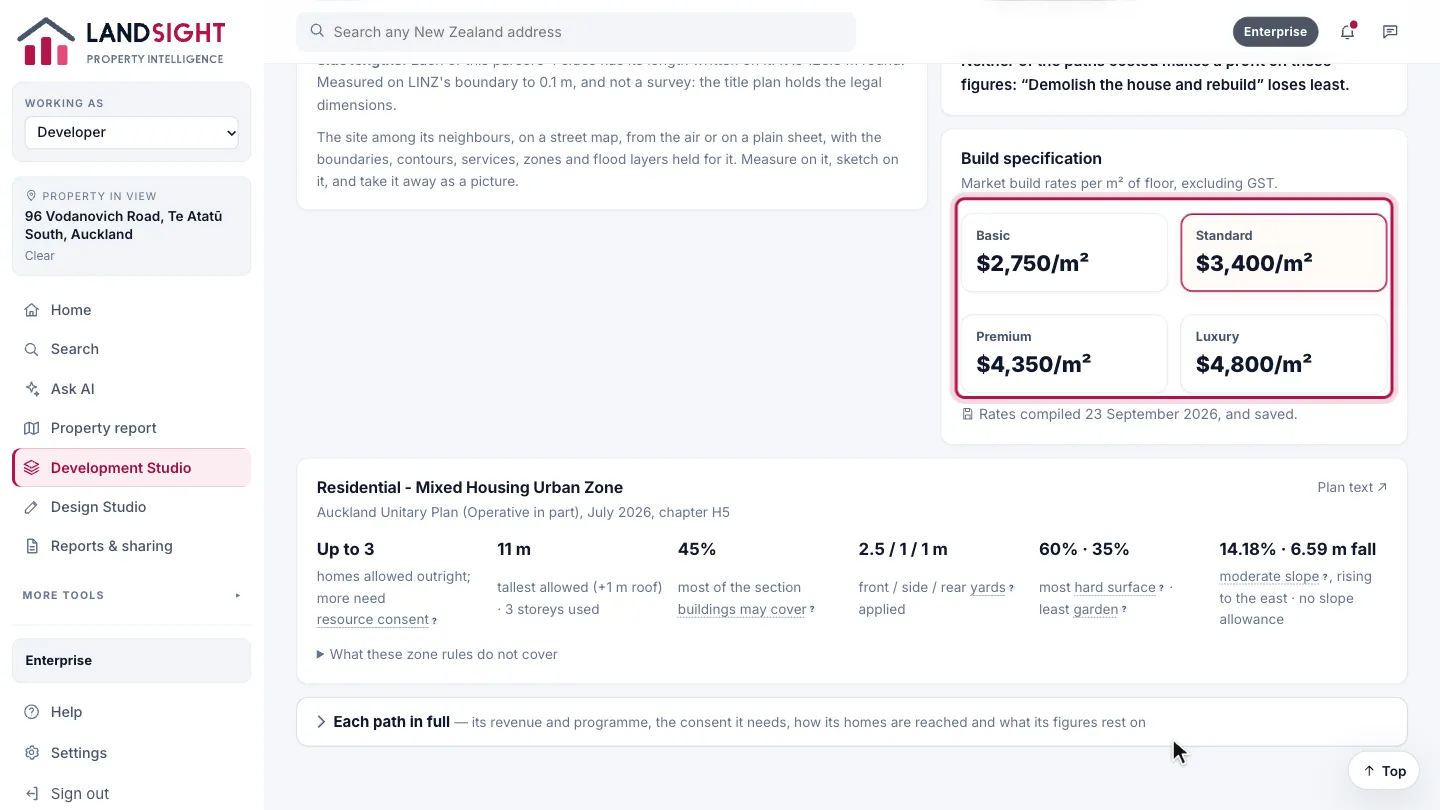
Build costs use market rates per square metre, from a volume builder’s basic specification to architectural. Point at one to read what it is.
Read the zone’s rules
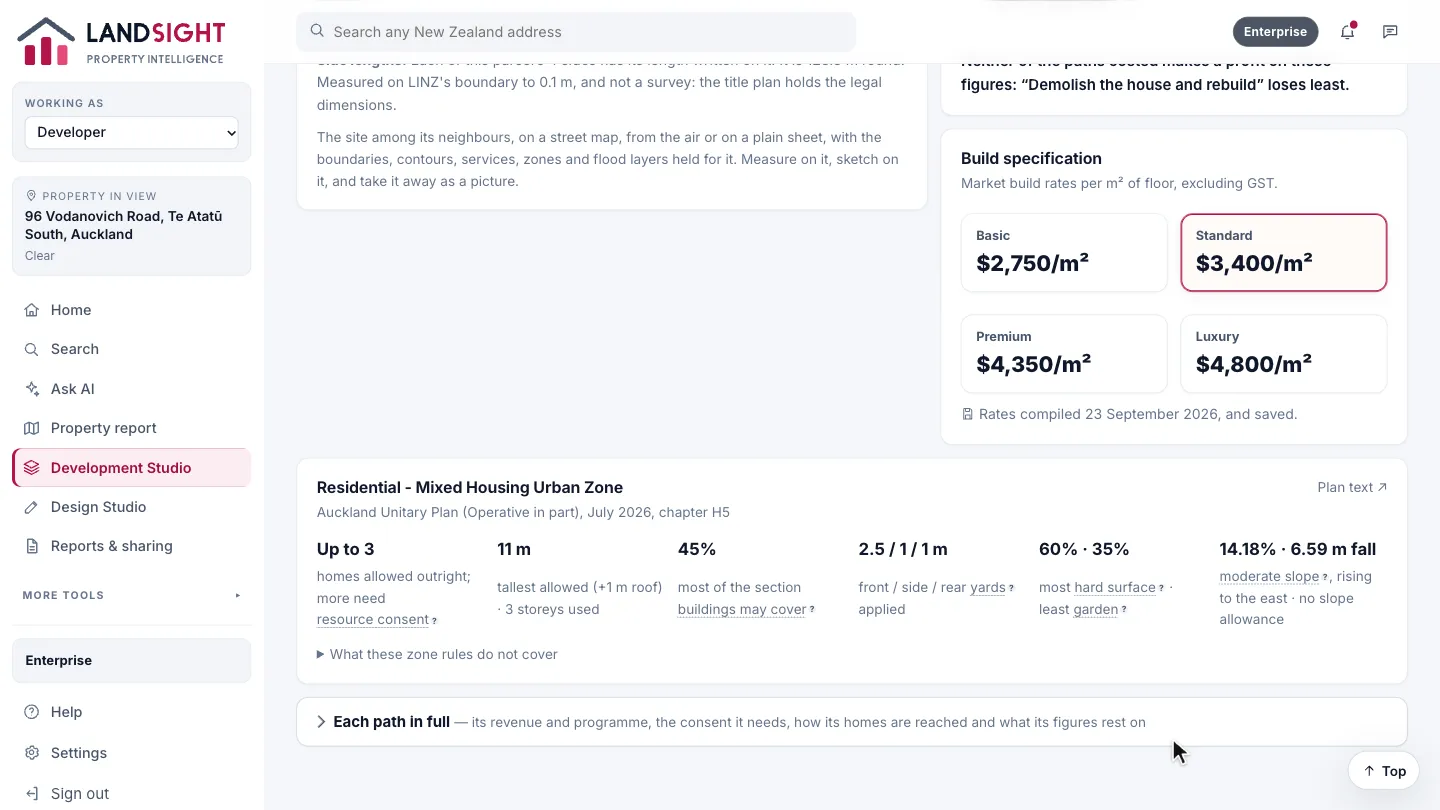
The zone’s standards applied to this site: how many dwellings, the height, building coverage and yards, with the slope the LiDAR survey measured.
Open a path
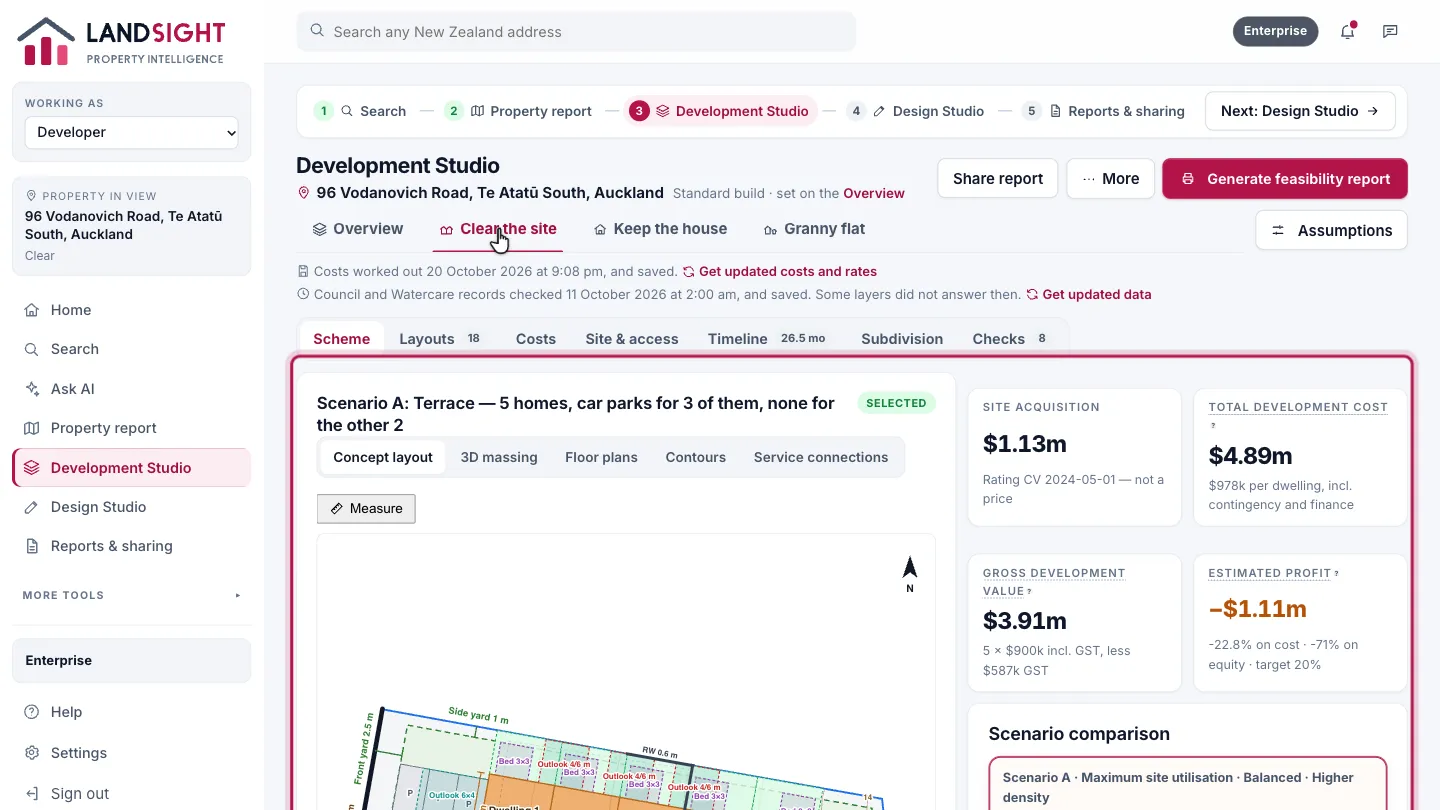
Clear the site and Keep the house each open on the scheme: its drawings on the parcel — the concept layout, 3D massing, floor plans, contours and services — beside its four figures and the schemes to choose between.
Look through the layouts
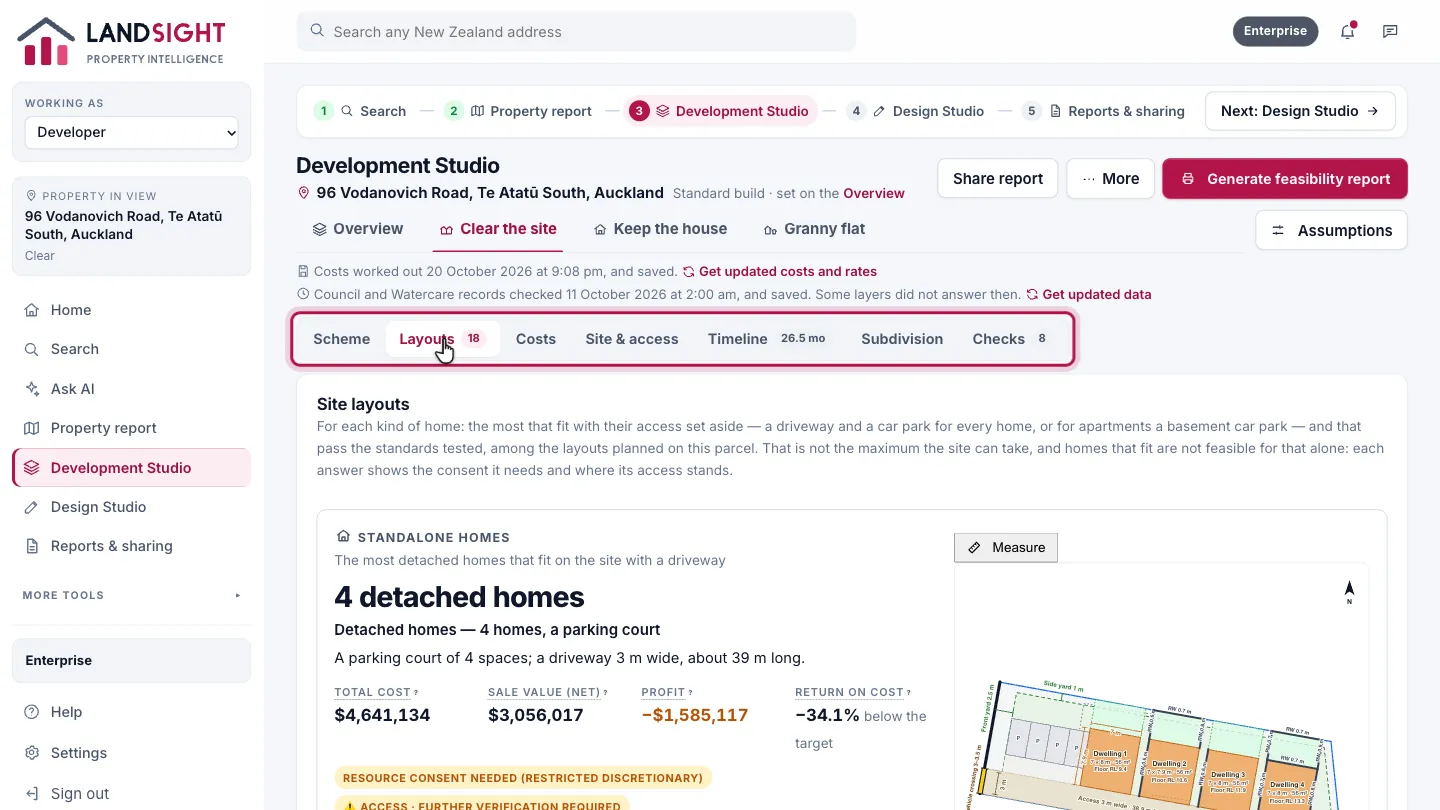
A path’s page shows one part at a time: Scheme, Layouts, Costs, Site & access, Timeline, Subdivision and Checks. Layouts has every layout planned on the parcel, by kind of home, each check citing its clause. Use one, and the scheme is costed on it.
Which plans have it
In Premium and Enterprise. Starter shows a site’s basic facts in its property report.
Compare the plans