
Use your own figures, test the risks and make the report
On a path’s page in the Development Studio: change any cost, see how the profit moves if things change, follow the programme, read the checks, and produce the feasibility report.
Open Costs
On Clear the site or Keep the house, choose Costs. It opens on the cost breakdown and the sensitivity: what happens to the profit if prices fall, costs rise, finance gets dearer or the programme runs longer.
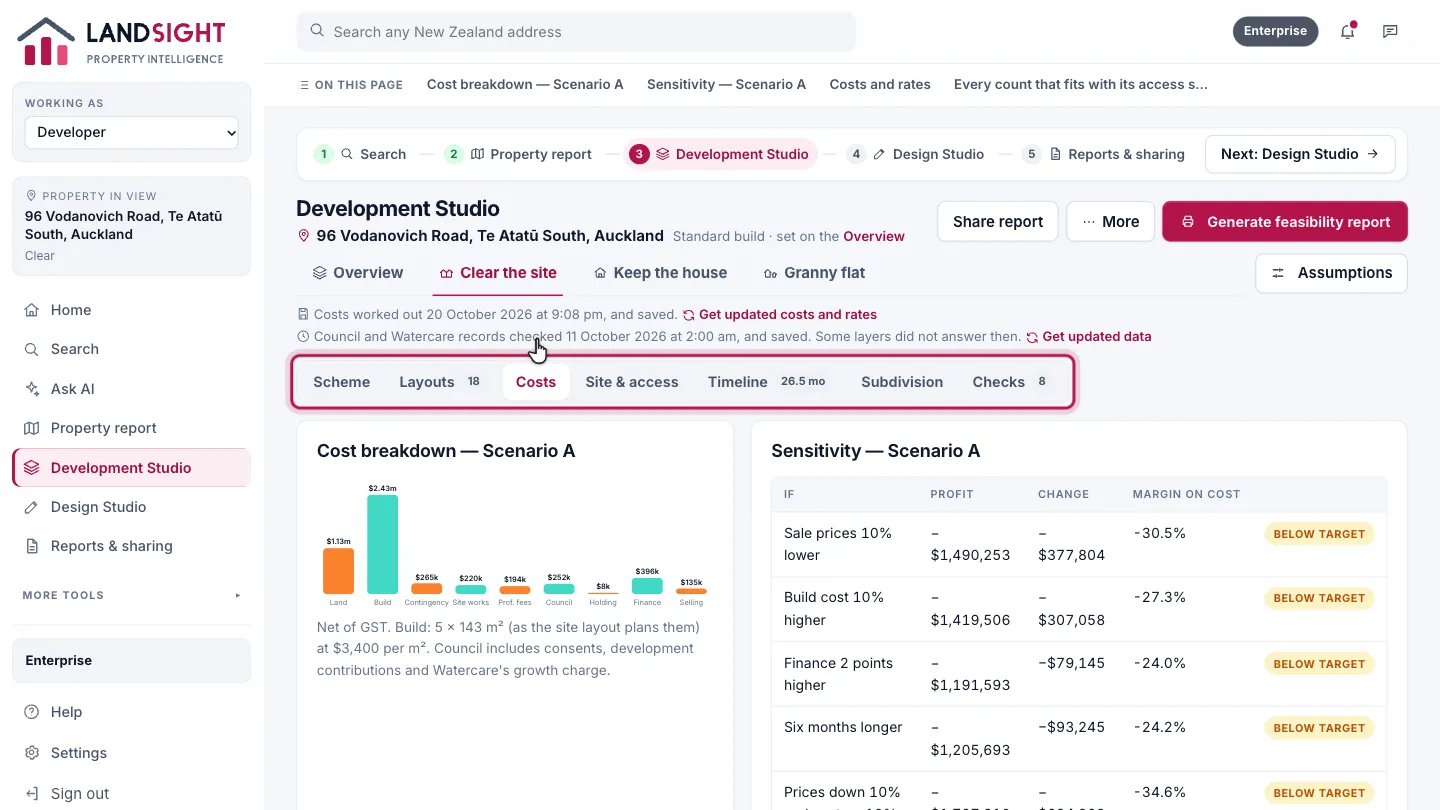
Costs and rates
Every cost line shows the figure used and where it came from.
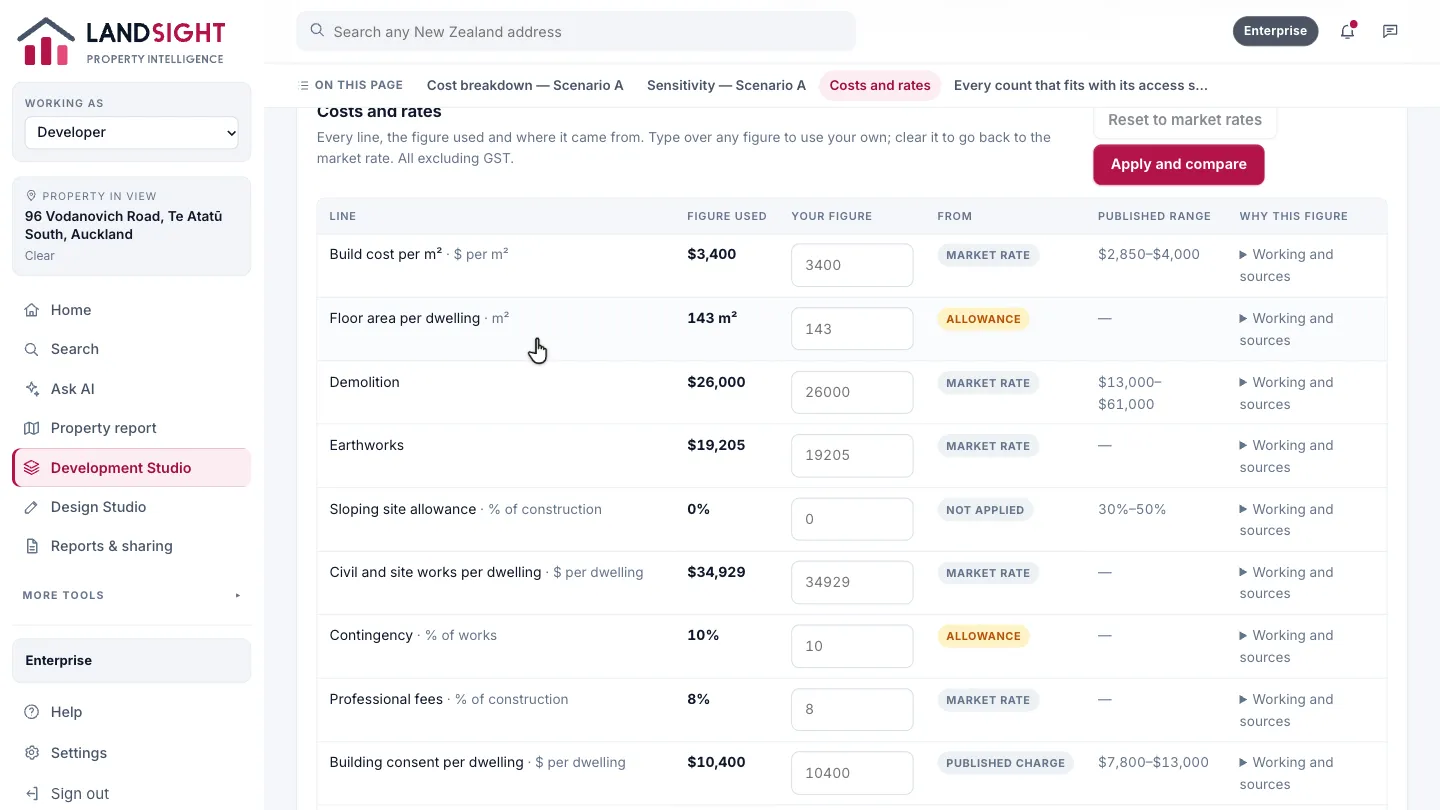
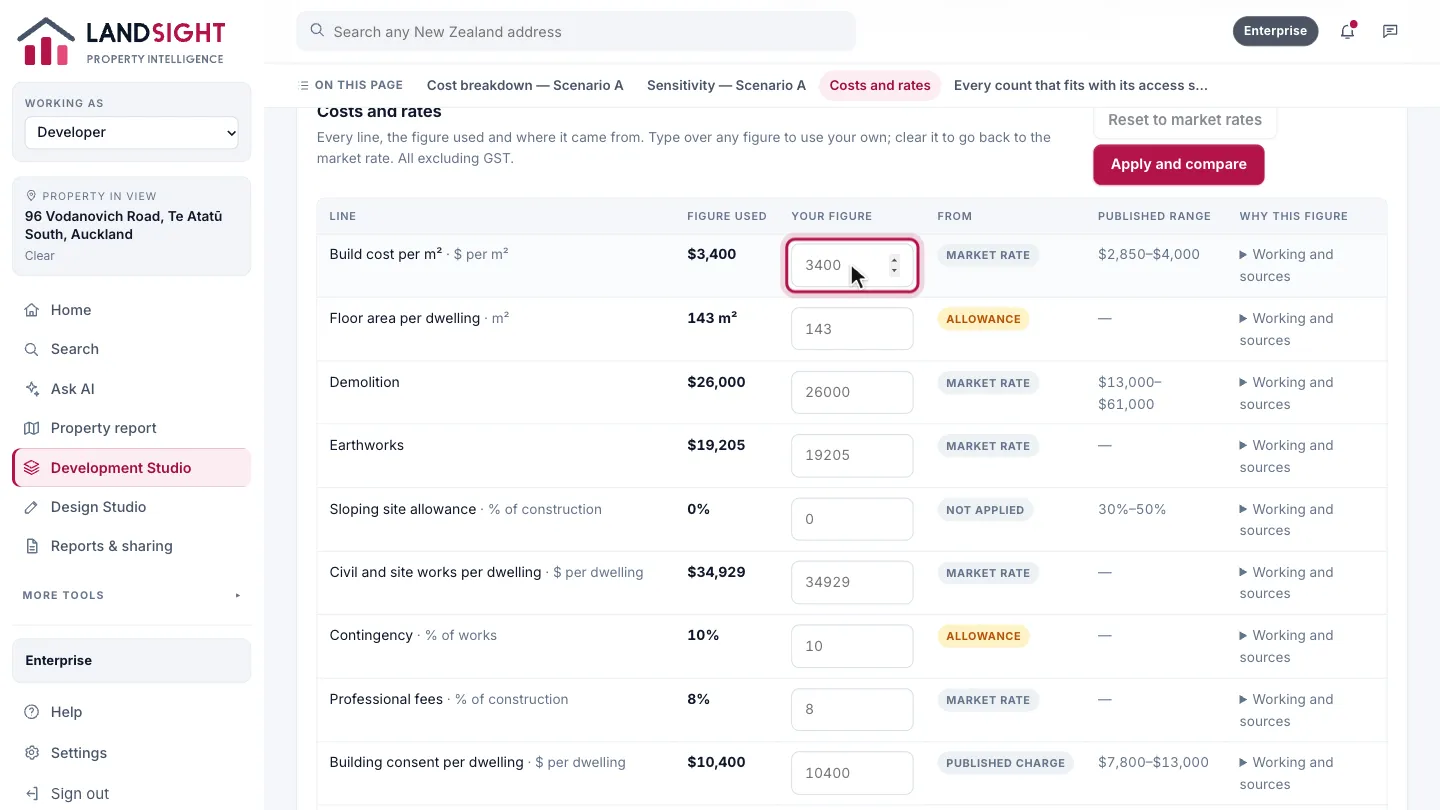
Use your own figures
Type over any figure to use your own — a quote, a sale price, a rate — then choose Apply and compare. The scenarios are costed again with your figures.
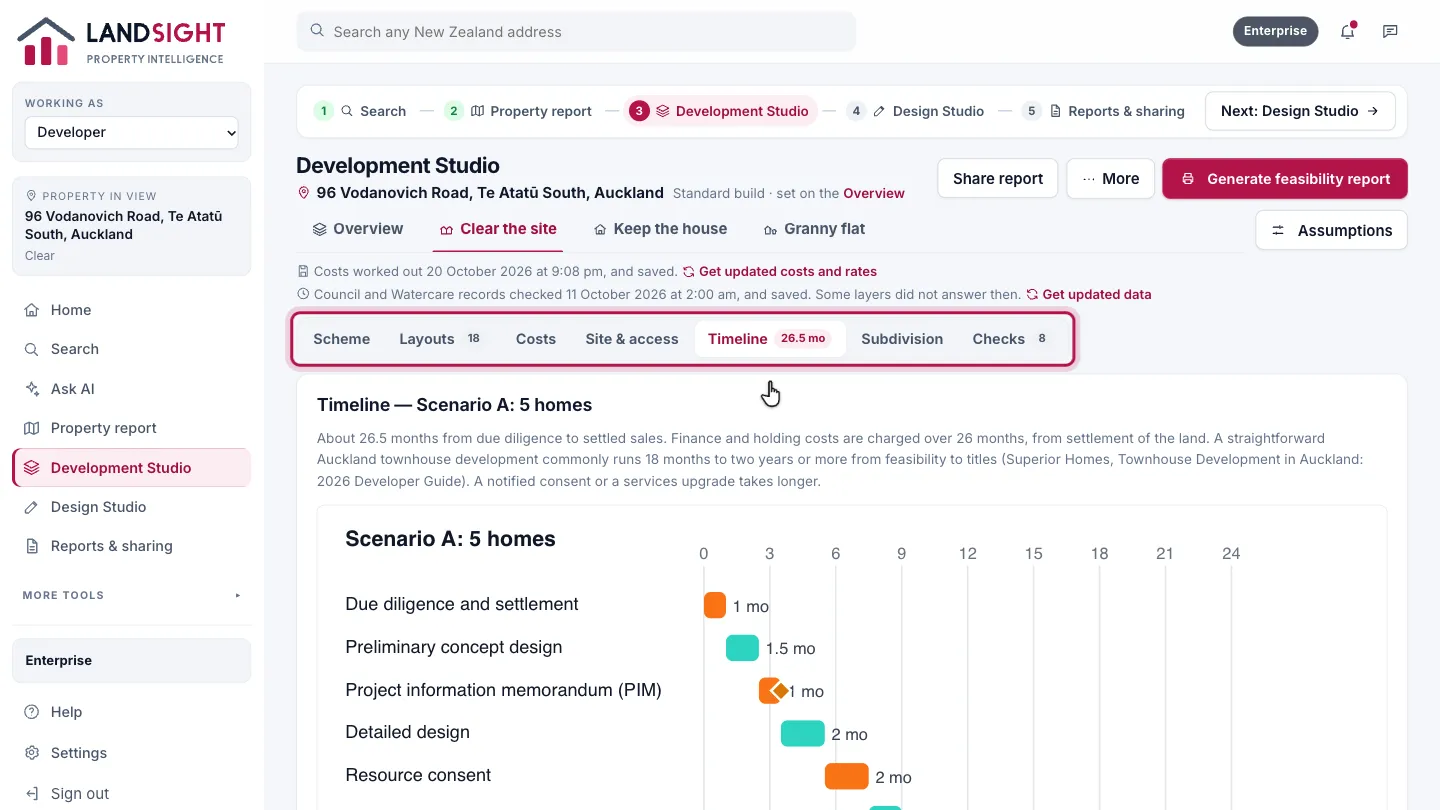
Timeline
The months from due diligence to settled sales, with finance charged over the months it runs, and each phase’s basis.
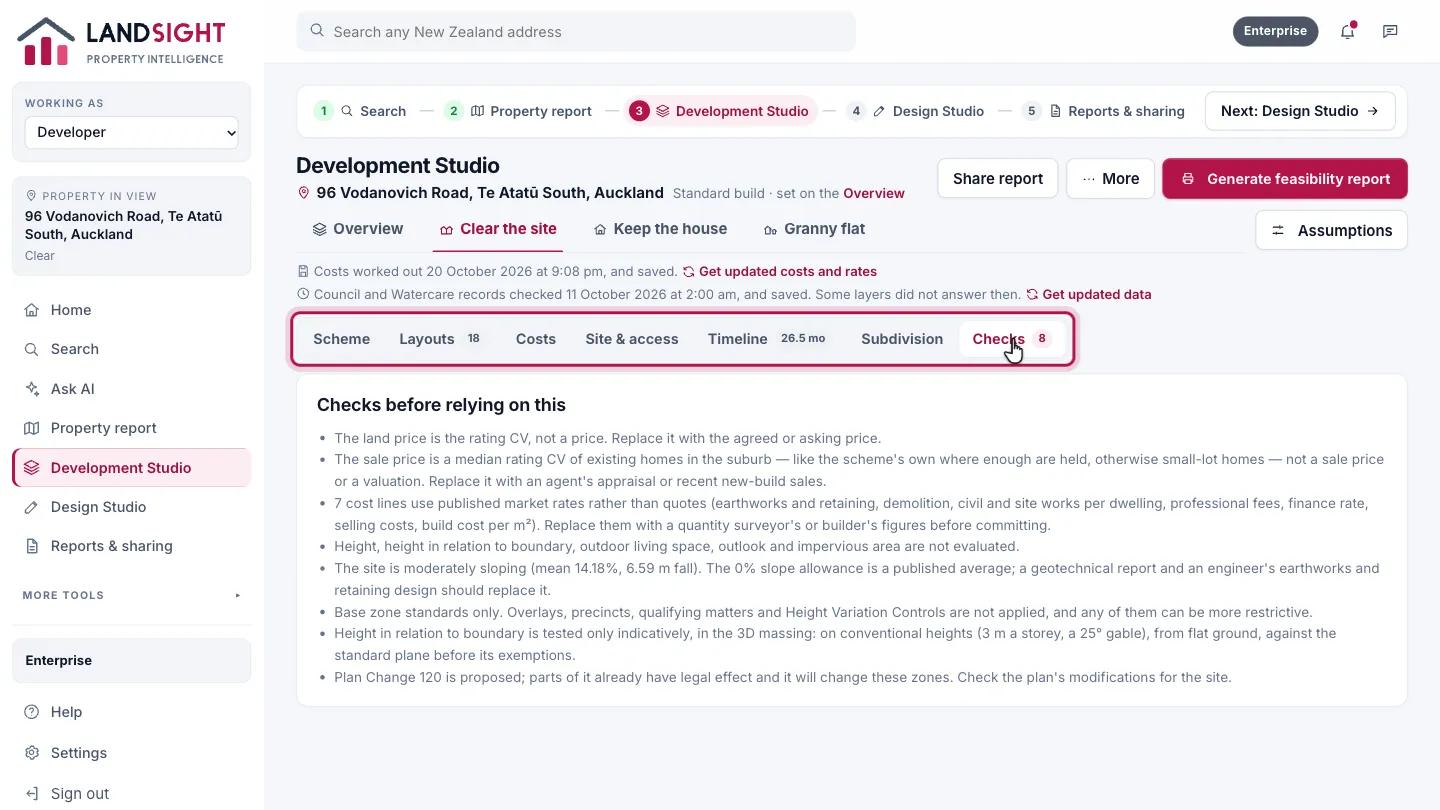
Checks
What to confirm before relying on the figures: a layout that fits is not thereby feasible.
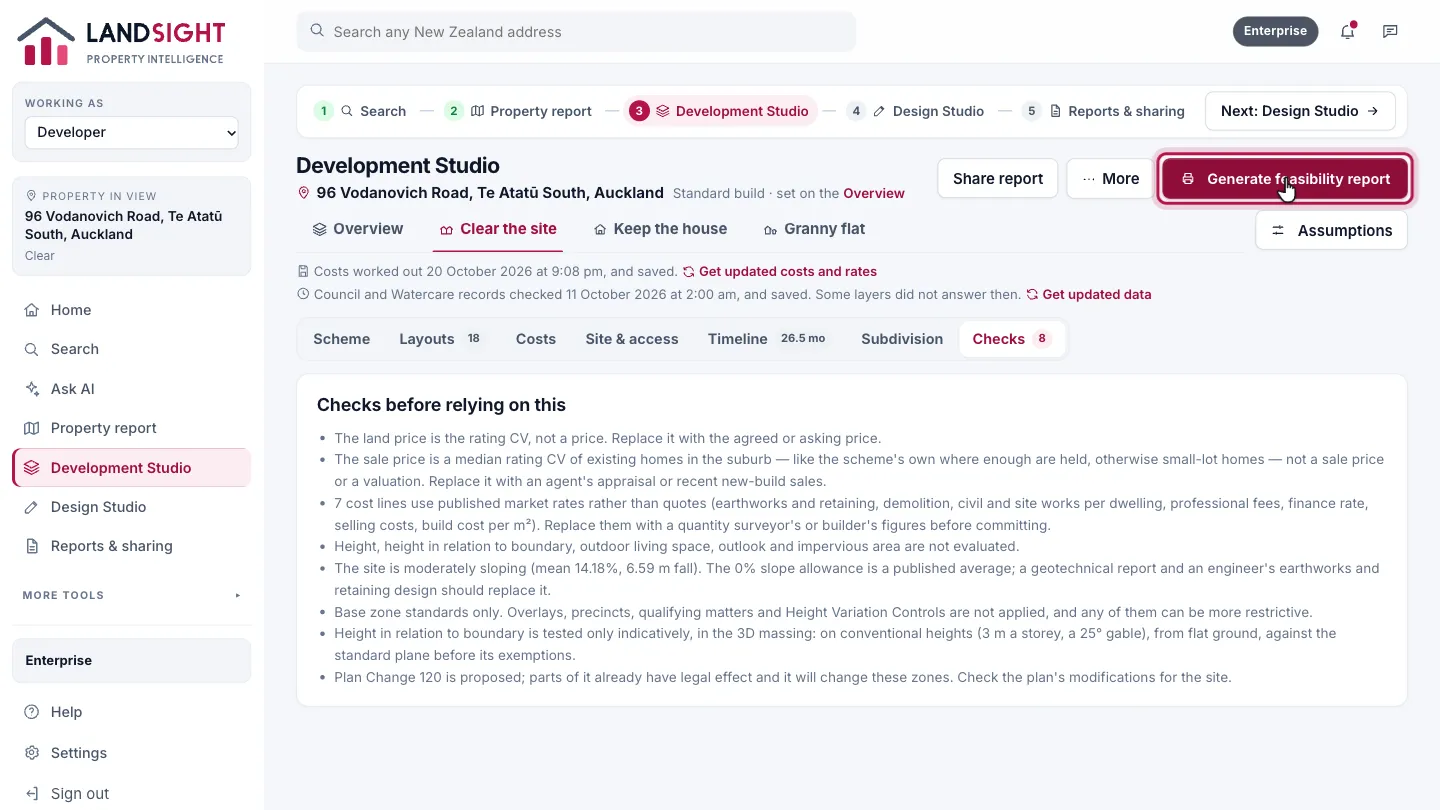
Make the report
Generate feasibility report, at the top of the Studio. More has Save report, Design it, Export model and Save to project.
Which plans have it
In Premium and Enterprise.
Compare the plans