
Lay out a home on the real site
Design a home from a brief in the Design Studio: the 2D plan, furniture, floors, the checks as you go, and the AI Design Assistant.
Open the Design Studio
Open Design Studio from the sidebar, or choose Design it in the Development Studio for a scheme. A design sits on the surveyed site.
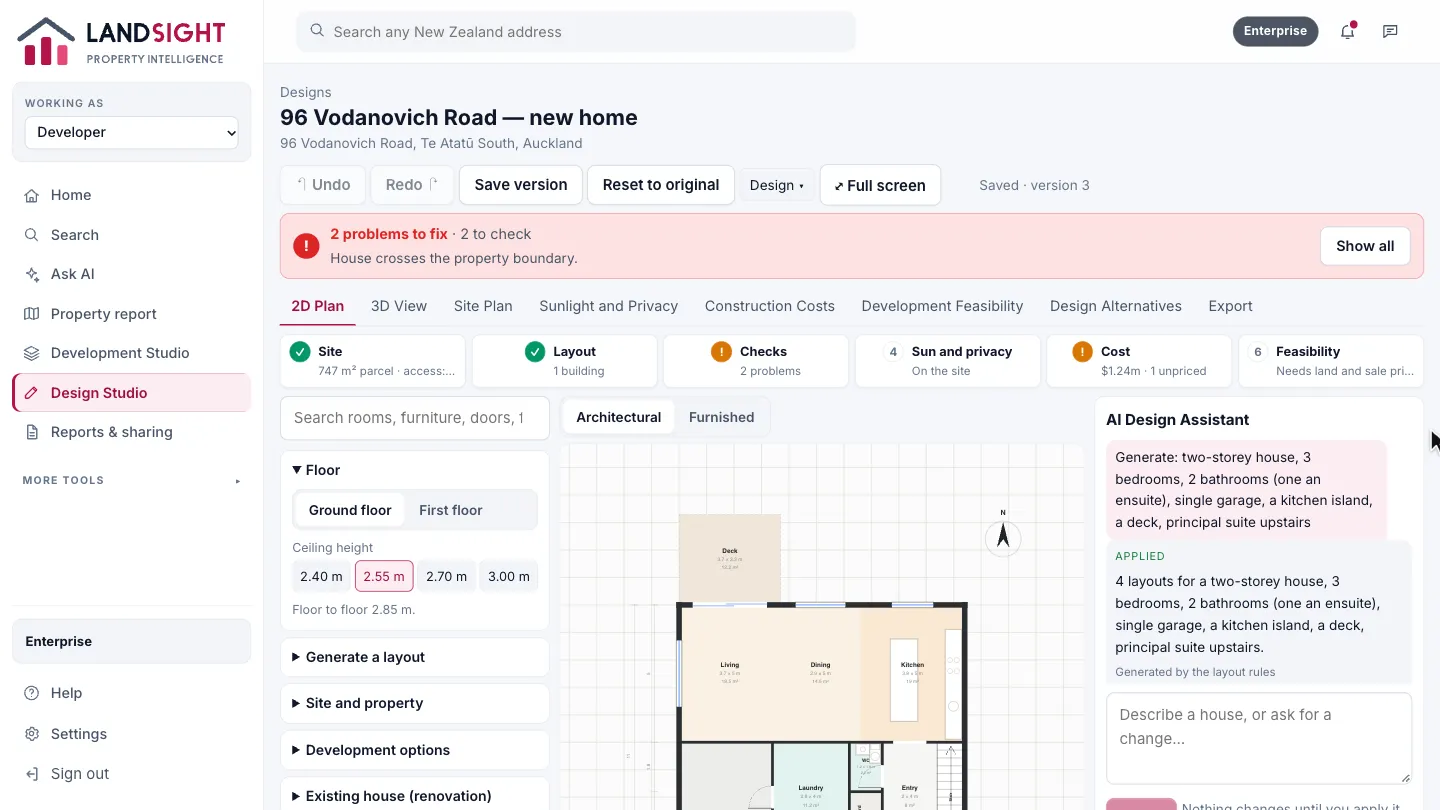
Watch the checks
Across the top, Landsight keeps track of the site, the layout and its checks, sun and privacy, cost and feasibility as you design.
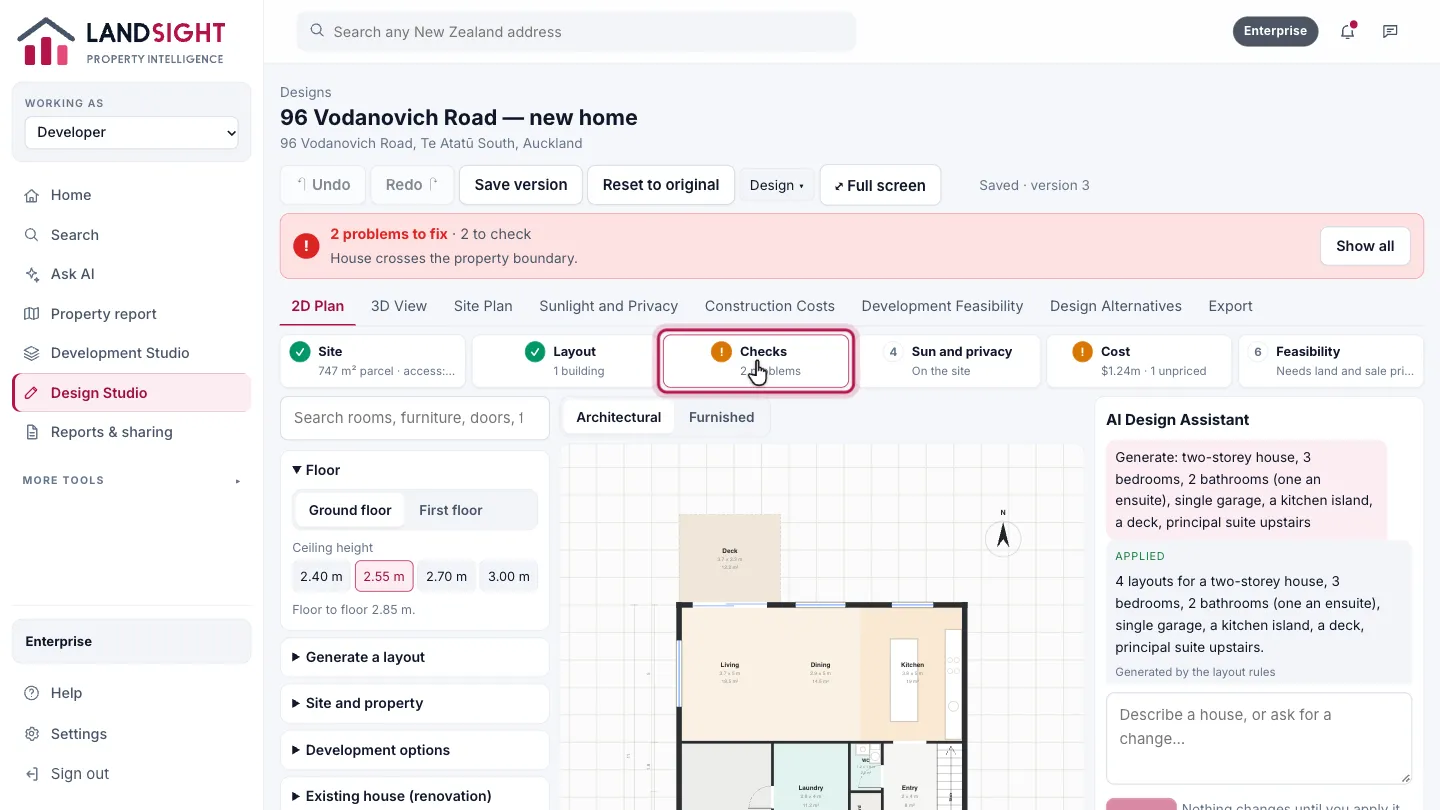
The 2D plan
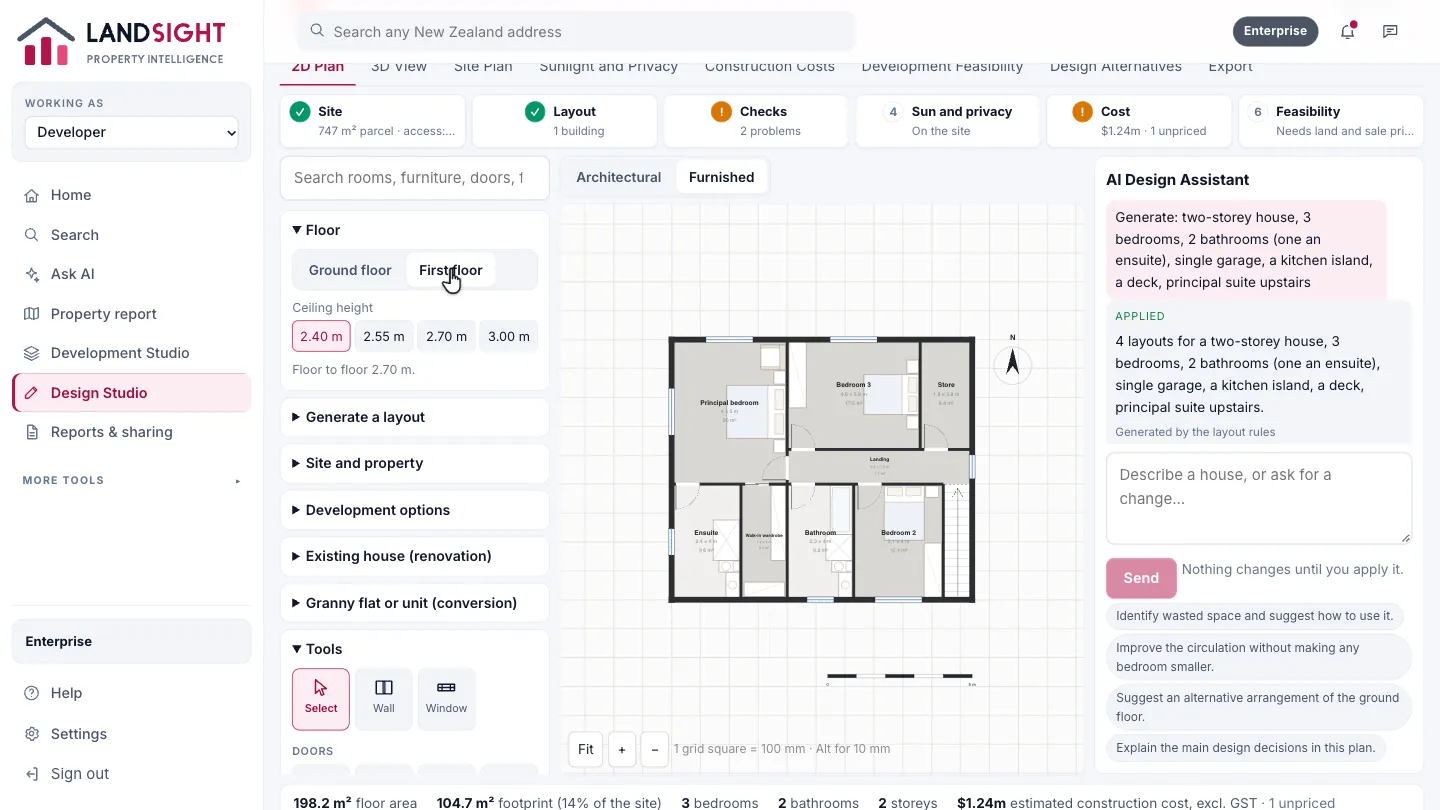
Rooms at true size, with walls, doors and windows. Drag a wall to move it, or a room onto another to swap them.
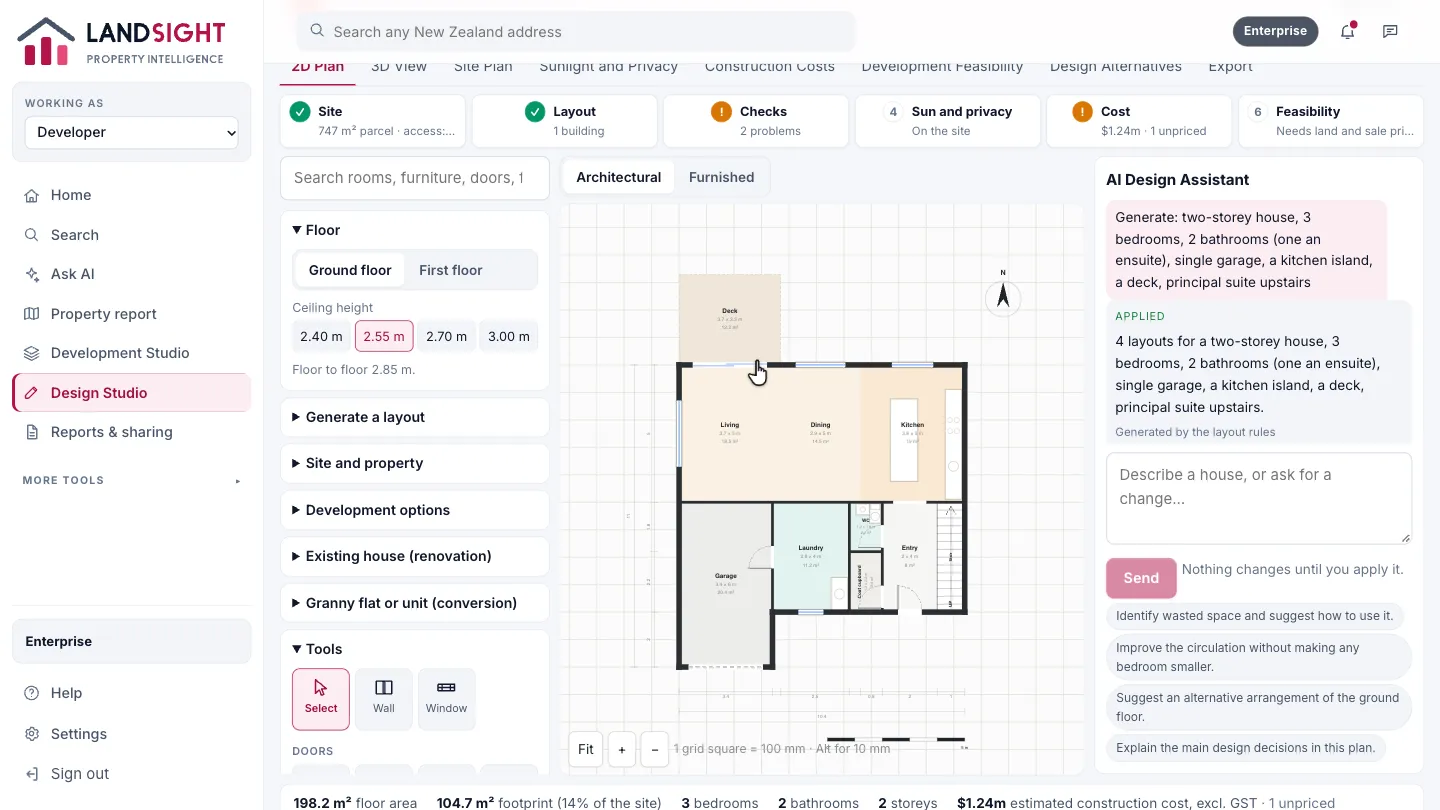
Furnished
Switch to Furnished to see the furniture and fixtures at their real size.
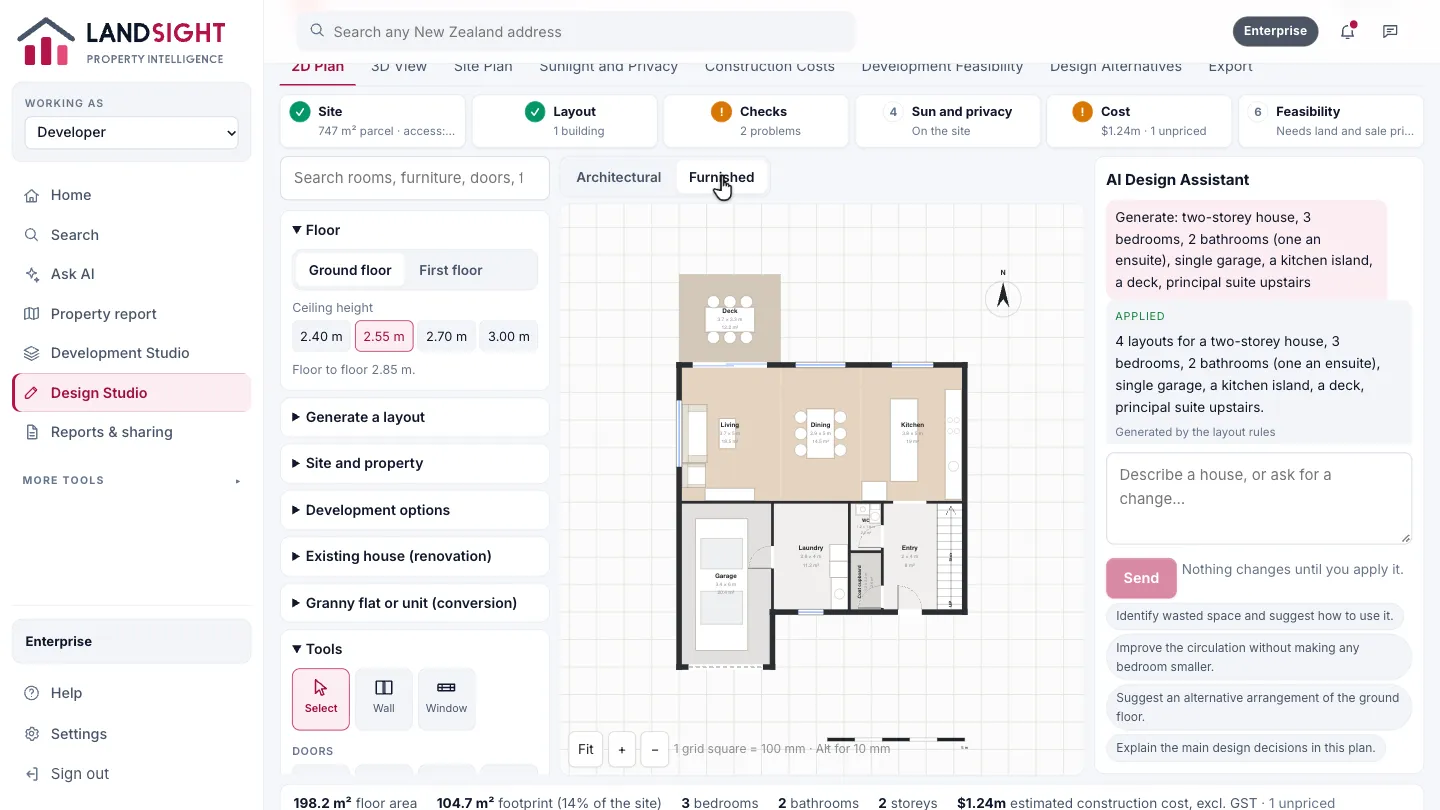
Move between floors
Choose Ground floor or First floor.
Ask the AI Design Assistant
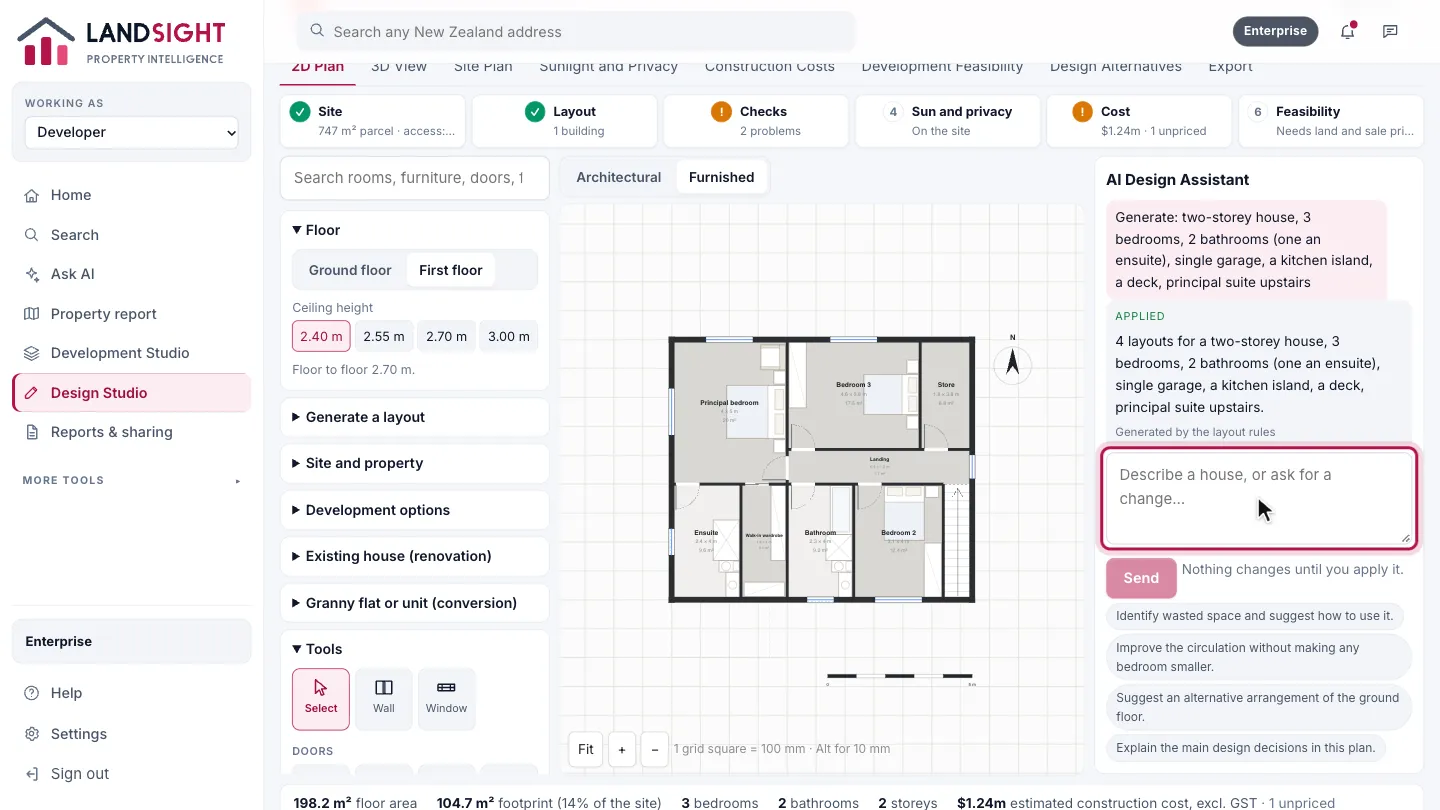
Describe a house, or ask for a change. It proposes; nothing changes until you apply it.
Which plans have it
In Premium and Enterprise, with AI use counted against the plan’s allowance.
Compare the plans