
See everything on record for a property
Every record Landsight holds for a property is on its report: the property’s own records as cards, and what the council and others publish, subject by subject.
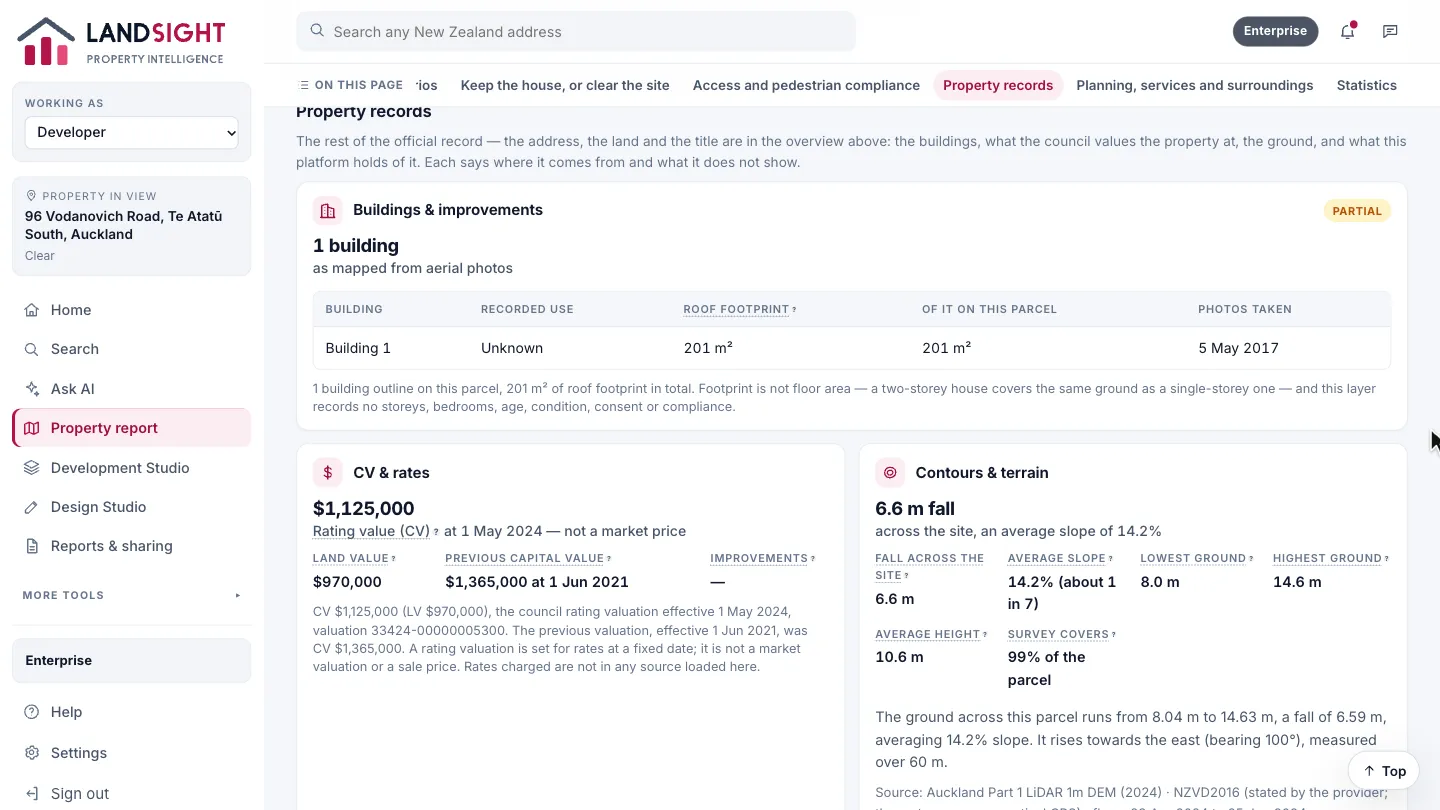
Property records
Under the site and what it could become, Property records sets out the buildings, what the council values the property at, the ground, and what Landsight itself holds — each saying where it comes from and what it does not show. The address, the land and the title are in the overview at the top.
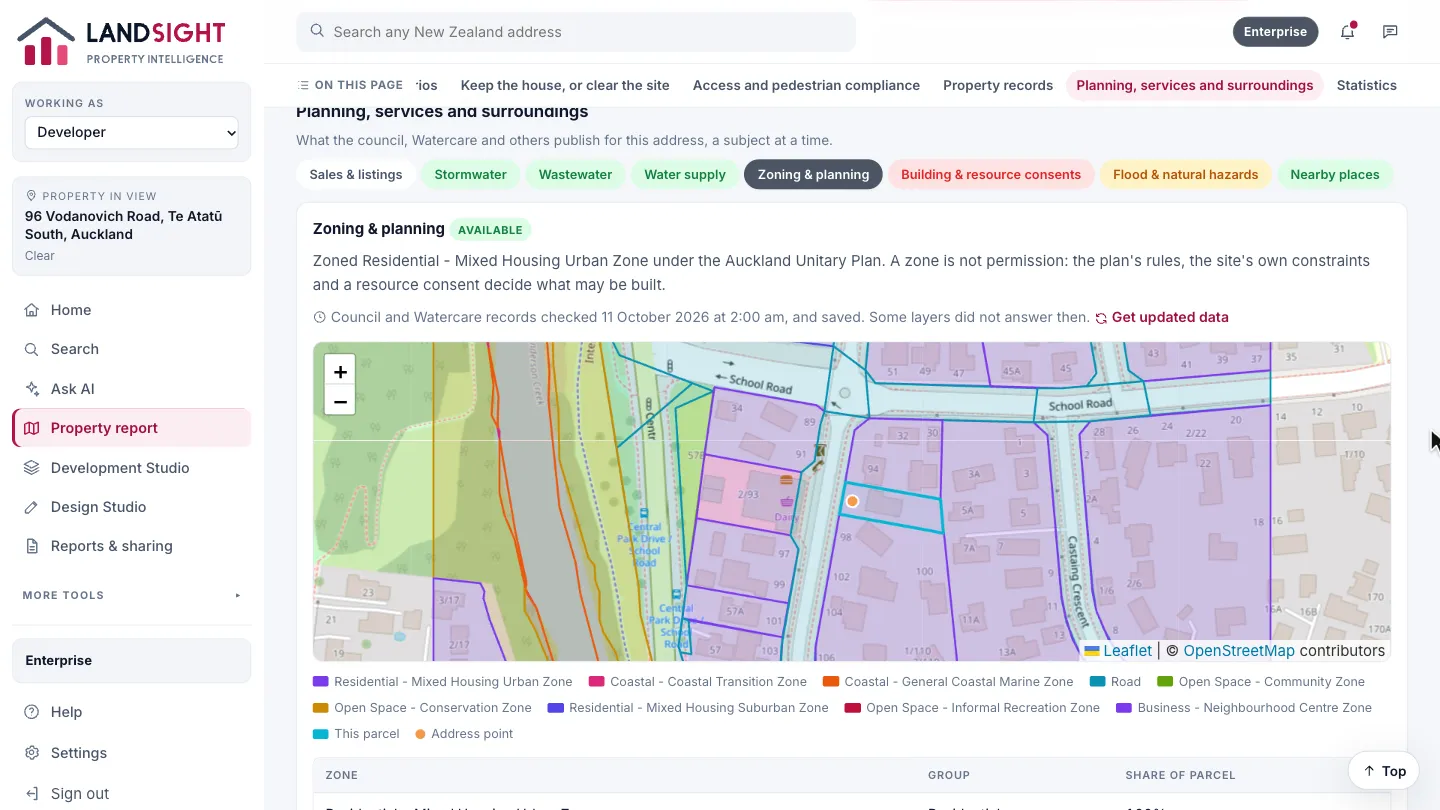
Planning, services and surroundings
What the council, Watercare and others publish for the address — zoning, hazards, the three waters, consents, nearby places — a subject at a time. Each subject is marked with whether it is available, not checked, or not held.
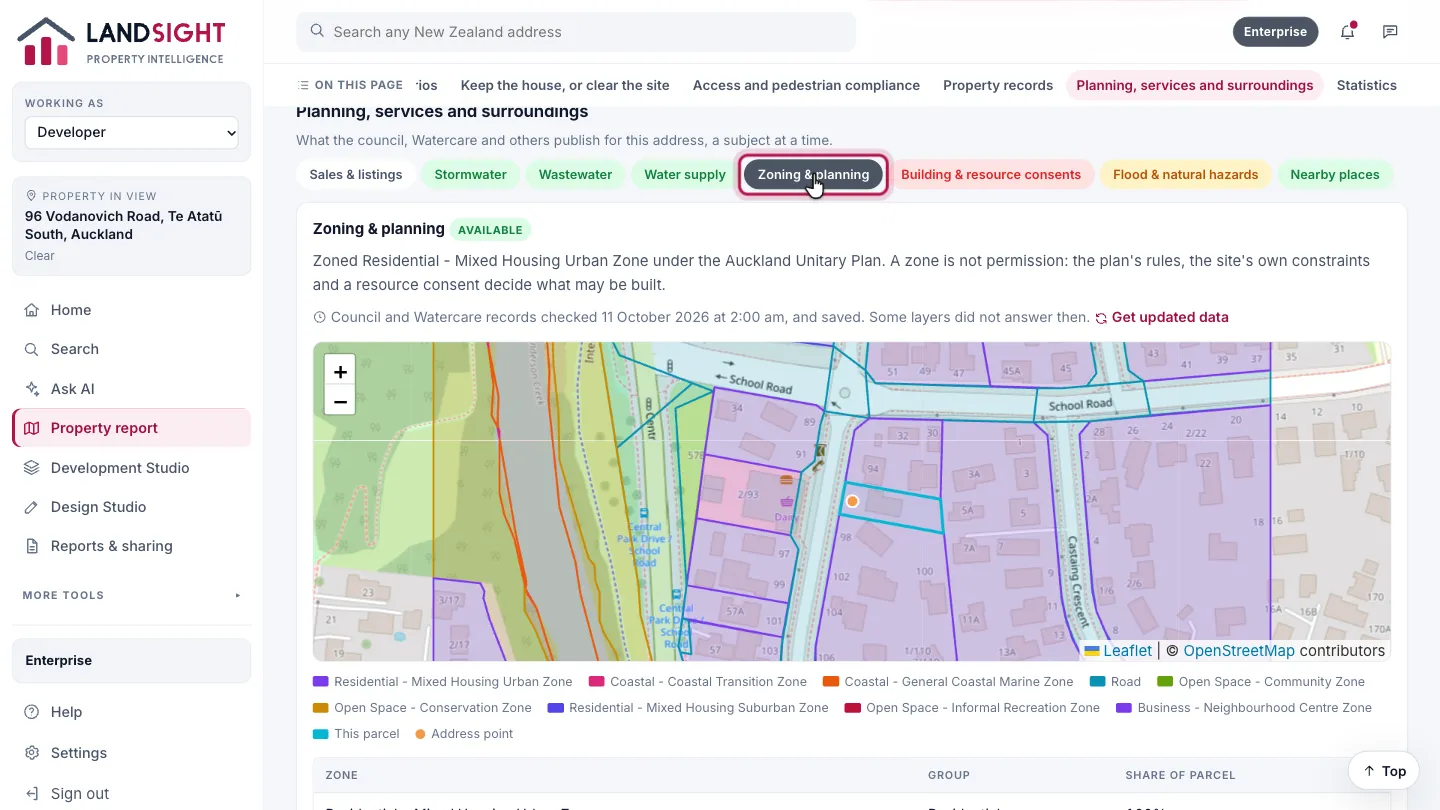
Open a subject
Choose a subject, such as Zoning & planning, to read what the records hold, on a map where there is one.
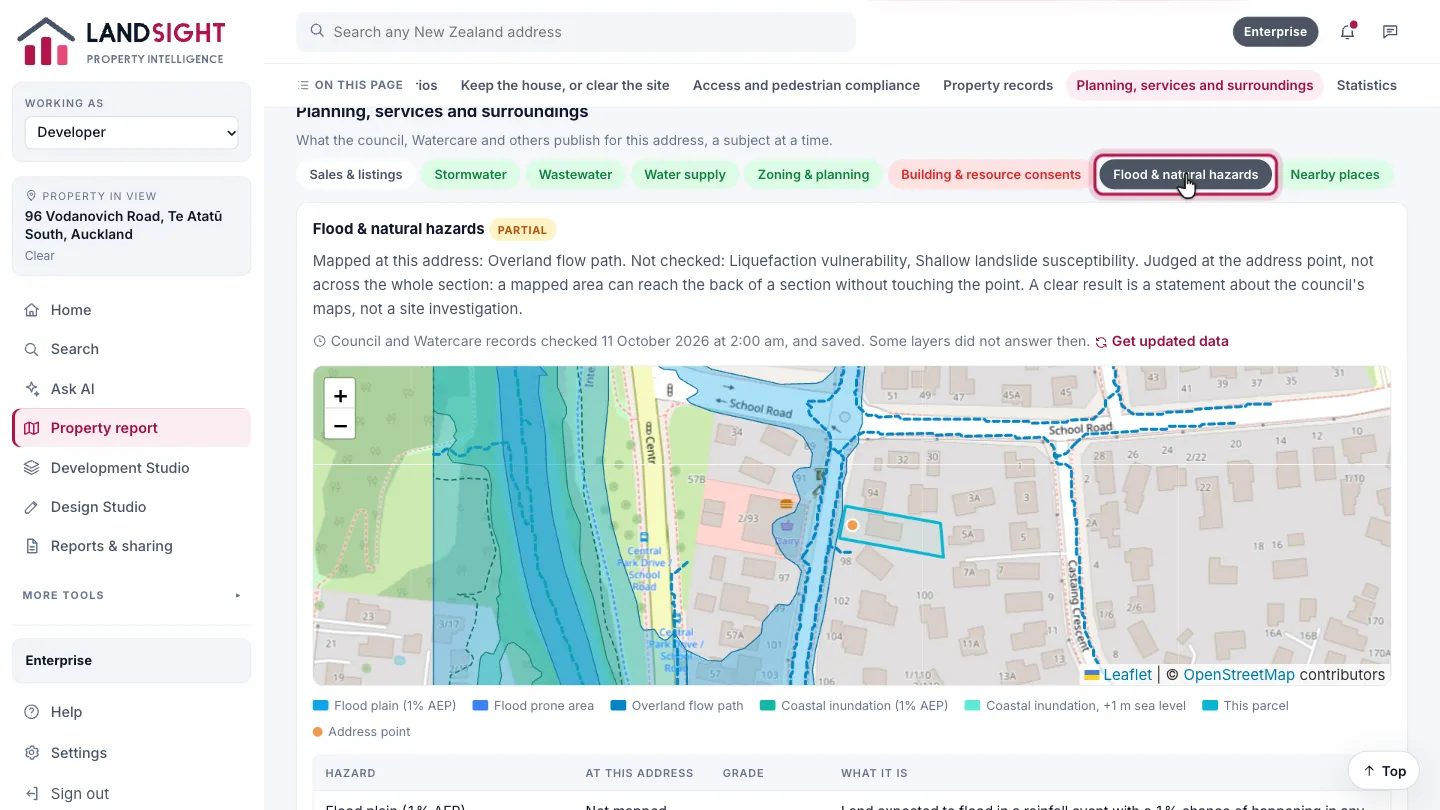
Hazards
Flood & natural hazards shows the hazard layers for the site. Anything that was not checked is shown as not checked — never as clear.
Which plans have it
Starter: two reports a day. Premium: no daily limit, with potential and scenarios. Enterprise: shared across a team.
Compare the plans