
Run a development in its workspace
Every development gets a workspace: its overview, next actions, progress and the gaps its records show.
Development Workspaces
Development Workspaces lists every development in your organisation, by stage, type, location and manager.
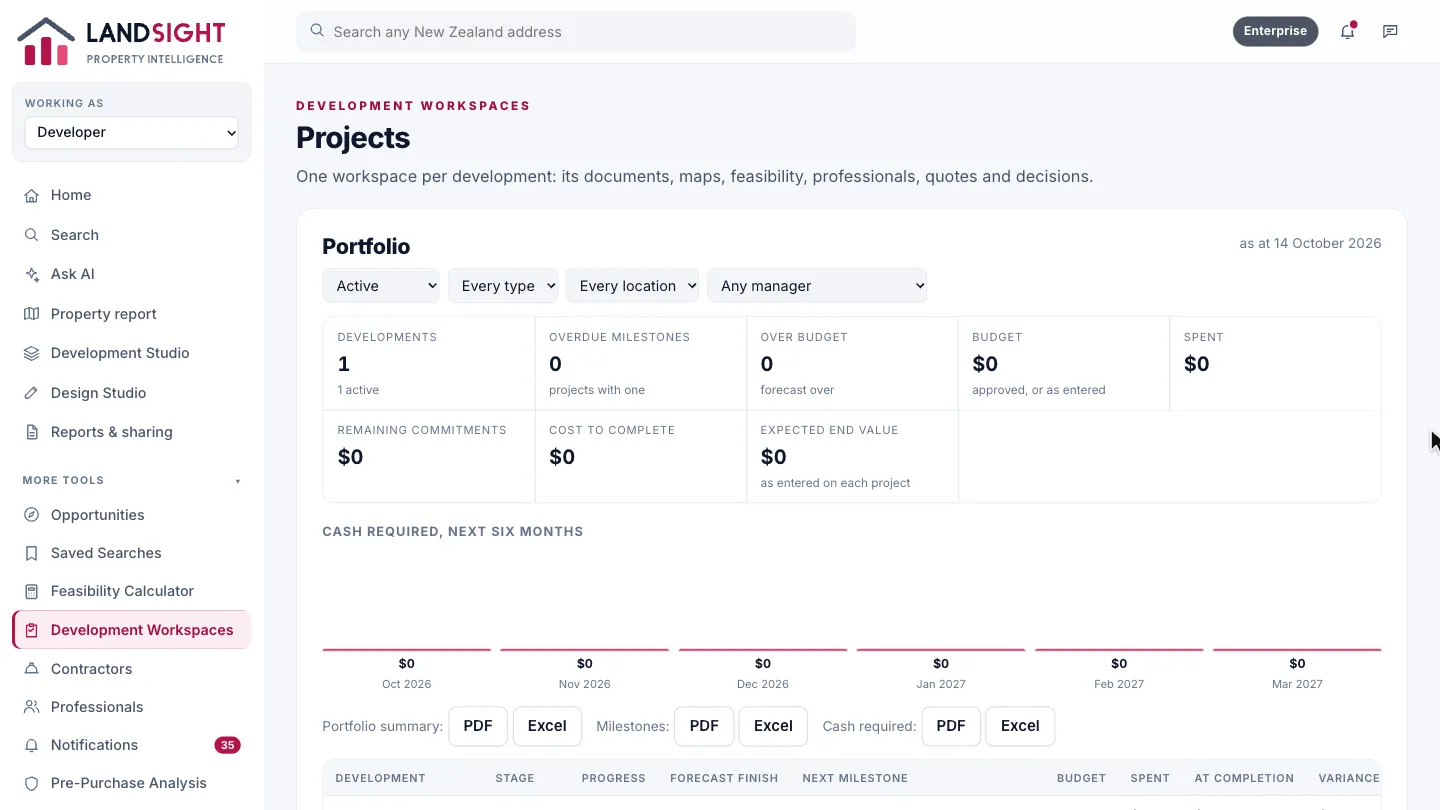
Export the portfolio
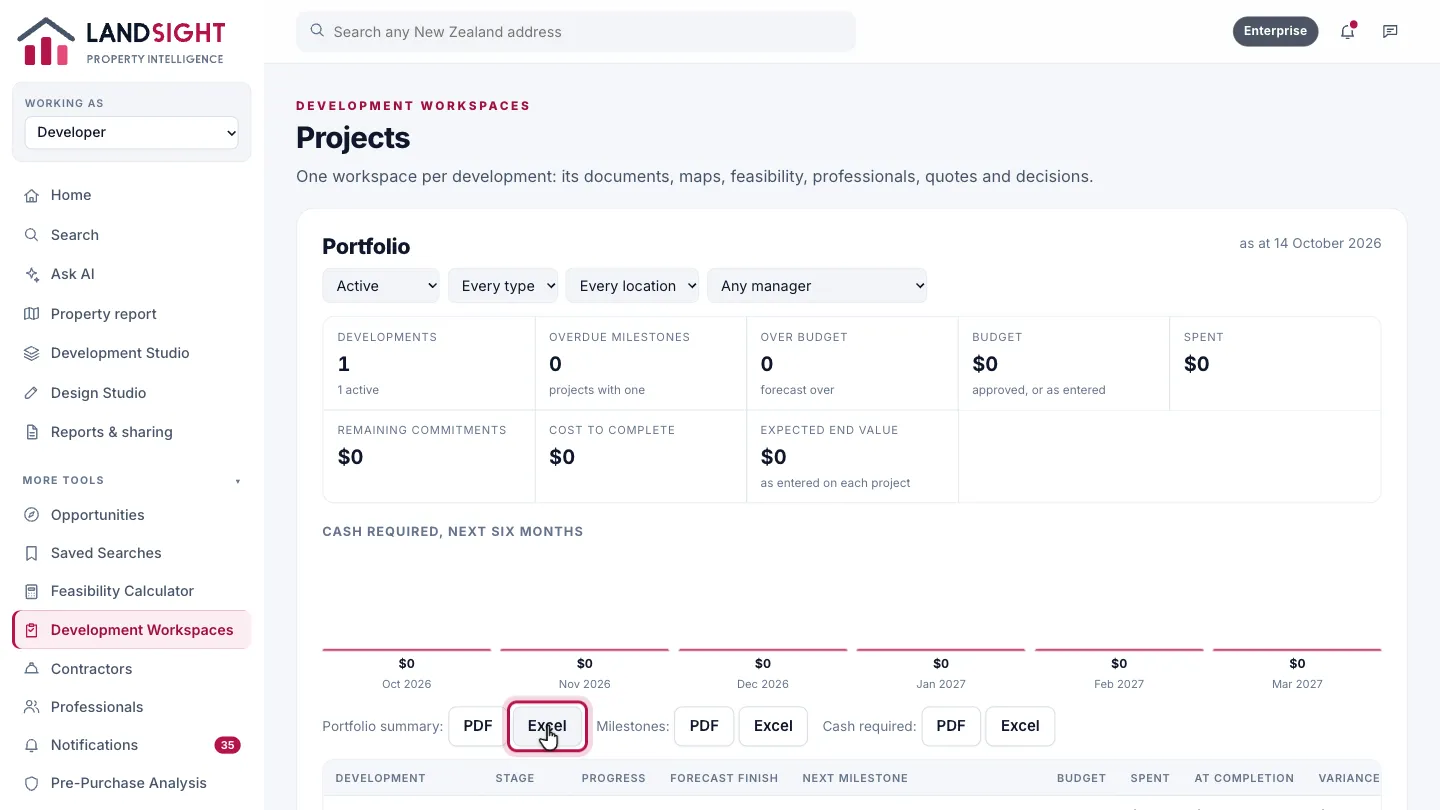
Export the portfolio as a PDF or a spreadsheet, for the board or the bank.
Open a workspace
Open a project. Its workspace brings the documents, maps, feasibility, professionals, quotes and decisions into one place.
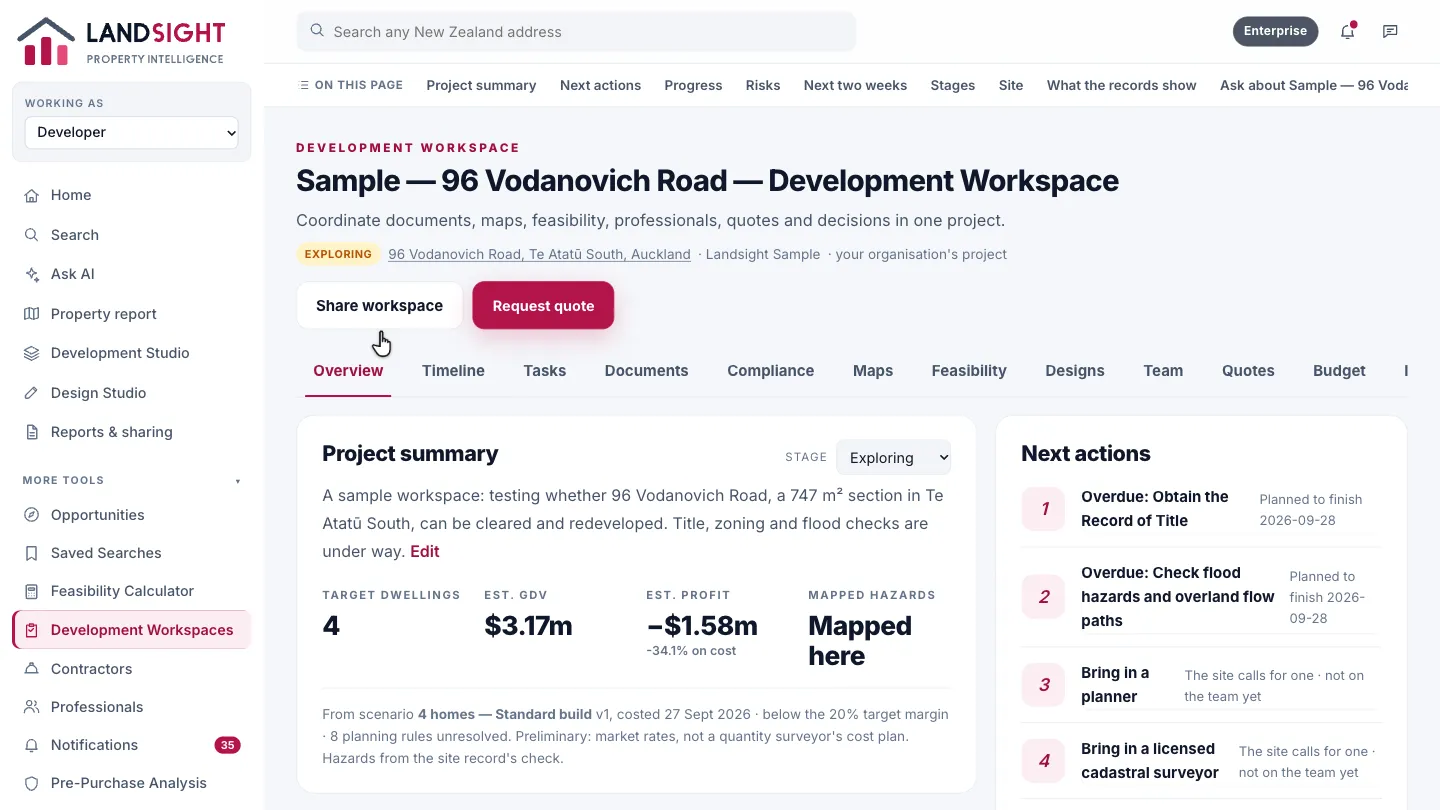
Overview
A summary of the project, and the next actions: what the site calls for, from a planner to a surveyor.
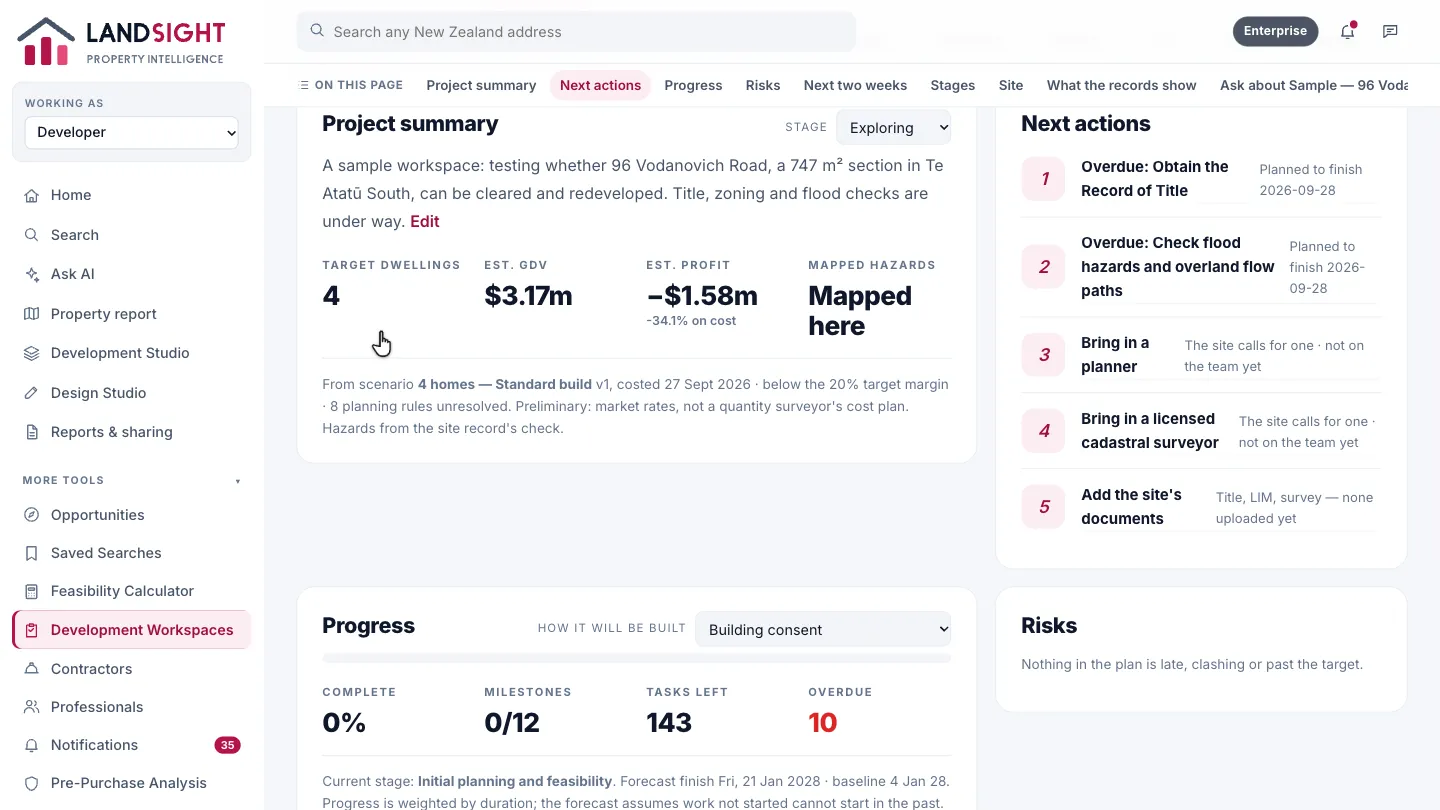
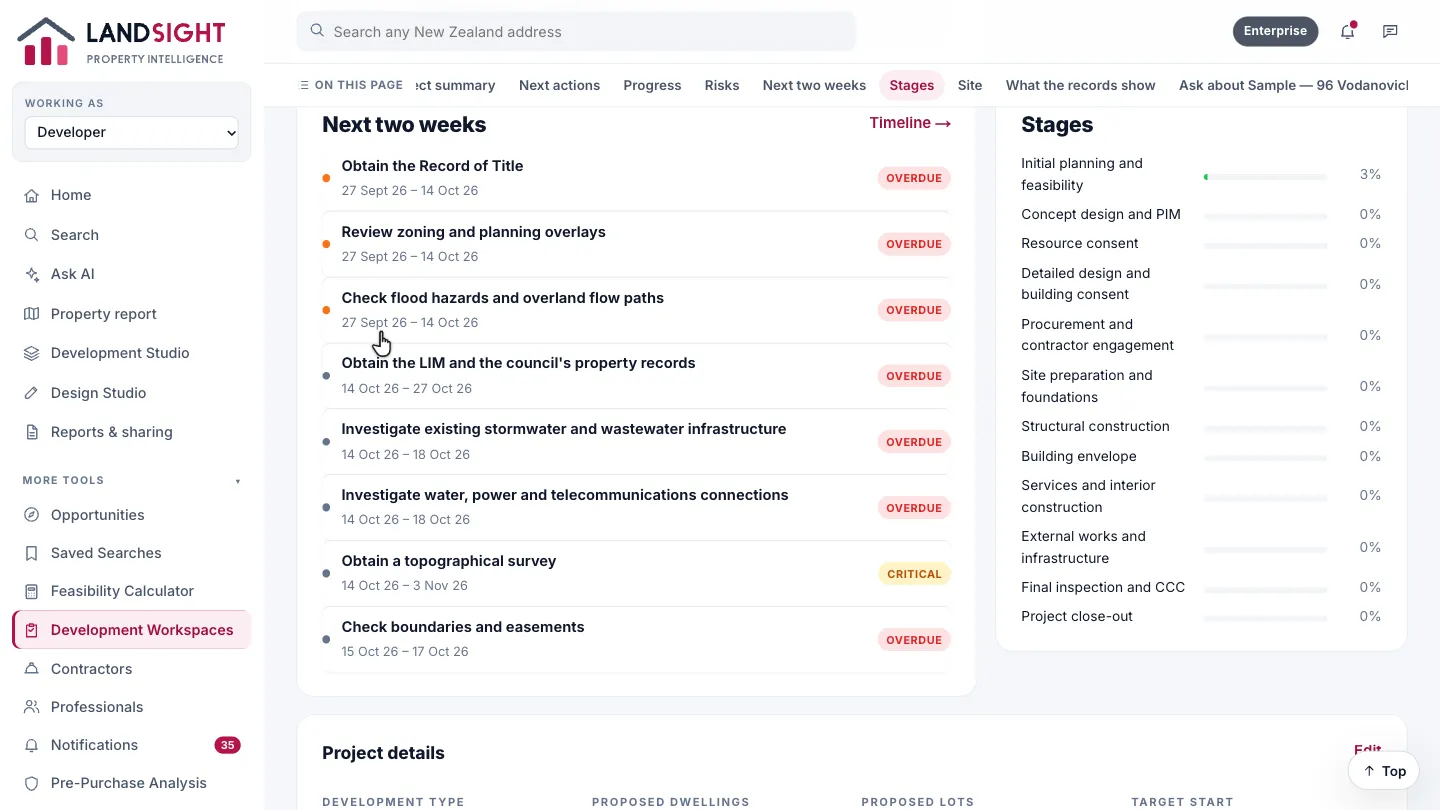
Next two weeks
The work due now, with where the programme stands and what could hold it up.
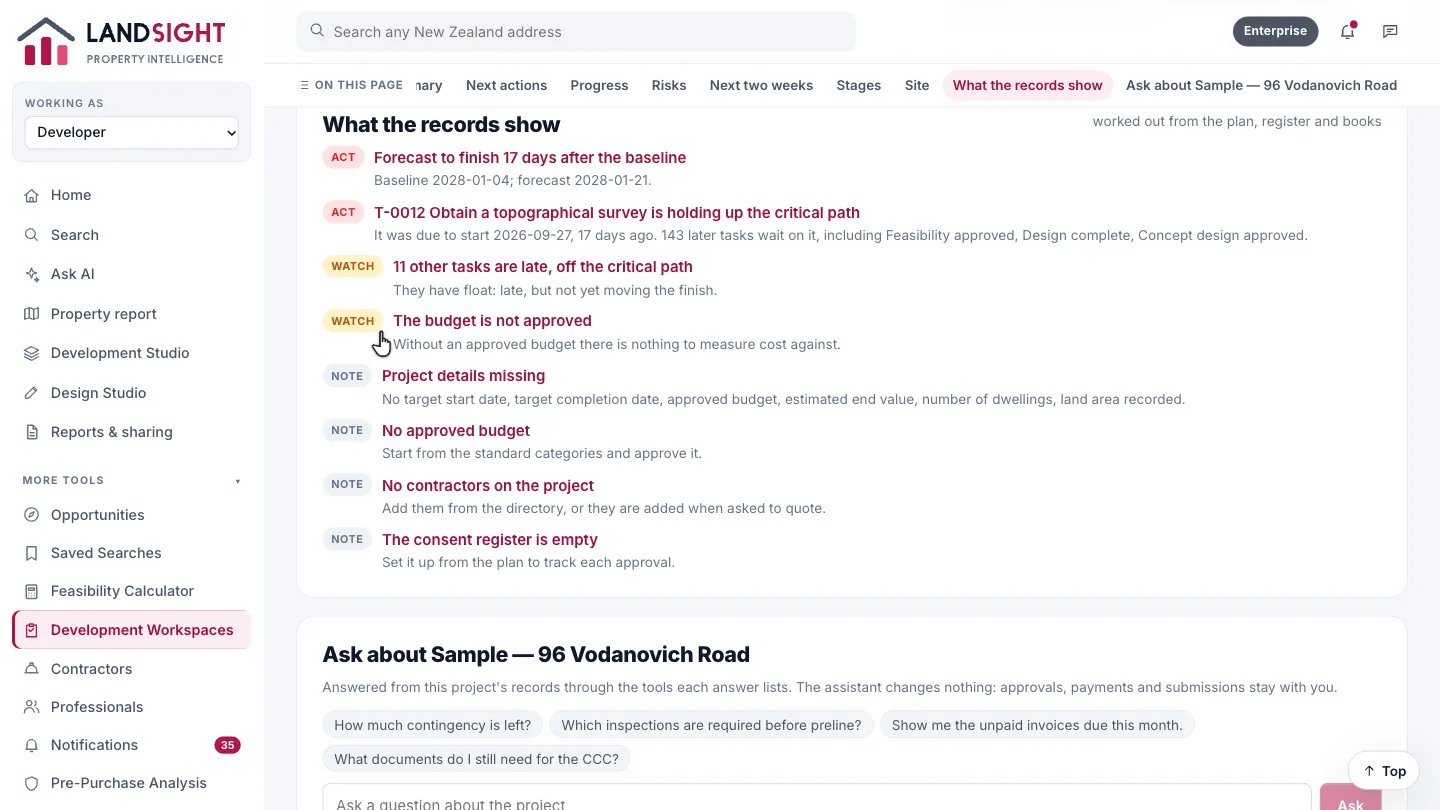
What the records show
Gaps flagged from the record: no approved budget, no contractors yet, an empty consent register.
Which plans have it
In Premium and Enterprise. Enterprise brings a team into one workspace.
Compare the plans