
Invite professionals to a development
Bring a planner, surveyor, engineer or anyone the site needs into a project, with the access they need and no more.
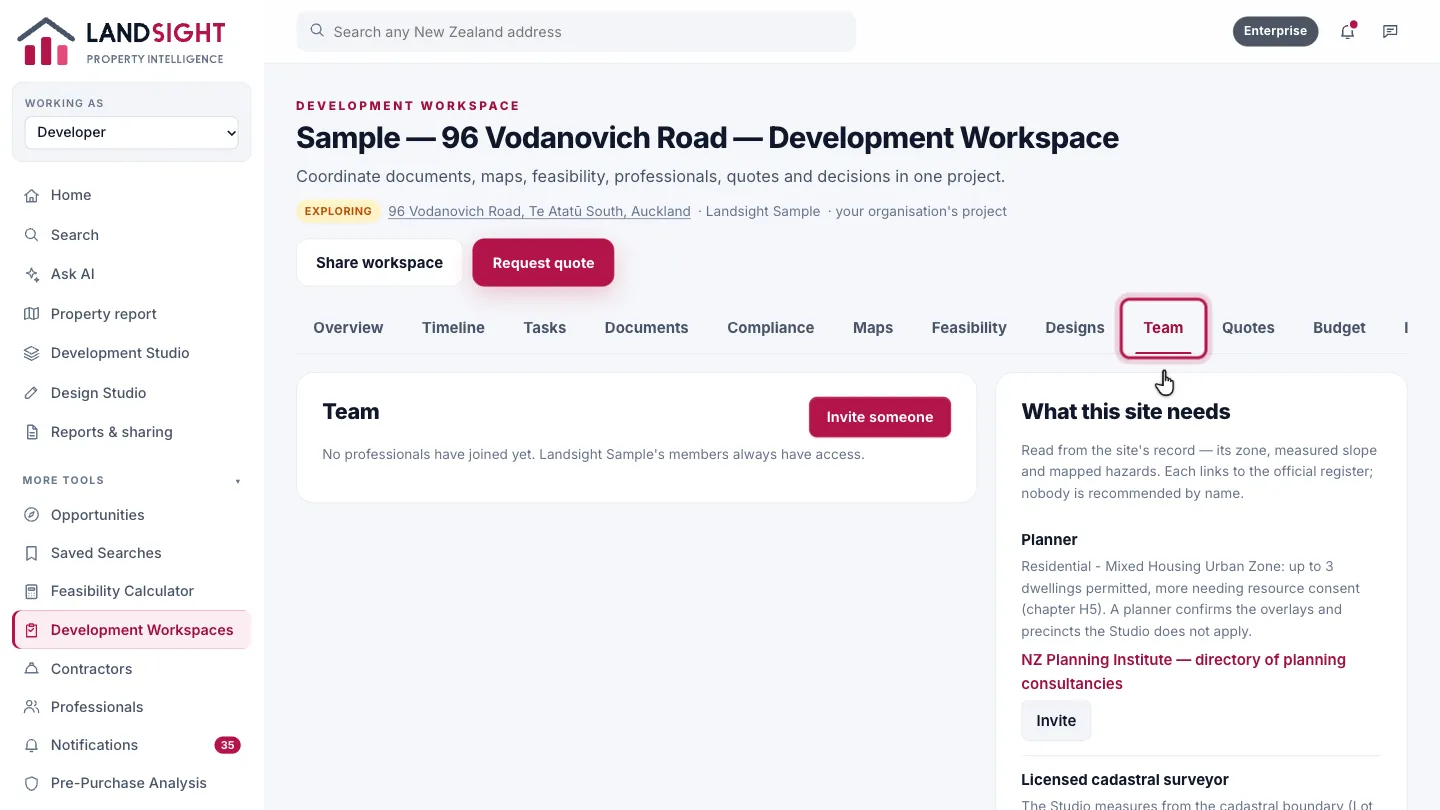
Open the Team tab
In the project’s workspace, open Team: who works on the development, and who the site still needs.
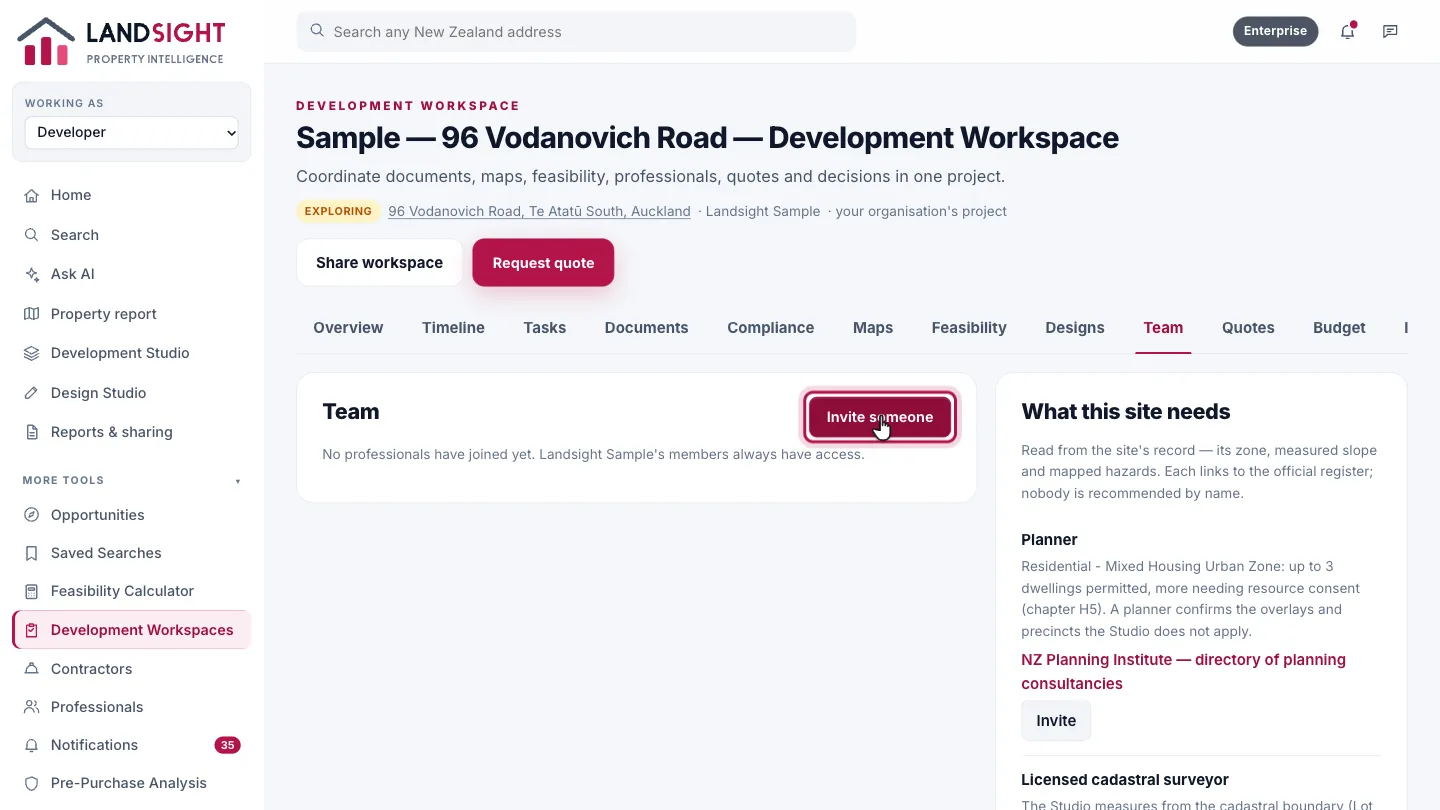
Choose Invite someone
Choose Invite someone to bring in a planner, surveyor, engineer or anyone else.
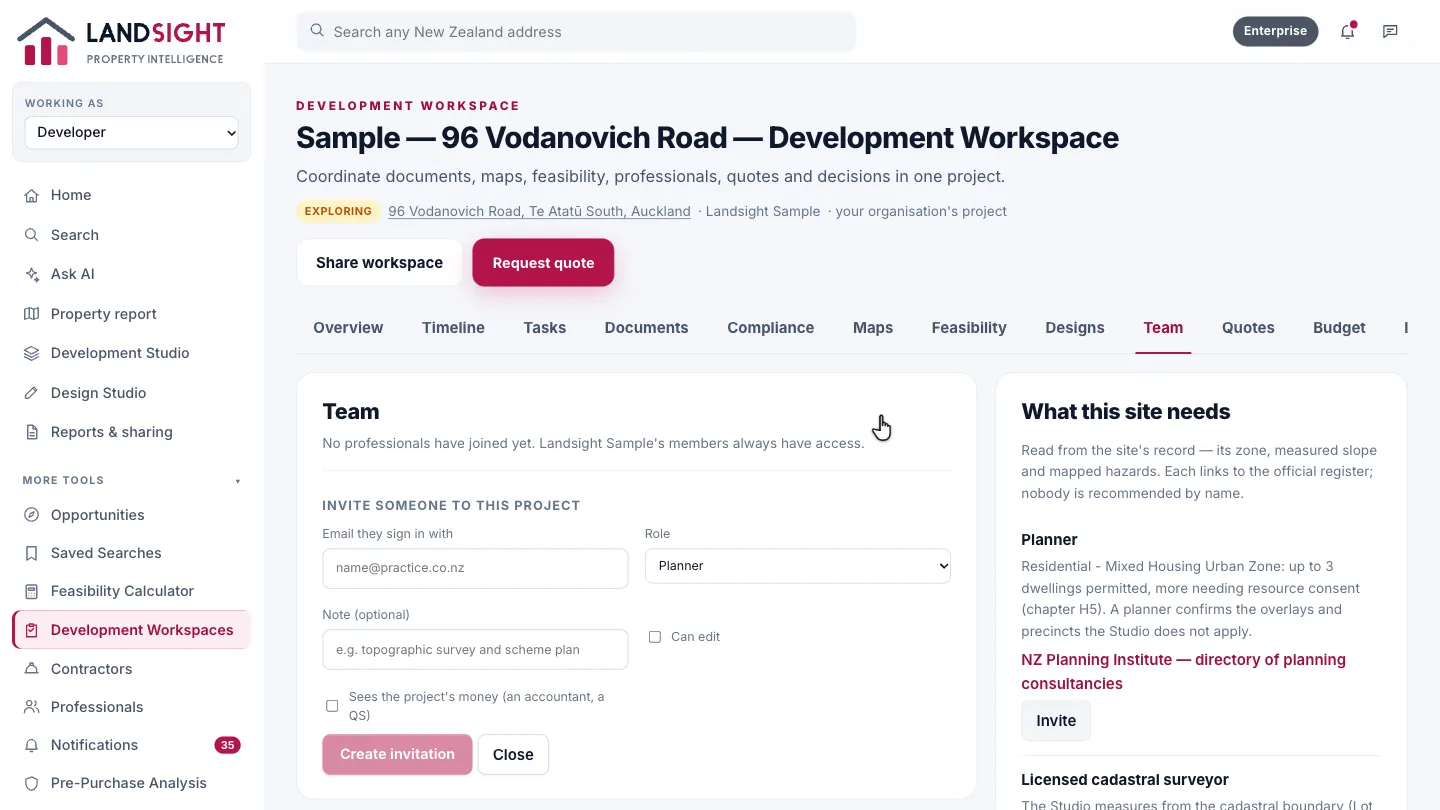
Their role and access
Enter the email they sign in with, choose their role, and whether they can edit and see finance. Outside professionals see only their part of the project.
Which plans have it
In Premium and Enterprise.
Compare the plans