
See a design in 3D, check the sunlight and the cost
The home in 3D among its neighbours, the dollhouse view, shadows on any day of the year, and the construction cost.
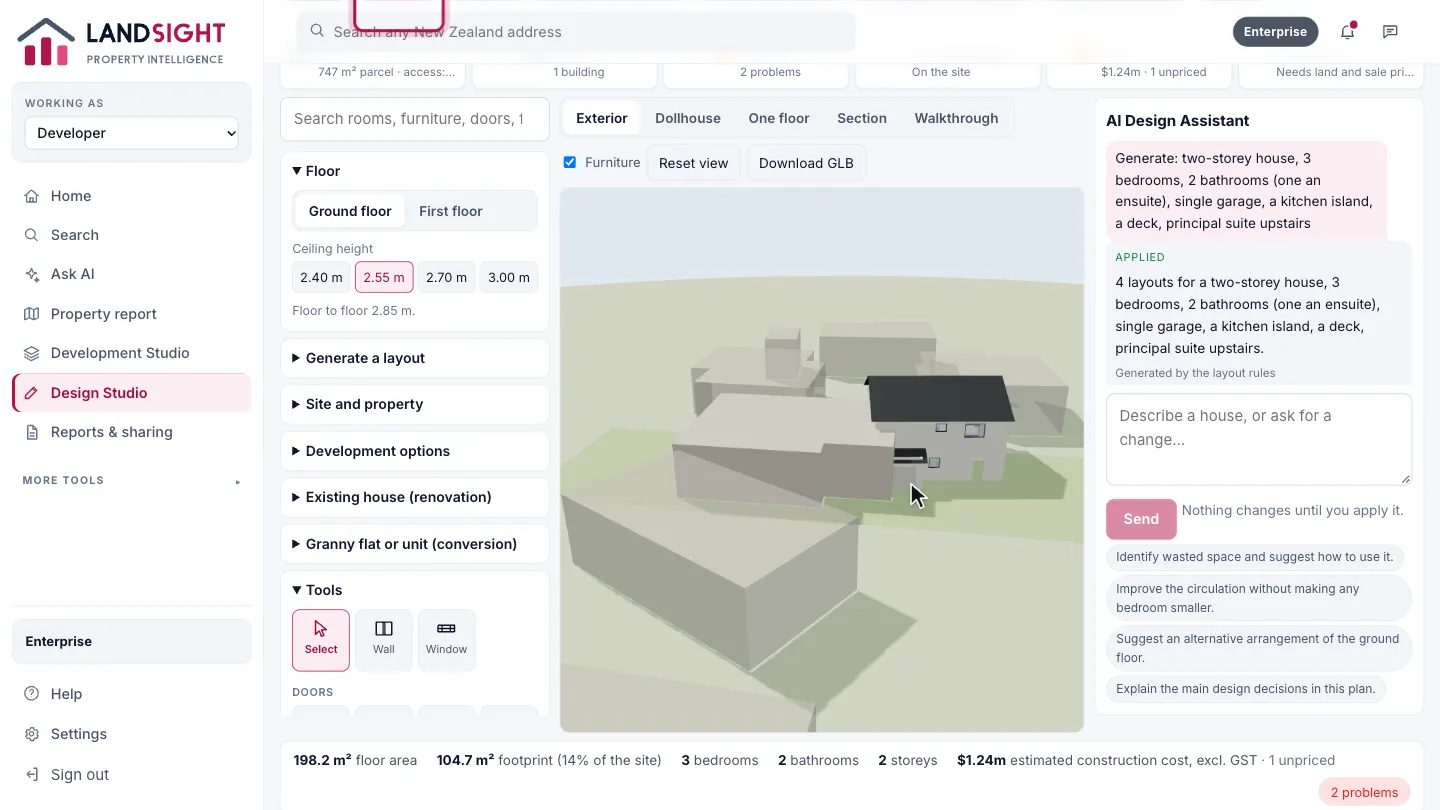
3D view
Choose 3D View. The home sits on its site among its neighbours: drag to turn it, scroll to zoom.
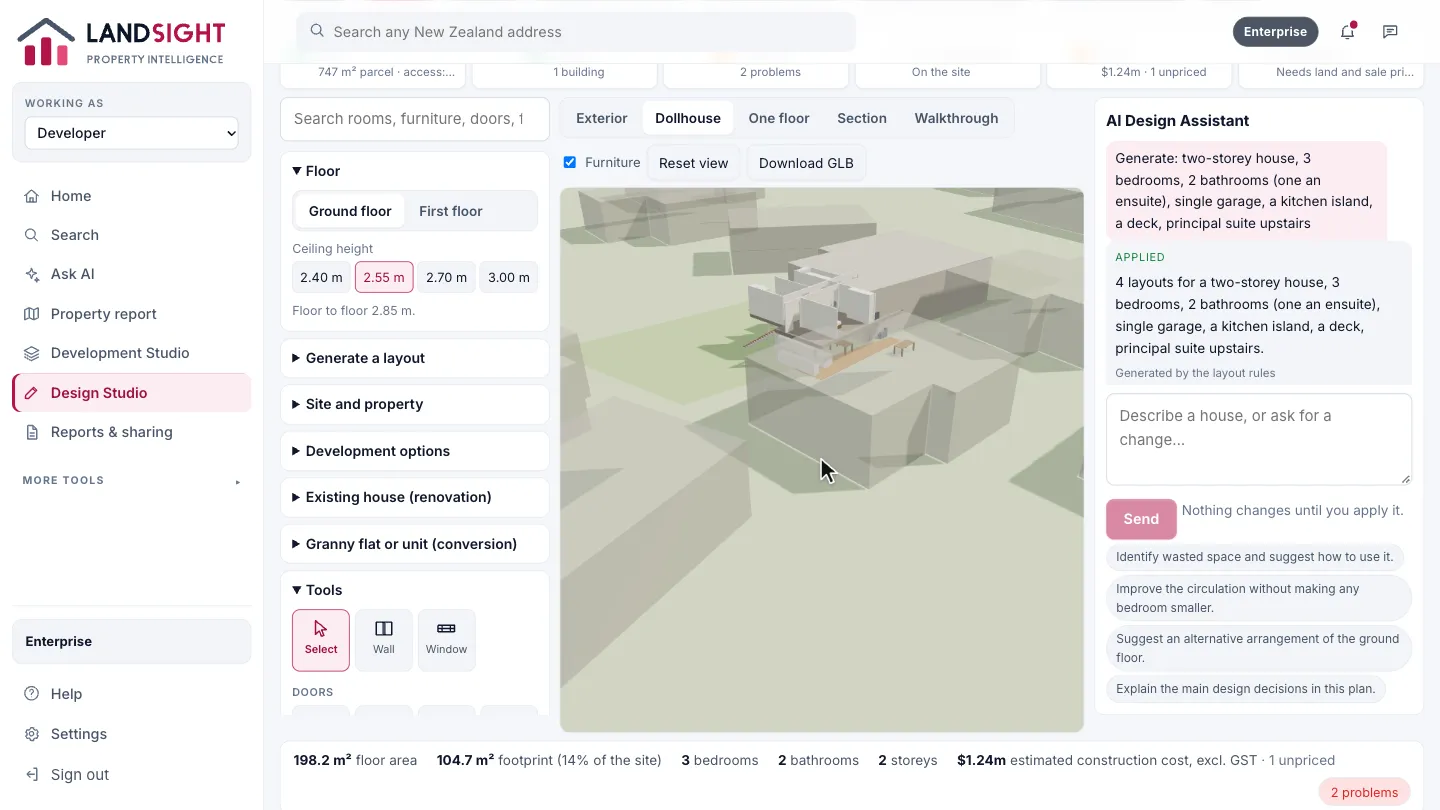
Dollhouse
Choose Dollhouse to lift the roof off and see the rooms and furniture inside.
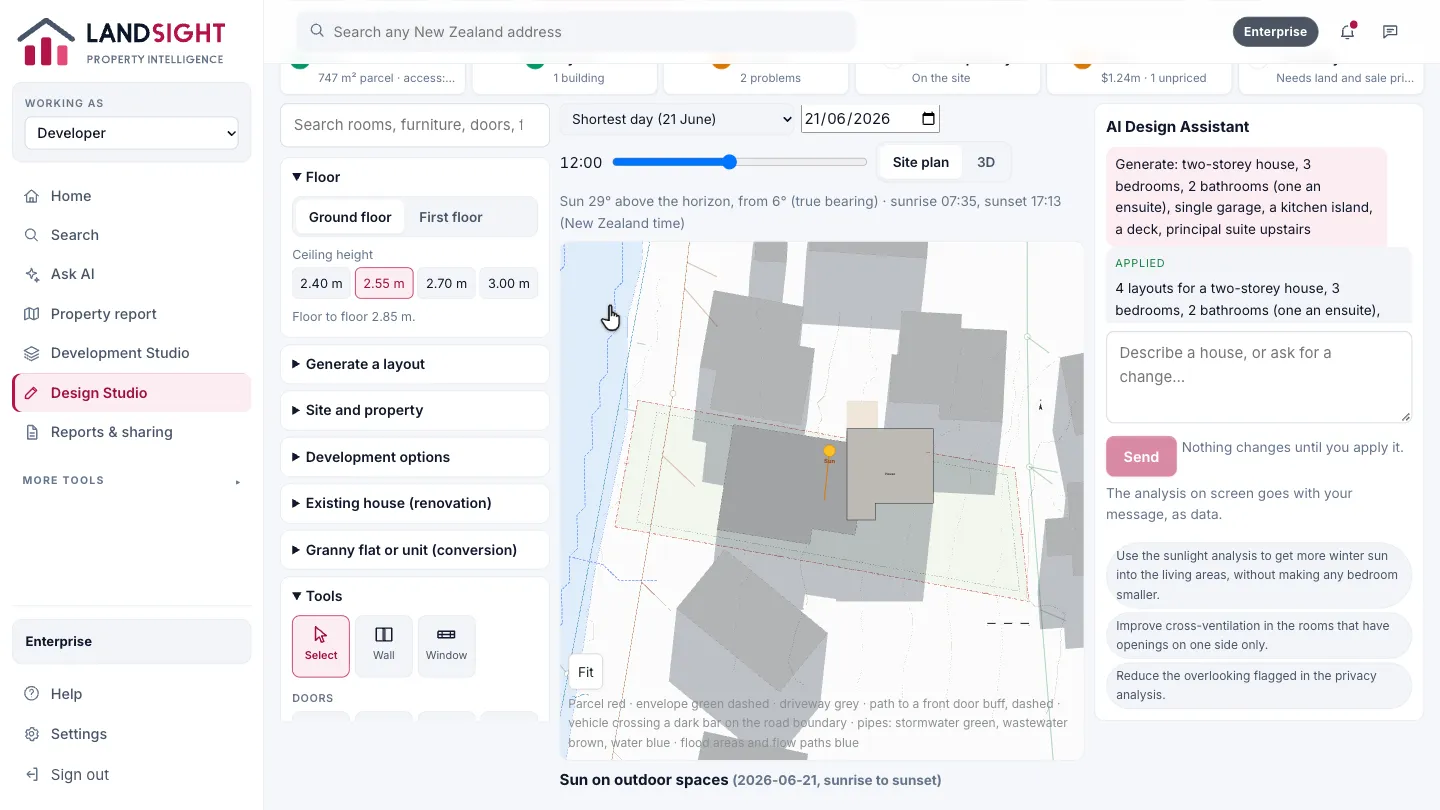
Sunlight and privacy
Choose Sunlight and Privacy for the shadows on the site through the day, and the sun each room gets.
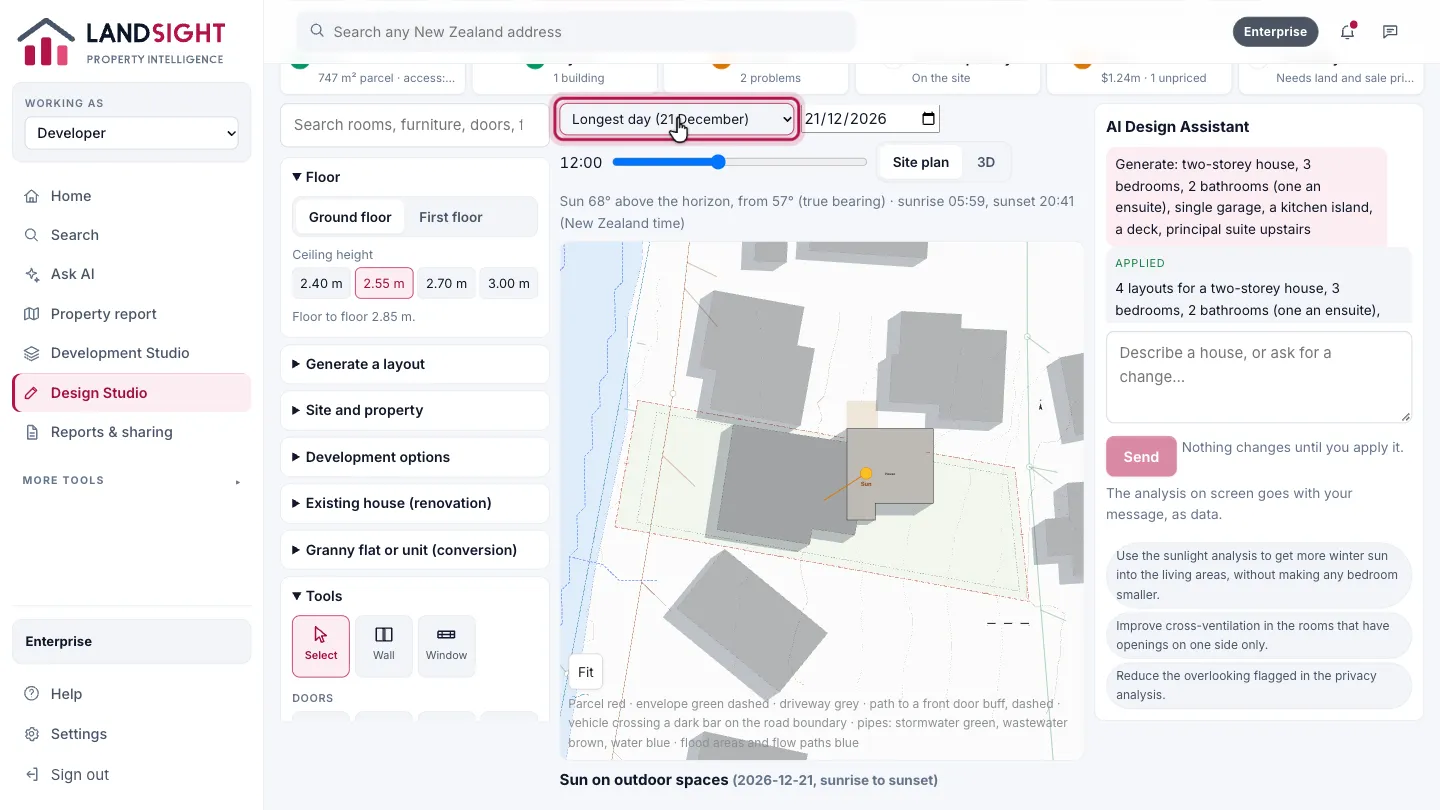
Pick the day
Choose any day of the year — here the longest, 21 December — and move through the hours.
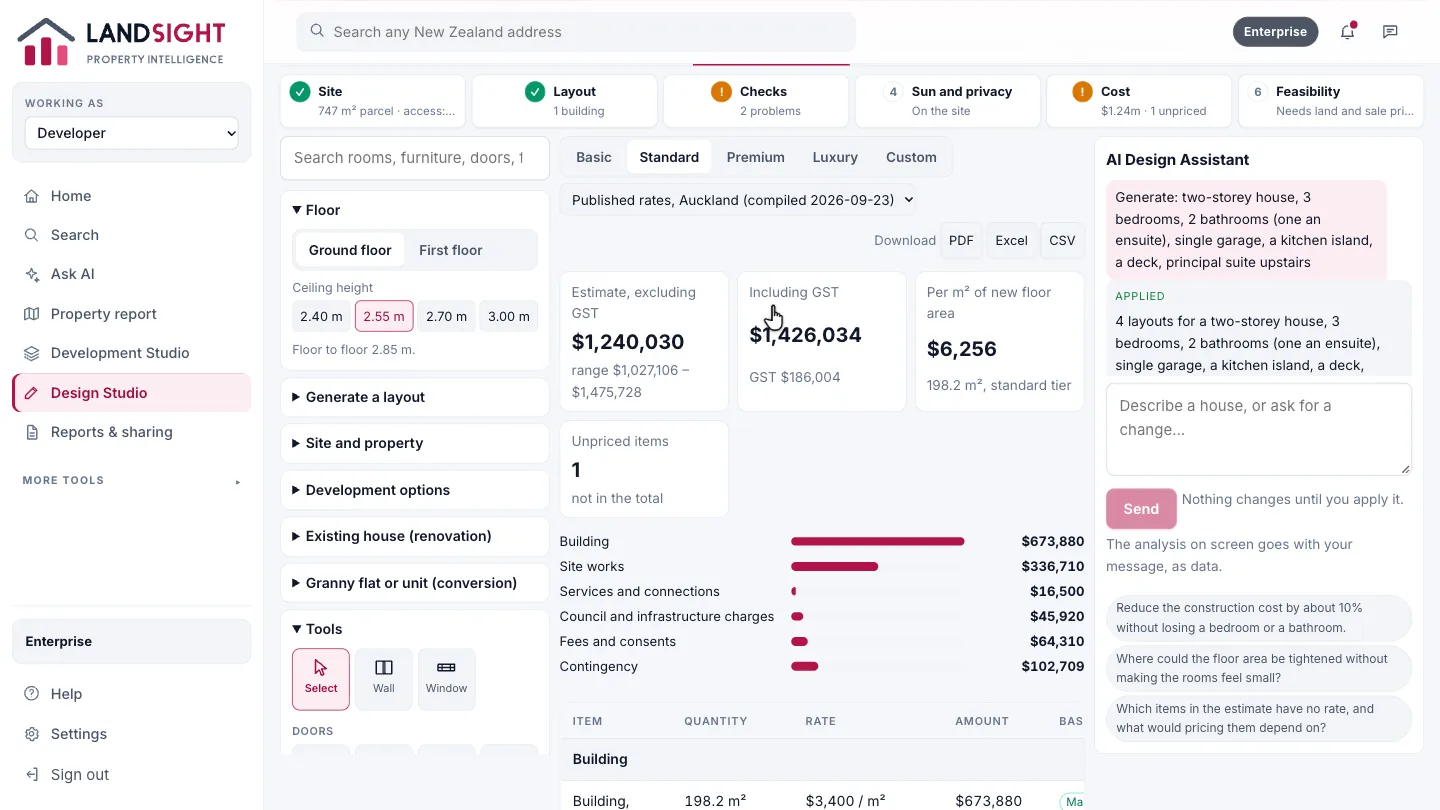
Construction costs
Construction Costs prices the design element by element at market rates, and shows what is not yet priced.
Which plans have it
In Premium and Enterprise.
Compare the plans